USE AND MAINTENANCE MANUAL
6.9. WARNINGS ON PROGRAMMING
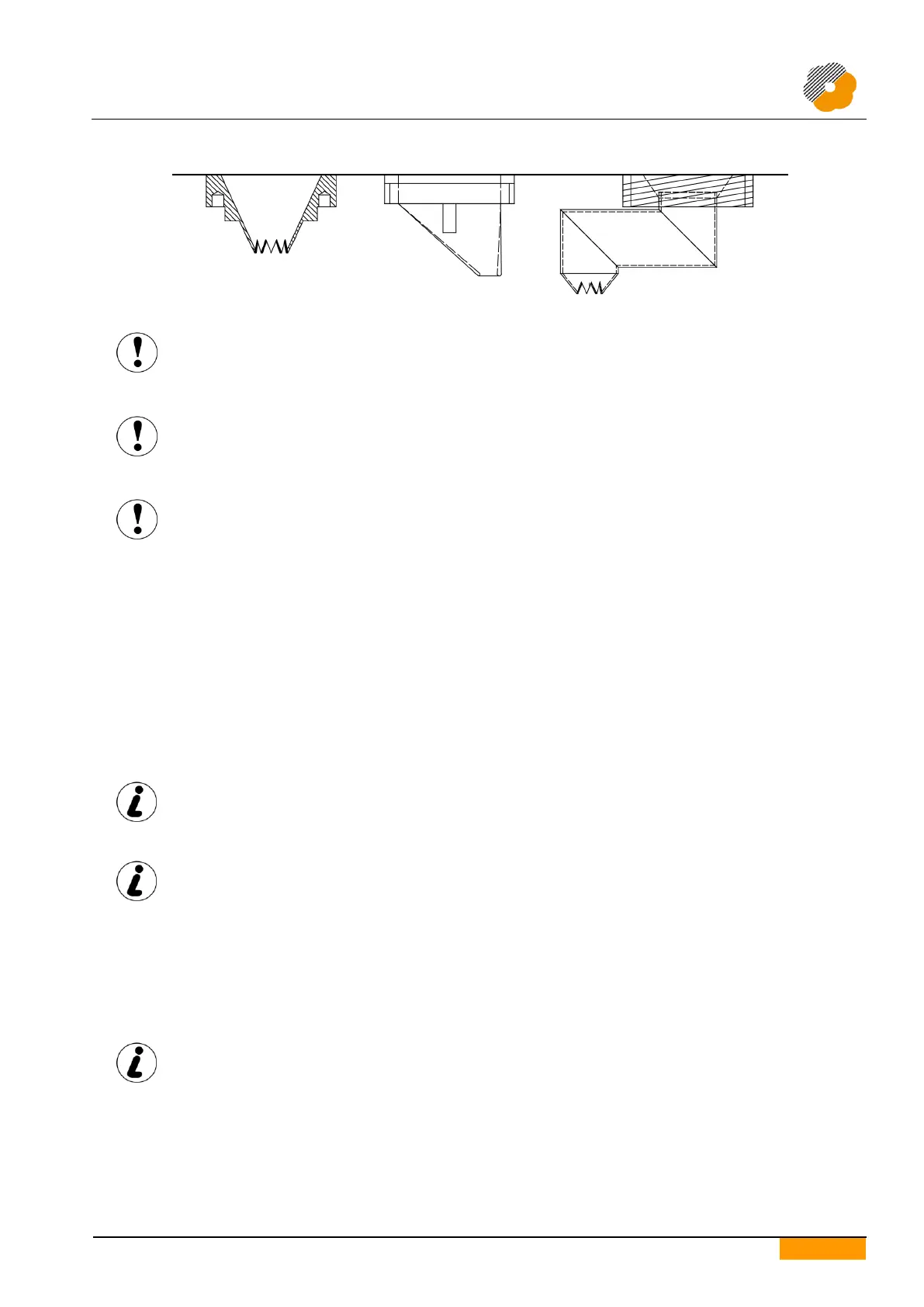
The Conveyor distance parameter may not represent the real distance between the nozzles and
the tray because of the type of nozzles used.
Before starting production, make sure that the set value does not cause the nozzles and the
tray to collide.
Before starting production, make sure that the Initial Space parameter makes it possible to
have the correct distance between the nozzles and the tray edge, above all if the nozzles used
are of the off-centre type.
MIMAC ITALIA S.r.l. is not liable for any damage caused by incorrect machine programming.
6.10. STARTING PRODUCTION
1. Connect the power cable to the mains.
2. Fit the dosing unit, die and selected nozzles.
3. Turn the main switch to "ON".
4. Place the dough in the hopper.
5. Make sure the emergency stop push-button has not been pressed and that the guards are not open.
6. Pressurise.
7. Select or create the work program.
8. Start production by pressing the enabling push-button, followed by the start push-button.
The machine works continuously with the automatic start command; the operator must load
and unload the trays, considering that a distance of at least 5 cm must be kept between them
during loading.
If the next tray is loaded onto the belt conveyor at a distance that is higher than the value set
for the Tray Exiting Space parameter, belt movement stops automatically and the user must
press the Start push-button to restart production.
6.10.1. PLACE THE DOUGH IN THE HOPPER
1. Press the stop push-button to halt the machine.
2. Lift the hopper guard.
3. Place the dough in the hopper.
4. Close the hopper guard.
For better machine operation we recommend loading the hopper to a maximum of 60-70% of
its volume.


 To Next Page