Print or save - miniDSP Flex
https://docs.minidsp.com/product-manuals/flex/print_page.html
Enable
The compressor block is disabled by default. To enable it, click on the Enable Compressor switch. The graph will
change from a dashed grey line (disabled) to a solid colored line (enabled).
Compressor is disabled Compressor is enabled
Enable Compressor
Enable Compressor
Jumping between channels
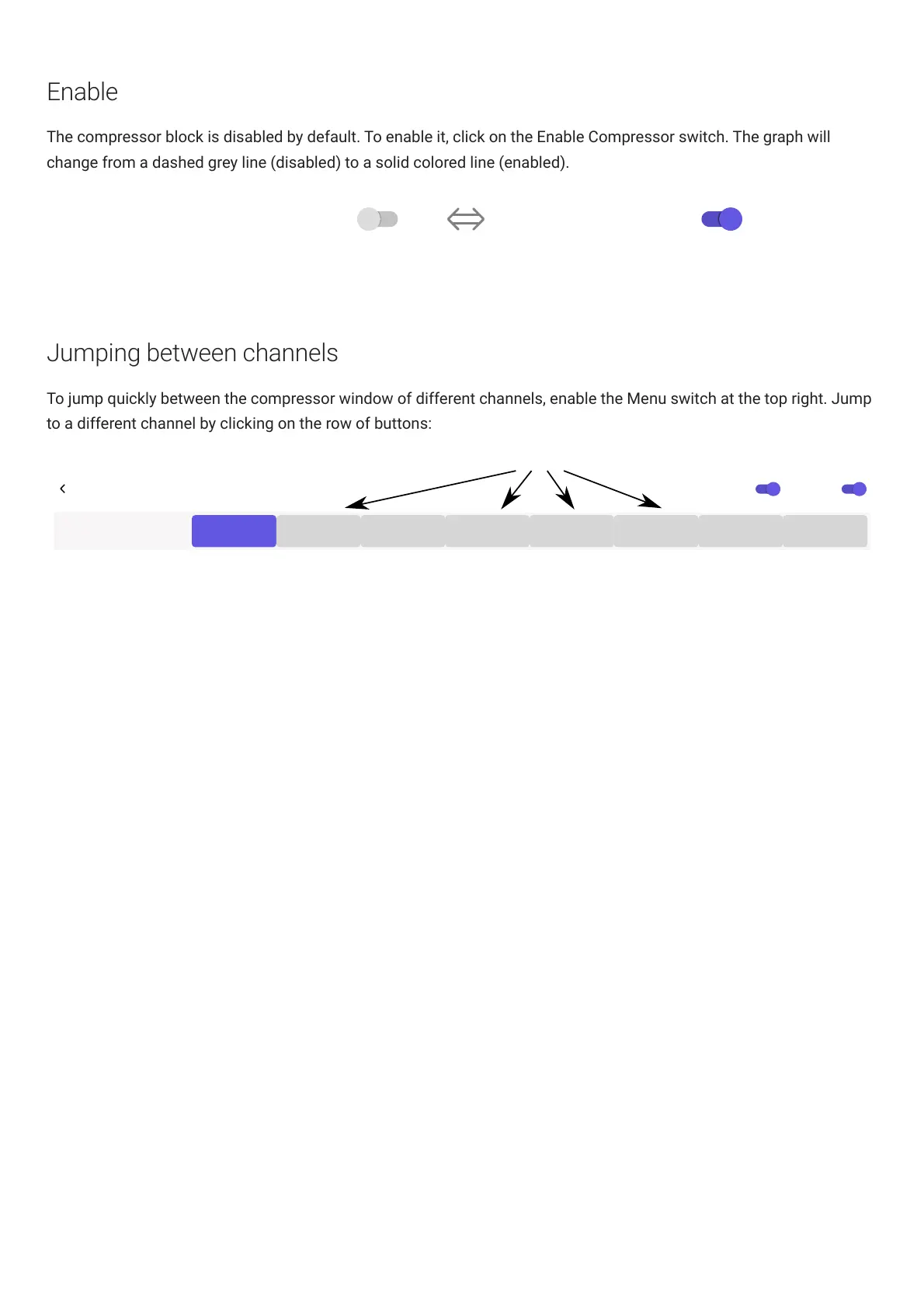
To jump quickly between the compressor window of different channels, enable the Menu switch at the top right. Jump
to a different channel by clicking on the row of buttons:
BACK
Compressor Details (Output 1)
Channels
OUTPUT 1 OUTPUT 2 OUTPUT 3 OUTPUT 4 OUTPUT 5 OUTPUT 6 OUTPUT 7 OUTPUT 8
Click to jump to a different channel
MenuEnable Compressor



 To Next Page