Migrating to DC
If you have used the older "plugin" software with your miniDSPFlex, you will need to perform a one-time migration
procedure to use it with miniDSPDeviceConsole.
Follow the procedure described below. Please be sure to perform all steps in order.
If you are having trouble using your device with DeviceConsole, we recommend that you start again from step 1 and
make sure that every step is done in order.
1. Check that you have the latest version of Device Console
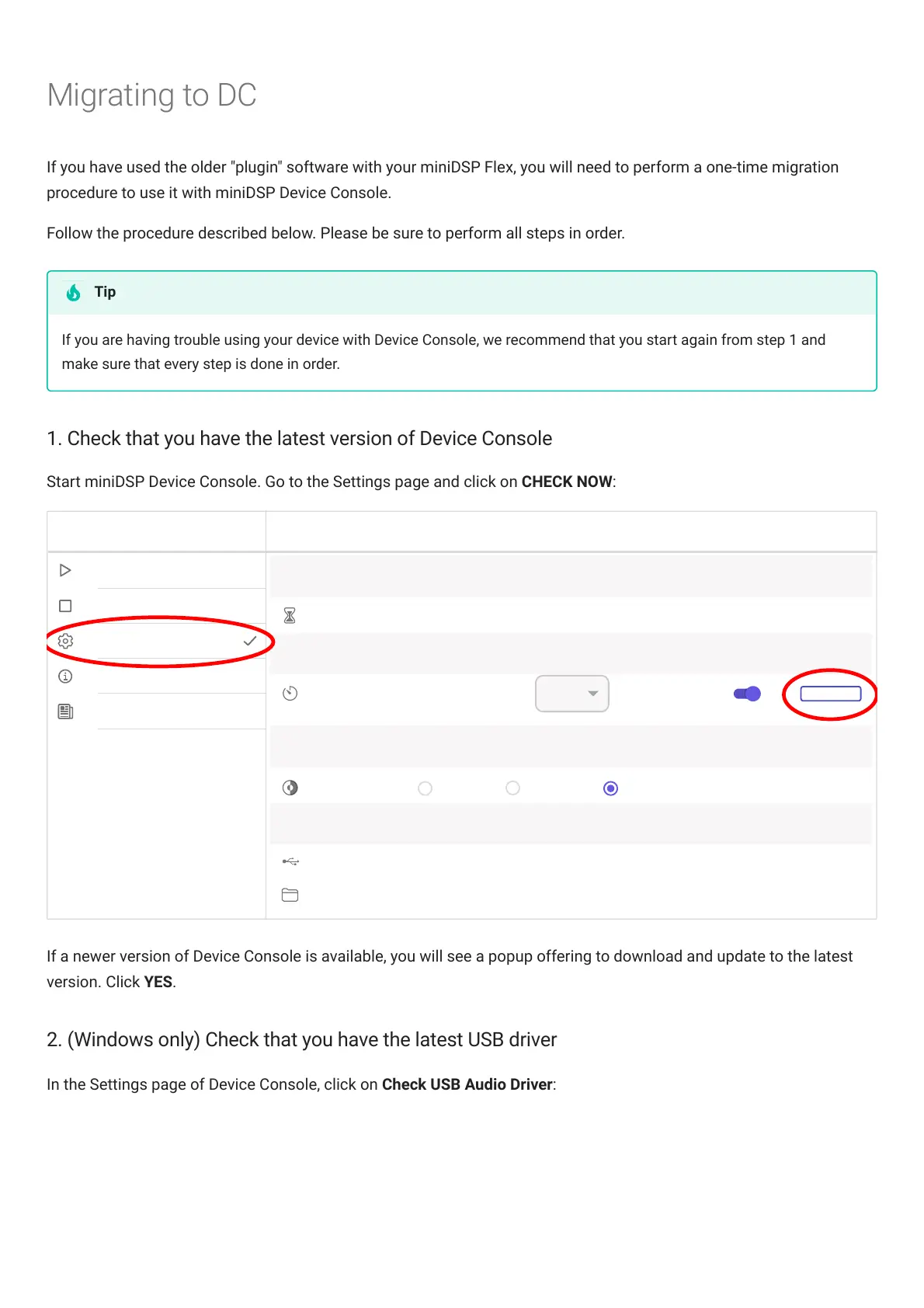
Start miniDSPDeviceConsole. Go to the Settings page and click on CHECK NOW:
If a newer version of DeviceConsole is available, you will see a popup offering to download and update to the latest
version. Click YES.
2. (Windows only) Check that you have the latest USB driver
In the Settings page of DeviceConsole, click on Check USB Audio Driver:
Tip



 To Next Page