•
•
•
•
•
•
Getting started
MiR200™ User Guide, Robot interface 2.0, 11/2018 v.1.2 18
4.6 Shutting down the robot
Follow these steps to shut down the robot correctly.
If shutting the robot down for transportation or service/repair, the battery
disconnect switch must be turned off, see Packing the robot for transportation on
page 30.
Step Action
1
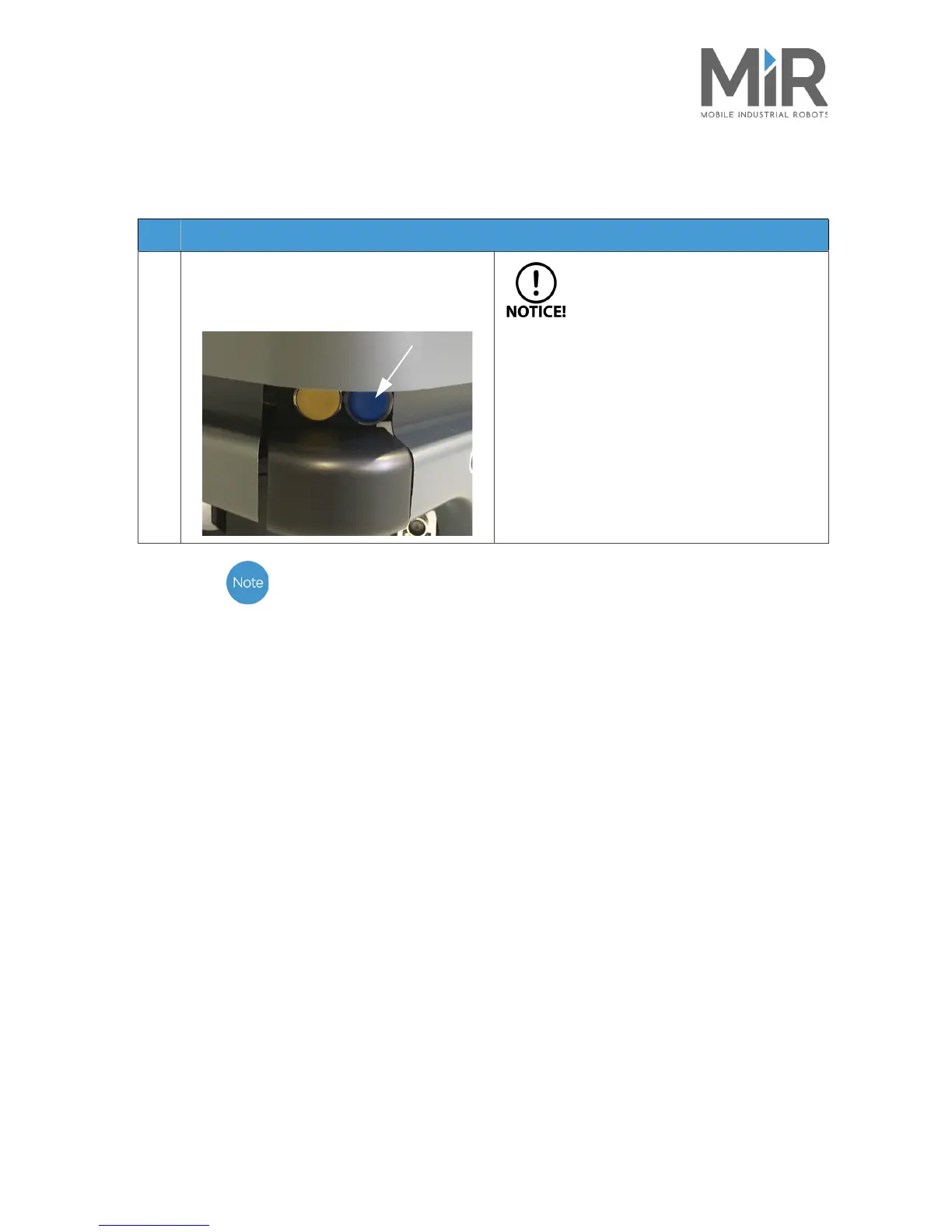
Bring the robot to a halt. Then push the blue
on/off switch to turn off the robot. The light
switches to yellow fading light during shut-
down.
Wait for the light on the robot to turn
off. This means that there is no more
power going to the robot.



 To Next Page