•
•
•
•
•
•
MiR200™ User Guide, Robot interface 2.0, 02/2018 v.1.1 39
B.2 Emergency stop
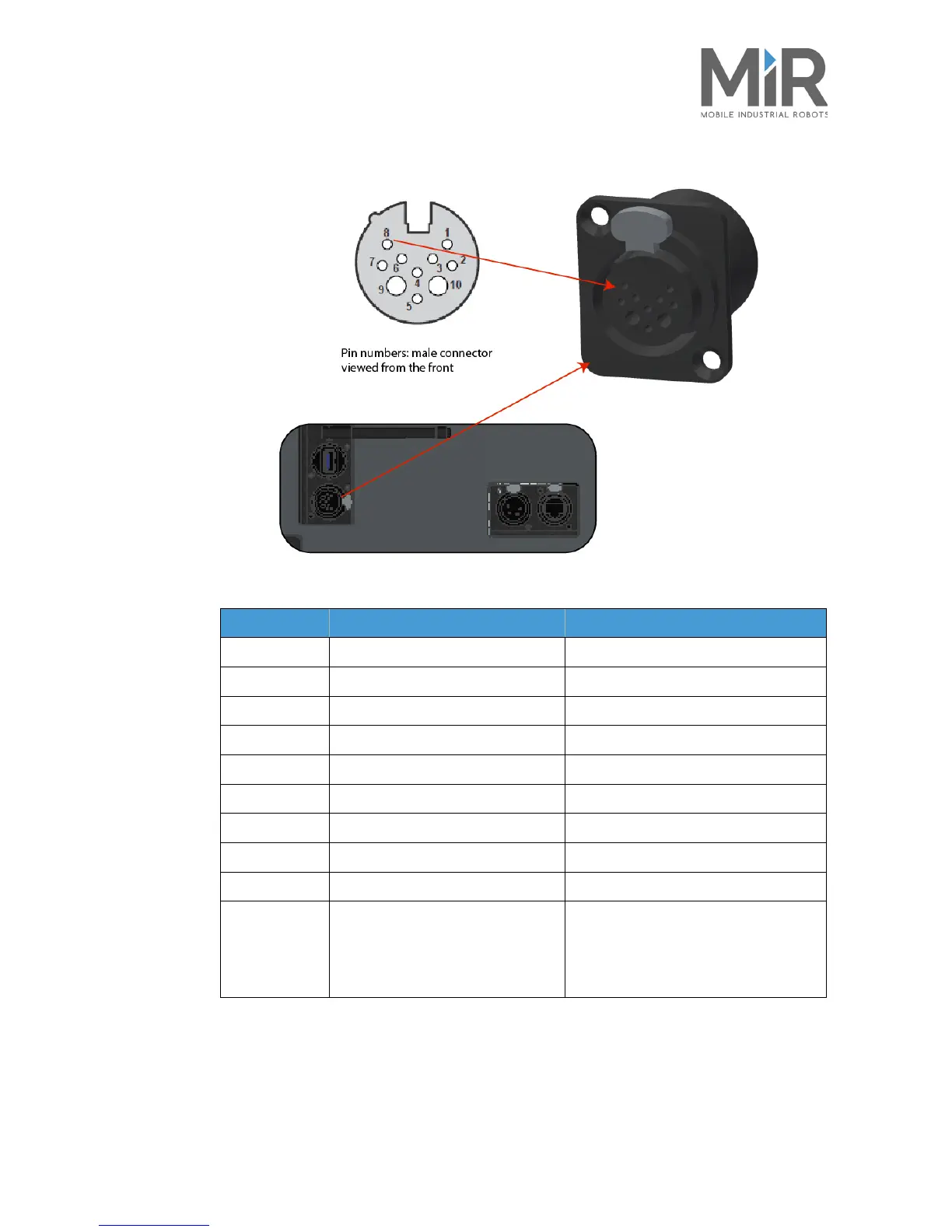
Figure 2. Emergency stop interface
Pin number Signal name Remarks
1DIN 19
2DIN 14
3DIN 70
4 E-stop, 1 GN
5 E-stop, 2, GN-WH/RD
6 Reset button, BWN-WH
7 SICK XTIO, Q3 For Sick Scanner
8 I5 For Sick scanner
9 GND To use with the 24V signal from pin 10
10 24V max. max. 1A Can be used to connect small external units
using up to 1 amp. such as tablets and PLC
interfaces
Must use the GND from pin 9.



 To Next Page