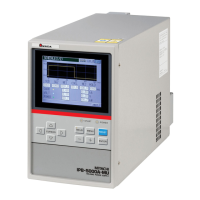
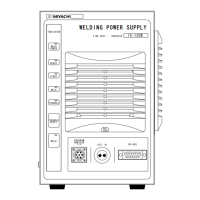
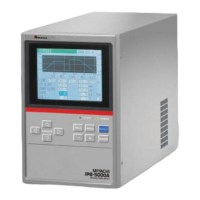
IPB-5000A
4. Name and Functions of Each Section
4-2
⑤ CURSOR Key
Moves the cursor upward/downward or to the right/left on Display Screen.
⑥ MENU Key
Press MENU Key to display MENU Screen.
⑦ RESET Key
Press RESET Key to reset the display of a trouble after removing the cause of the
trouble when the trouble display is shown on Display Screen.
⑧ ENTER Key
Use ENTER Key to put in a set value or selected item.
Move the cursor to each item to be changed and press ENTER Key item by item
to complete the change.
⑨ + Key
Press + Key to increase the value of a changed item.
⑩ -Key
Press -Key to decrease the value of a changed item.


 To Next Page