www.mobotix.com • sales@mobotix.com
All settings selected in MxEasy (for example, virtual camera position, zoom, brightness,
volume, microphone sensitivity, image storage, signal outputs) are usable immediately
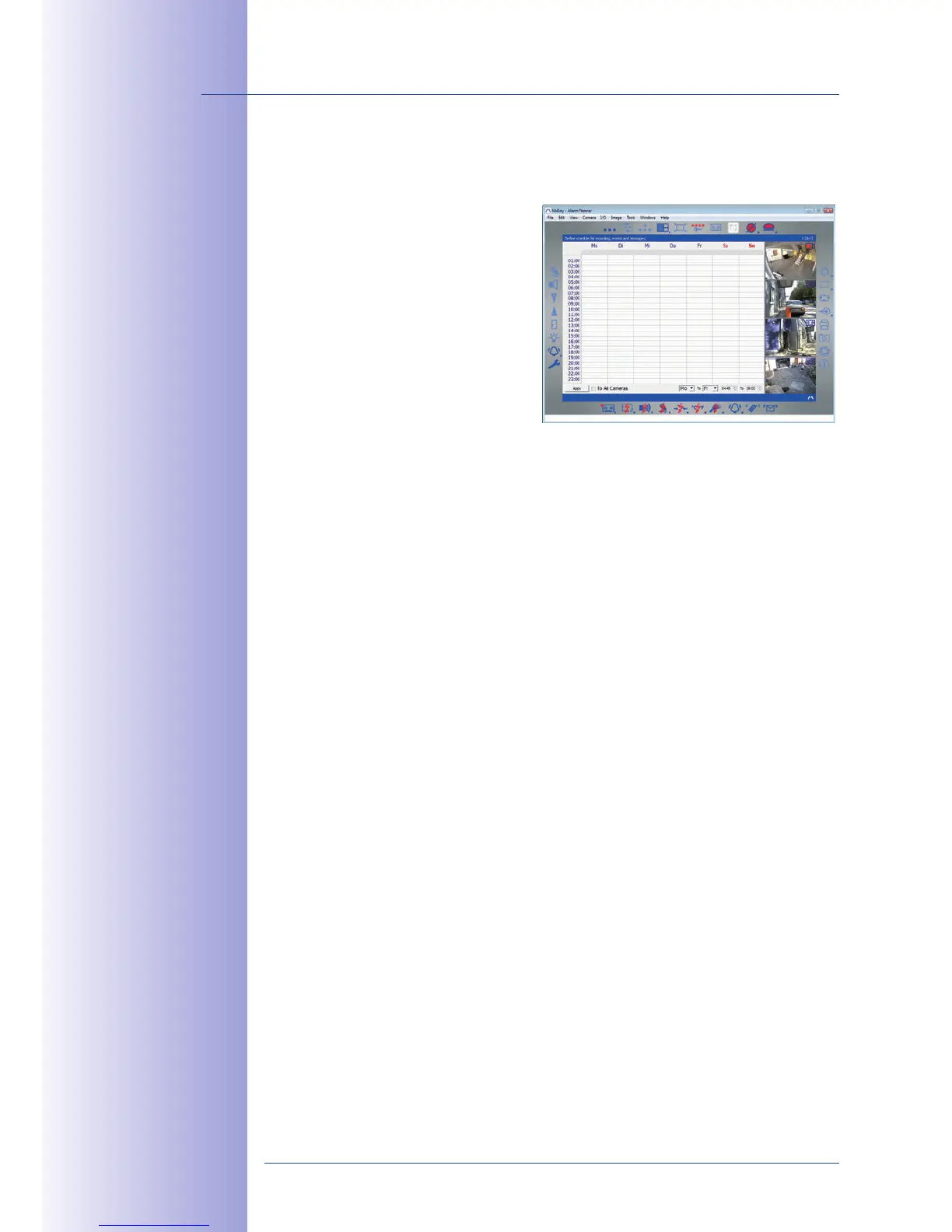
and are stored instantly in the configuration of the corresponding camera. The calendar
function integrated in the
provides access to innovative features for
scheduled settings of one or more cameras.
For the first time, this tool not only controls
video and audio recording based on certain
time and date information, but also allows
features like video motion detection, image
brightness, and the microphone to be
activated/deactivated based on a date
and time schedule.
MxEasy is available as a free-of-charge download for the Windows and Mac OS X operating
systems under www.mobotix.com. A Linux version will be available soon.
Not only can MOBOTIX cameras be used under almost all weather and temperature conditions,
they also oer suitable installation materials from a wide range of accessories for any
conceivable application scenario.
• to easily generate smaller image formats for PDAs (such as
320x240, 160x120, etc.)
• with three dierent recording modes: event recording with
audio, continuous recording with variable frame rate and audio as well as event-
controlled snapshot recording of JPEG images
• can monitor a file server (or a flash device) and can use
one or more of the defined messaging options for error notification
• in the integrated video
management system
• over the Internet,
with only one camera requiring access from the outside. This "proxy" camera uses
only very little bandwidth, making it an ideal solution for low-bandwidth connections
•
or events in one browser window
•
Event notification by e-mail, text messaging (using a service provider), voice notifica-
tion (Phone Call-Out), sounds, and by visual means (for example, red frame in live
image) using two separate messaging paths
• for analyzing the paths of objects that are moving in the image



 To Next Page