www.mobotix.com • sales@mobotix.com
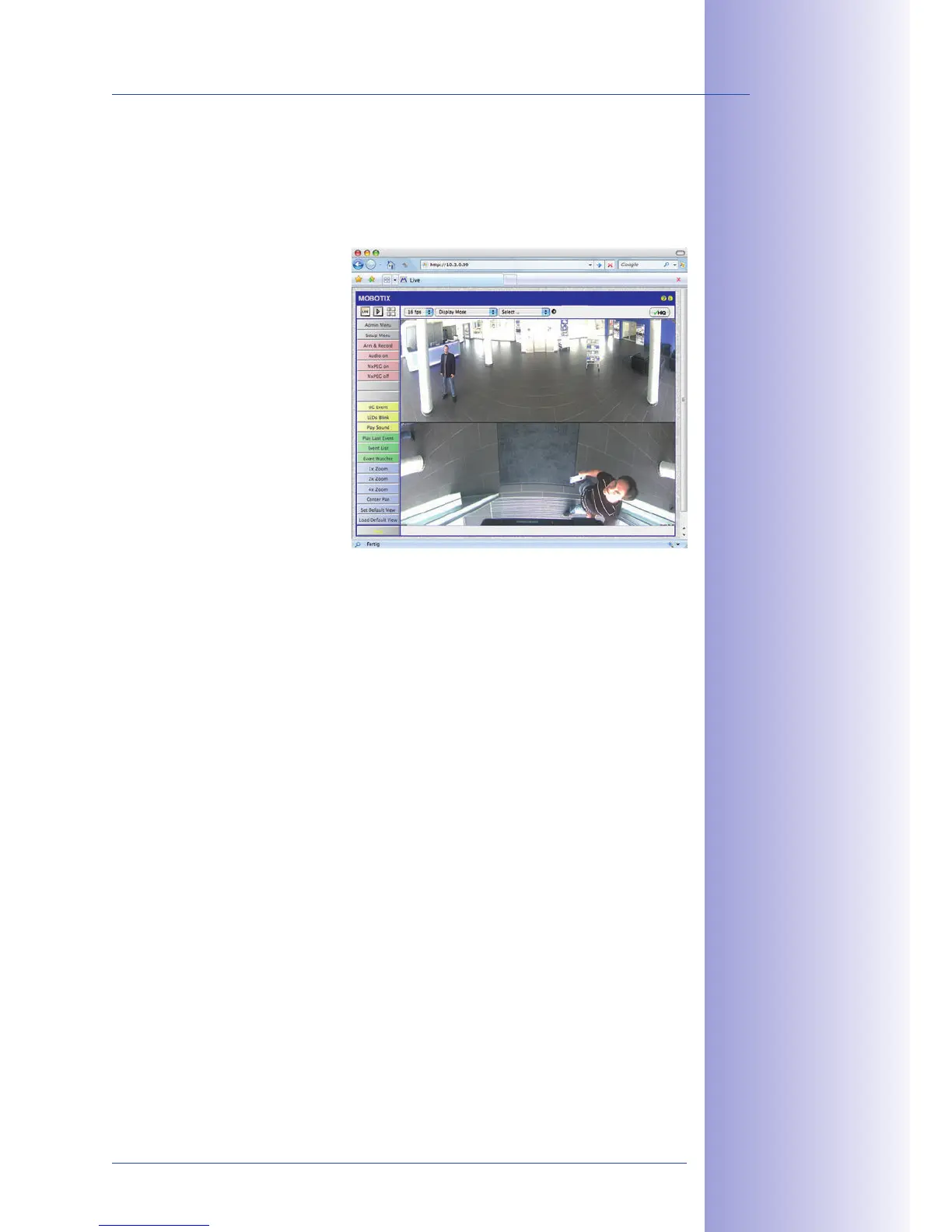
You can set up the camera's network parameters using a browser and the embedded camera
software. To do this, connect the camera to a computer or a network that is using a 10.x.x.x
IP address range (see Section 3.2.1
Manually Setting Up The Network Interface
). Once this
has been completed, you can enter
the camera's default IP address in the
browser address bar of the computer
(see Section 3.2.2
The First Images And
The Most Important Settings In The
Browser
). Next, click on the Admin
Menu button to open the camera's
Quick Installation in the browser's
user interface. This is where you
can configure the desired network
parameters of the camera. Once you
have completed the Quick Installation,
you can connect the camera with
its new network parameters to the
desired network.
• The camera does not need to be physically accessible, that is, it can remain
mounted to a pole, for example.
• No additional software is required.
• The network parameters can be set flexibly through manual entry.
• The computer or the network needs to operate in the 10.x.x.x IP address range
or needs to be able to access such a network.
• The setup does not work automatically.
• You need to know the relevant network parameters.
The default IP address
of your camera is printed
on a sticker on the
back of the camera



 To Next Page