www.mobotix.com • sales@mobotix.com
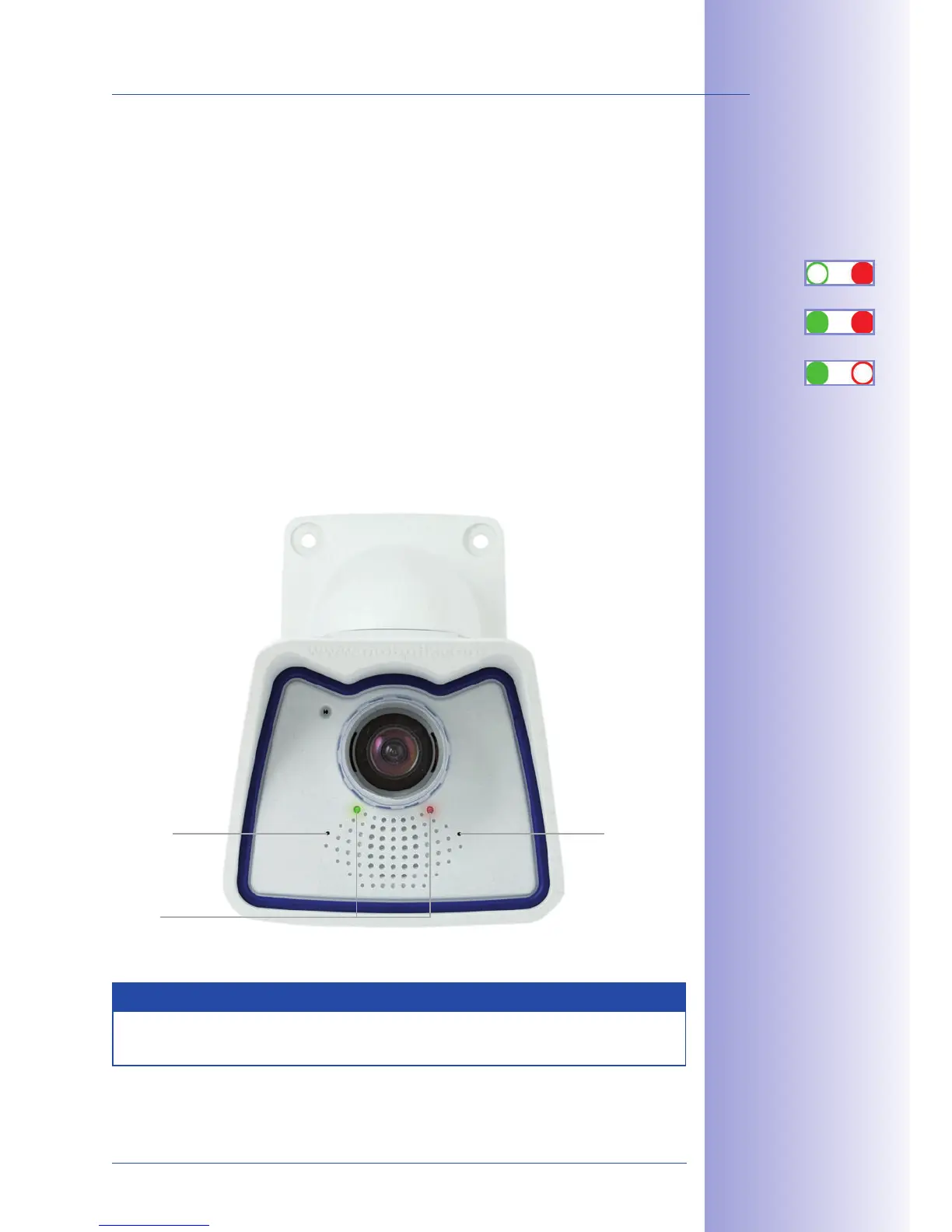
As soon as the camera's power supply has been established, the two LEDs will show the
progress of the startup sequence (see Section5.4.3
LED Signals and LED Configuration
in
the MOBOTIX
Camera Software Manual Part 2
).
•
Immediately after connecting the power supply, the red LED lights up, blinks
for two seconds, then stays on permanently red. A camera self-test is carried out at
this point, and the entire system is started. In case of an error, the camera will start
using the backup system.
• Both LEDs light up for four seconds. If you press the R or
during this time, the camera will execute the corresponding
function (see Sections 3.2.5 and 3.2.6
Starting the Camera with IP Address
).
•
Once the camera software has been started, the green LED is on permanently
and the red LED blinks. You can now connect to the camera via the network using a
browser.
Notes
During the startup sequence of the camera, the LEDs will always light up, even if they
have been deactivated in .
1. Start
2. Key?
3. Ready



 To Next Page