www.mobotix.com • sales@mobotix.com
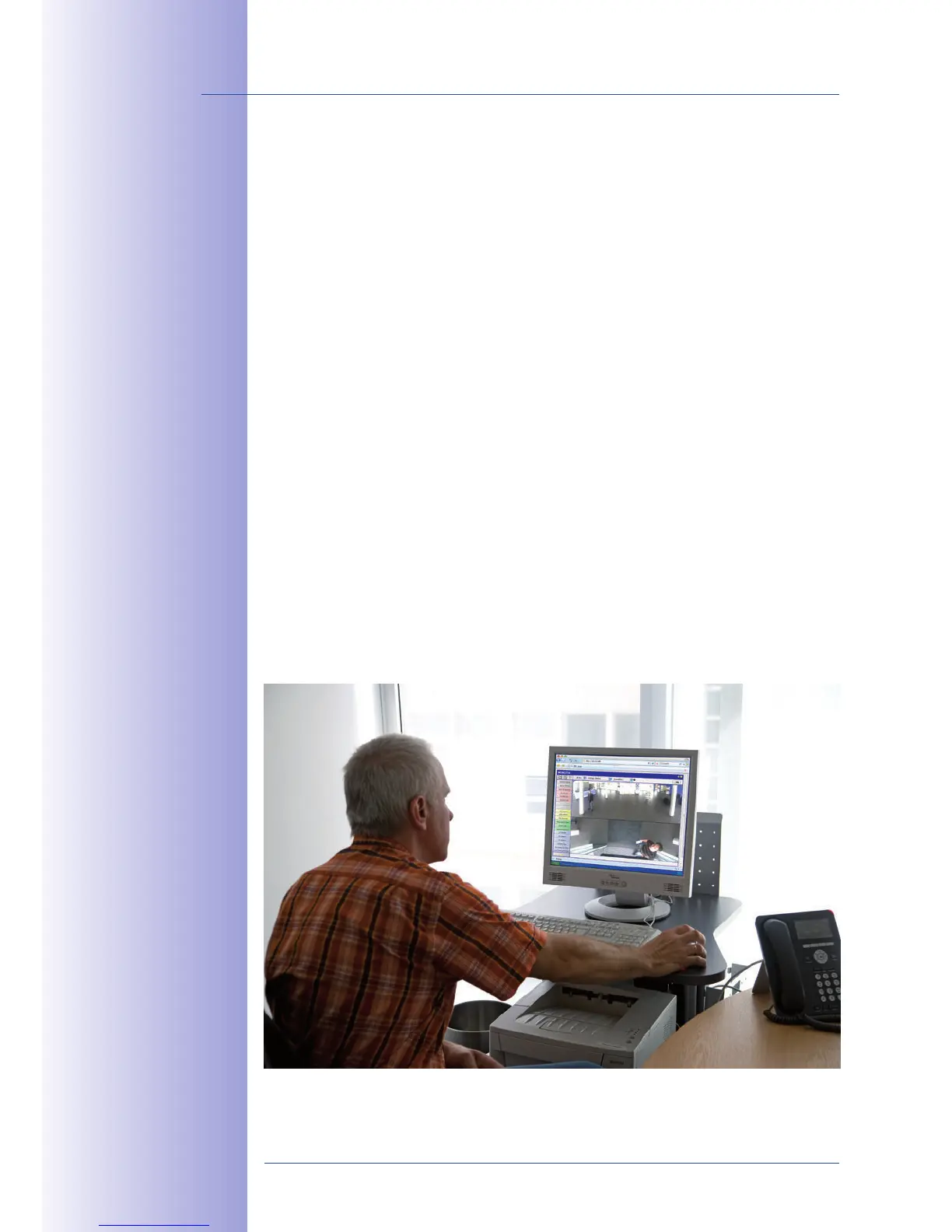
MOBOTIX cameras do not require any extra software. Thus, you can set up and operate the
MOBOTIX camera using a JavaScript-enabled browser on all common operating systems
(such as Windows, Linux, Macintosh, etc.). As an alternative, you can also use the MOBOTIX
applications MxControlCenter and MxEasy. Follow these steps to set up the camera:
1. Power is supplied directly via the network
cable (see Section 2.9)
2.
• (see Section 3.2.1, then Section 3.2.2)
• (see Sections 3.2.3 and 3.2.4)
or (see Section 3.2.5)
3.
using the browser-based user interface, with MxControlCenter
or with MxEasy.
Every MOBOTIX camera comes preconfigured with a fixed IP address in the 10.x.x.x range
(for example, 10.8.0.99). However, local computer networks usually have IP addresses
in the 172 or 192 ranges. In order to access a MOBOTIX camera via the network, the
camera needs to obtain an IP address in the same address range. You can
:
, using MxCC and or by .
Camera software
in the browser
Download the
free-of-charge MxEasy
and MxControlCenter
software at
www.mobotix.com



 To Next Page