www.mobotix.com • sales@mobotix.com
1.
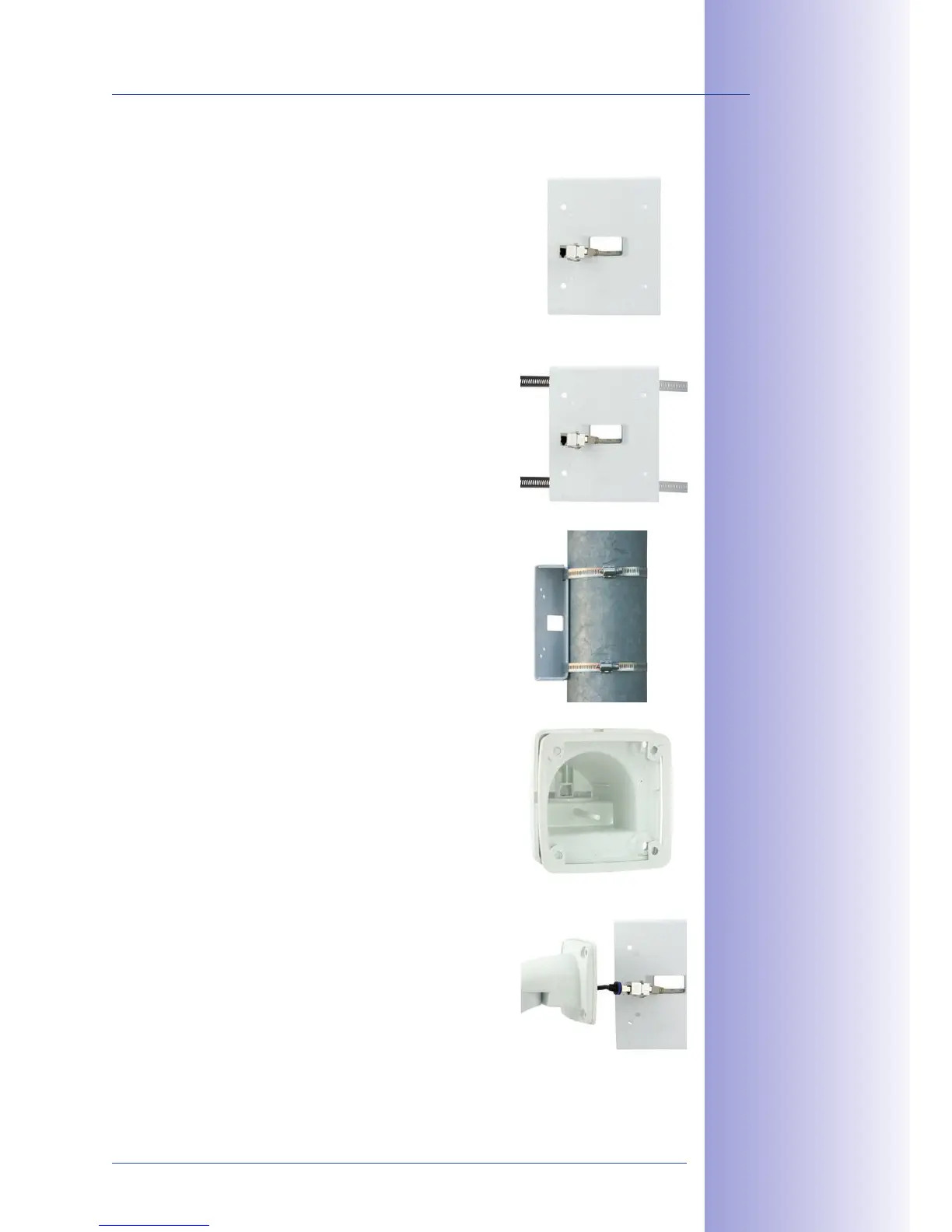
Guide the on-site network cable from
behind through the middle opening of the pole mount.
Ideally, the cable should be guided directly from the pole
into the cavity socket of the VarioFlex Wall Mount, where
it is connected with the camera patch cable via an adapter
(concealed cabling).
2.
Guide the two stainless steel straps
through the pole mount. The pole must have a diameter
between 60mm and 180 mm.
3. Place the straps around the pole
and tighten them using the screwdriver. If necessary,
the ends of the straps can be cut o.
4. Place the white rubber seal with
the groove on the edge of the wall mount.
5.
Connect the on-site network cable
with the camera patch cable via adapter in the cavity
socket of the wall mount. Make sure that the cables
are not bent or squashed.



 To Next Page