M62 Professional IP Deskphone Administrator’s Manual
- 6 -
No Part Name Description of function
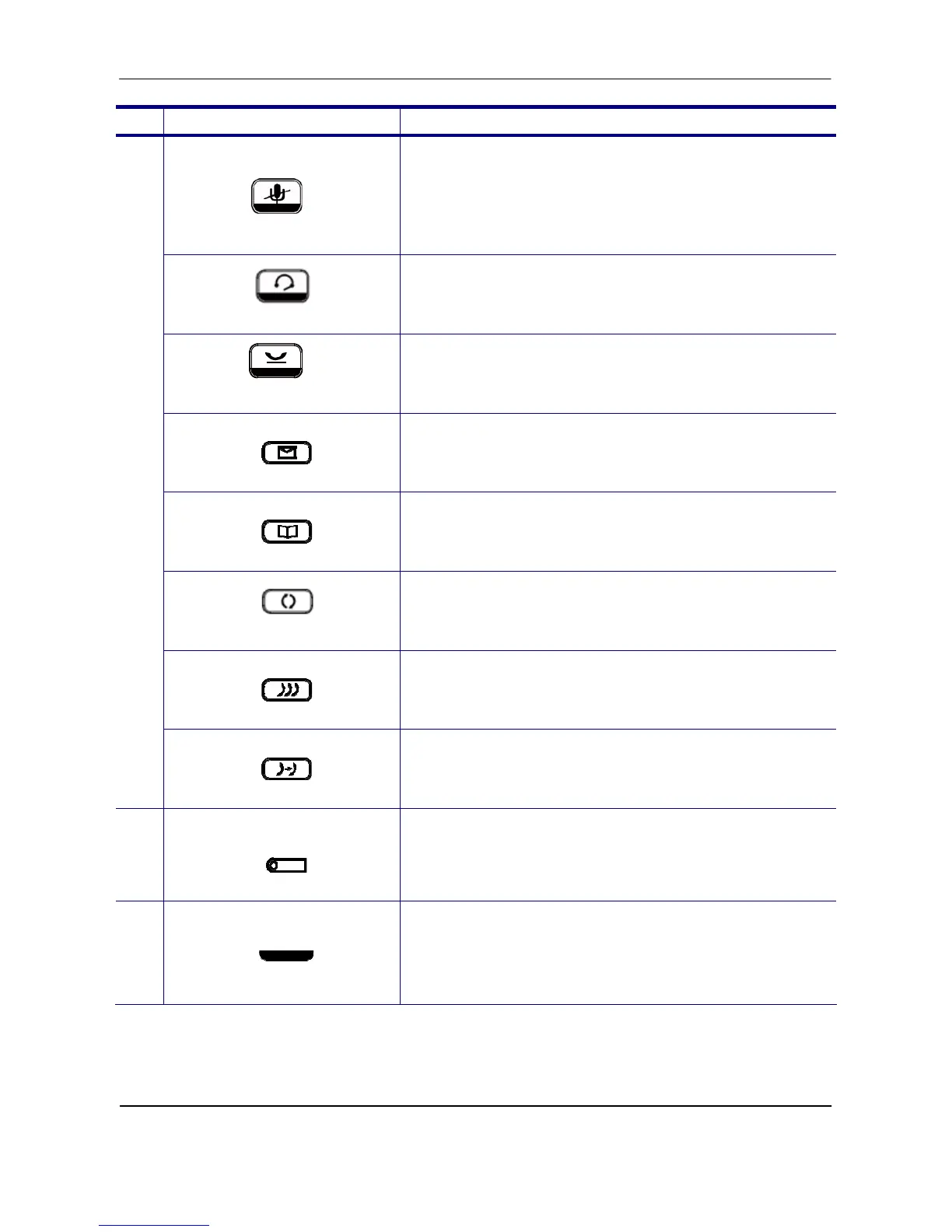
MUTE key
The MUTE key is used to activate or deactivate the
microphones on the M62. A blue LED is used to
indicate whether the phone is muted or not.
Headset key
This headset key is used to activate or deactivate the
external headset. A blue LED is lit to indicate active
status.
Hold key
The Hold key is used to place the active call on hold.
A blue LED is used to indicate whether the call is on
hold or not.
Message key
The Message key is used to access the Voice Mail
System for message retrieval.
Phonebook key
The Phonebook key is used to enter into the Phone
Book menu to call, add, edit or delete a contact in a
selected phonebook.
Redial key
The Redial key dials the last dialed number automatically
Conference key
The Conference key is used to place multiple calls on
the phone into a conference on the phone.
Transfer key
The Transfer key is used to transfer a call to another
IP phone.
12
Hands-free MIC
The Hands-free MIC.
Note: You can use a paperclip to pick up the
programmable key plate label (overlay) right here.
13
Handset LED
The Handset LED is used to show the phone’s
status.



 To Next Page