M62 Professional IP Deskphone Administrator’s Manual
- 58 -
Operation Description
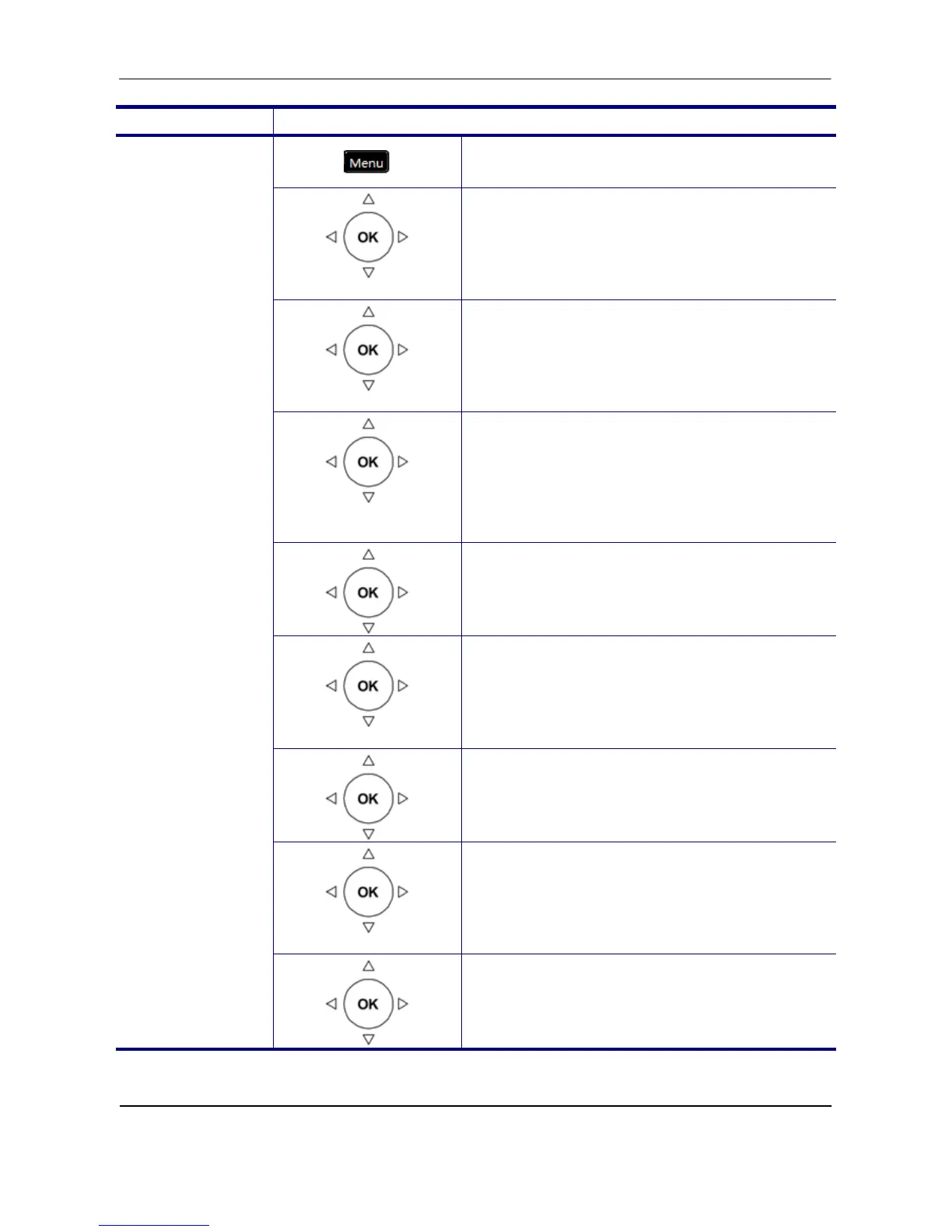
1. Press the Menu key on LCD.
Admin Setting
2. Use the navigation key to select the Admin
Setting item. Press OK key to validate the
selection. Type the administrator’s
password to get into Admin menu.
Reset Default
3. Use the navigation key to select the Reset
to Default item. Press OK key to validate
the selection.
Reset
Configuration
4. Select the Reset Configuration item and
press OK key.
5. Use the navigation key to choose “Yes” to
reset configuration or choose “No” to exit
the menu, and press OK key to validate.
Reset Phonebook
6. Go to previous menu, choose Reset
Phonebook item and press OK key.
7. Use the navigation key to choose “Yes” to
reset phonebook or choose “No” to exit the
menu, and press OK key to validate.
Reset All
8. Go to previous menu, choose Reset All
phonebook item and press OK key.
Reset
Configuration/
Phonebook/All
9. Use the navigation key to choose “Yes” to
reset all or choose “No” to exit the menu,
and press OK key to validate.



 To Next Page