M62 Professional IP Deskphone Administrator’s Manual
- 59 -
Reboot
Sometimes you will need to reboot your phone to apply new settings.
Note:
the M62 takes about 2 minutes to startup after rebooting; there will be a series of
diagnostic lights on the phone during the process. If your phone does not become
operational within 2 minutes, contact your administrator or Service Provider support line.
Operation Description
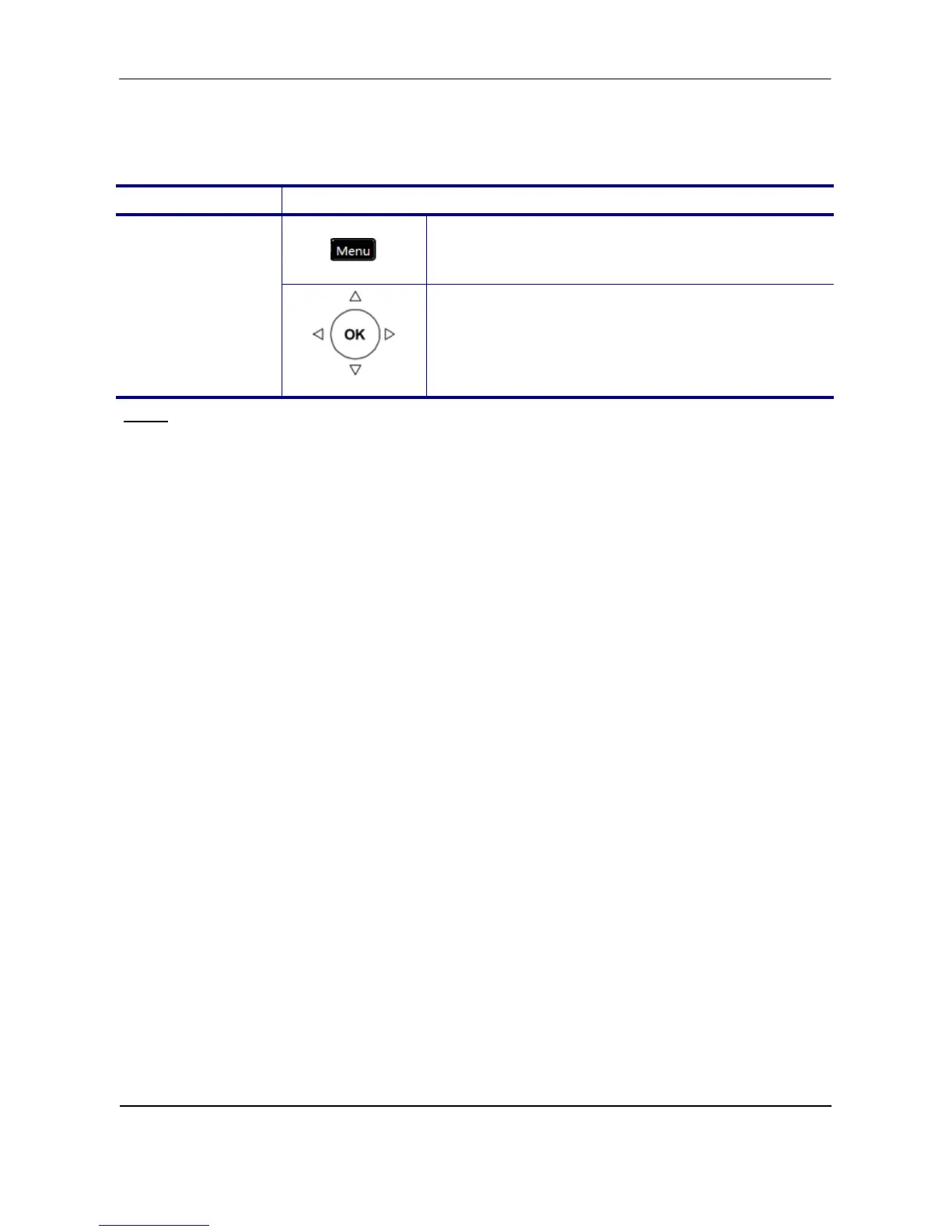
1. Press the Menu key on LCD.
Reboot
Reboot
2. Use the navigation key to select the Reboot
item. Press OK key to validate the selection.
And Phone will show a “Reboot” message and
the phone will restart.



 To Next Page