M62 Professional IP Deskphone Administrator’s Manual
- 27 -
4. Advanced Call Operations
Operation Description
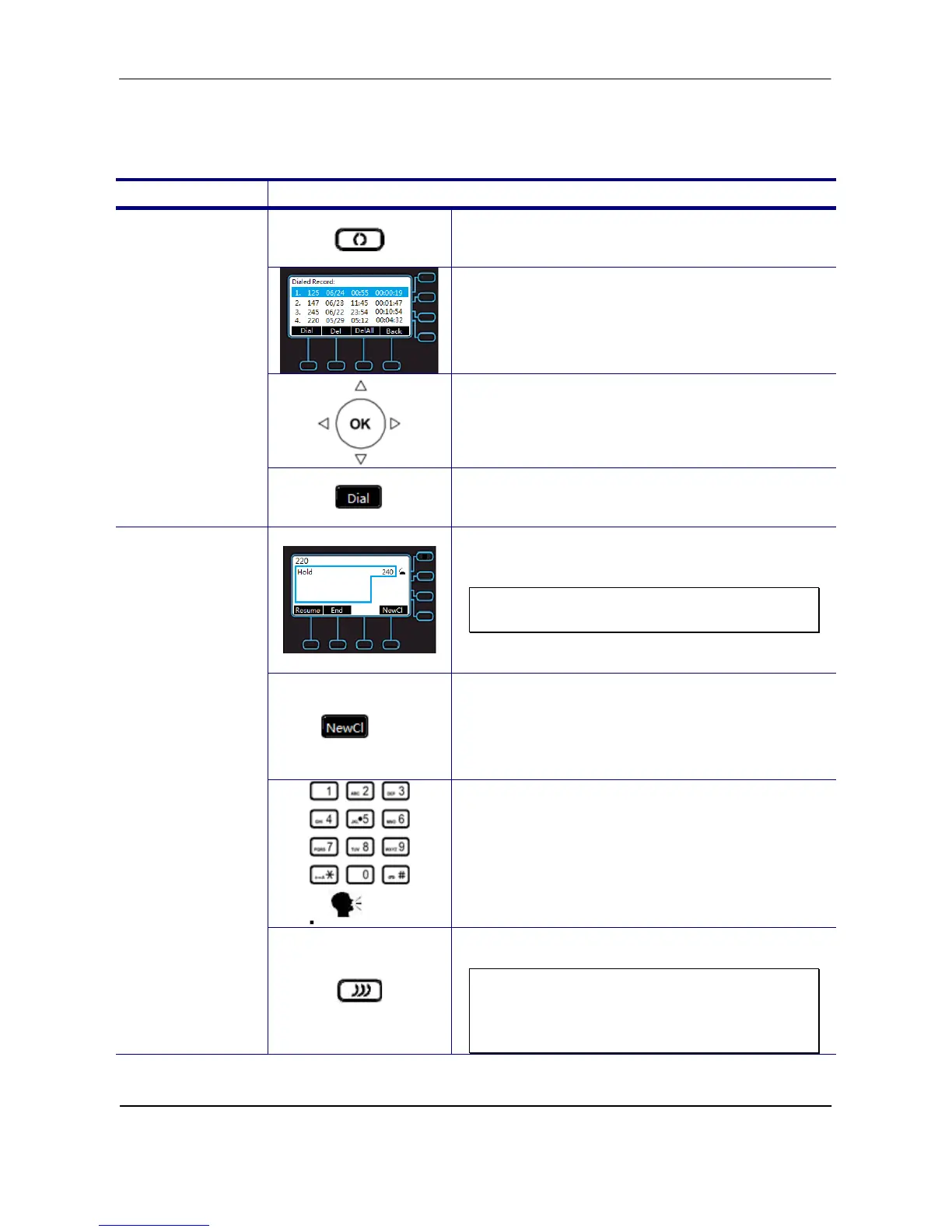
1. Press Redial hot key.
2. Phone will enter “Dialed Record” list.
3. Select the number you want to redial.
Redialing a
Number
4. Press “Dial” soft key on LCD to dial out.
1. Call the first party and Hold the call.
Note: The M62 can support a 5-party
conference call.
2. Press “NewCl” soft key
3. Dial the number and call another party.
3-Way
Conference Call
4. Press the Conference hot key to set up the
3-party conference.
Note: If you want to set up a 4-party or a
5-party conference call, repeat Step2 to
dial third or fourth call, and then do Step3
and Step 4.



 To Next Page