M62 Professional IP Deskphone Administrator’s Manual
- 53 -
Operation Description
Name
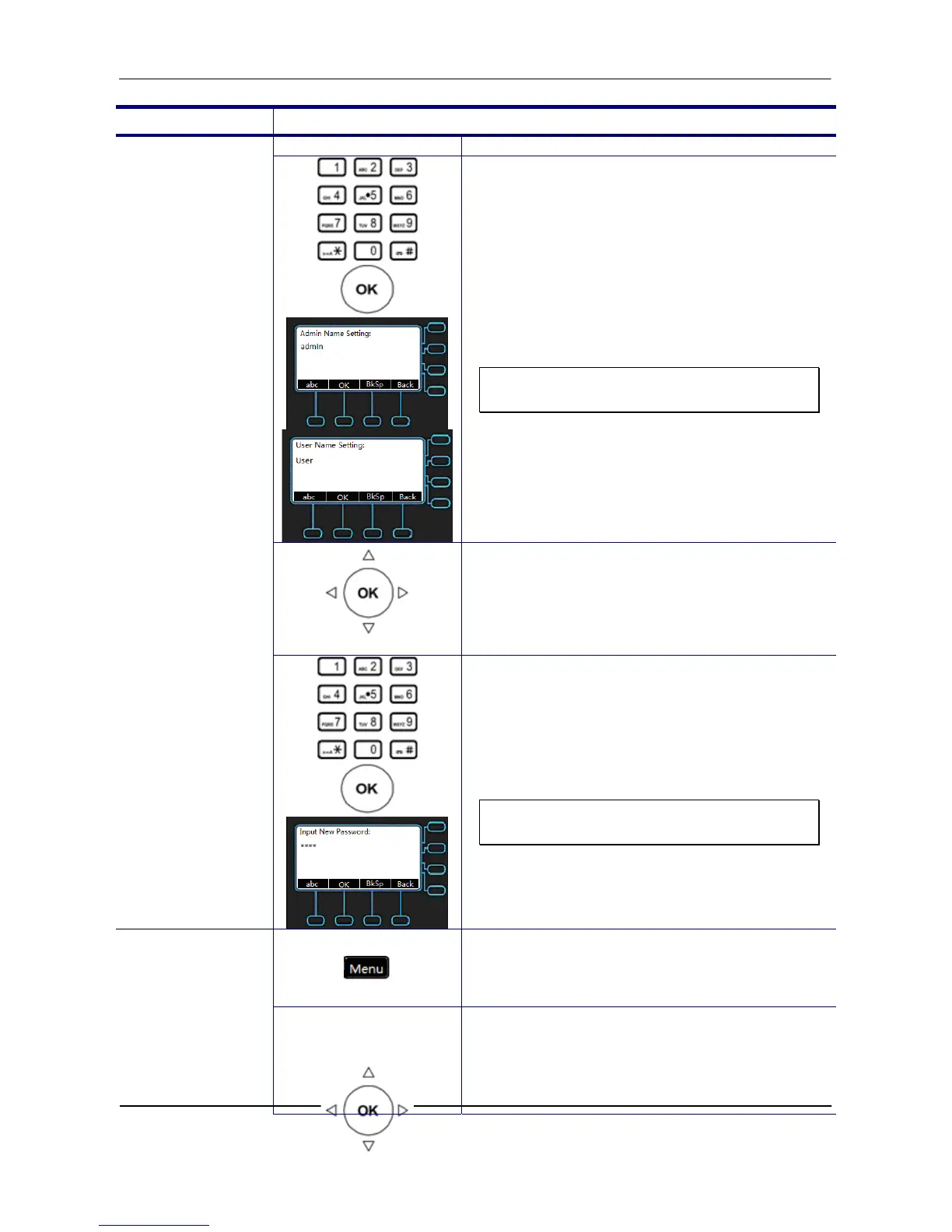
6. Use the keypad to enter name and press
OK key to validate the input. Press the
Back to exit the menu. The default
Admin/User name is admin/user.
Note: You could use the “BkSp” soft key
to delete the last character.
Password
7. Go to previous menu, choose Password
item and press OK key.
8. Use the keypad to enter new password.
Press OK key to validate the input. The
default password is 1234.
Note: You could use the “BkSp” soft key
to delete the last character.
1. Press the Menu key on LCD.
Dynamic IP
Address (DHCP)
2. Use the navigation key to select the Admin
Setting item. Press OK key to validate the
selection. Type the administrator’s
password to get into Admin menu.



 To Next Page