M62 Professional IP Deskphone Administrator’s Manual
- 48 -
Hotline Setting
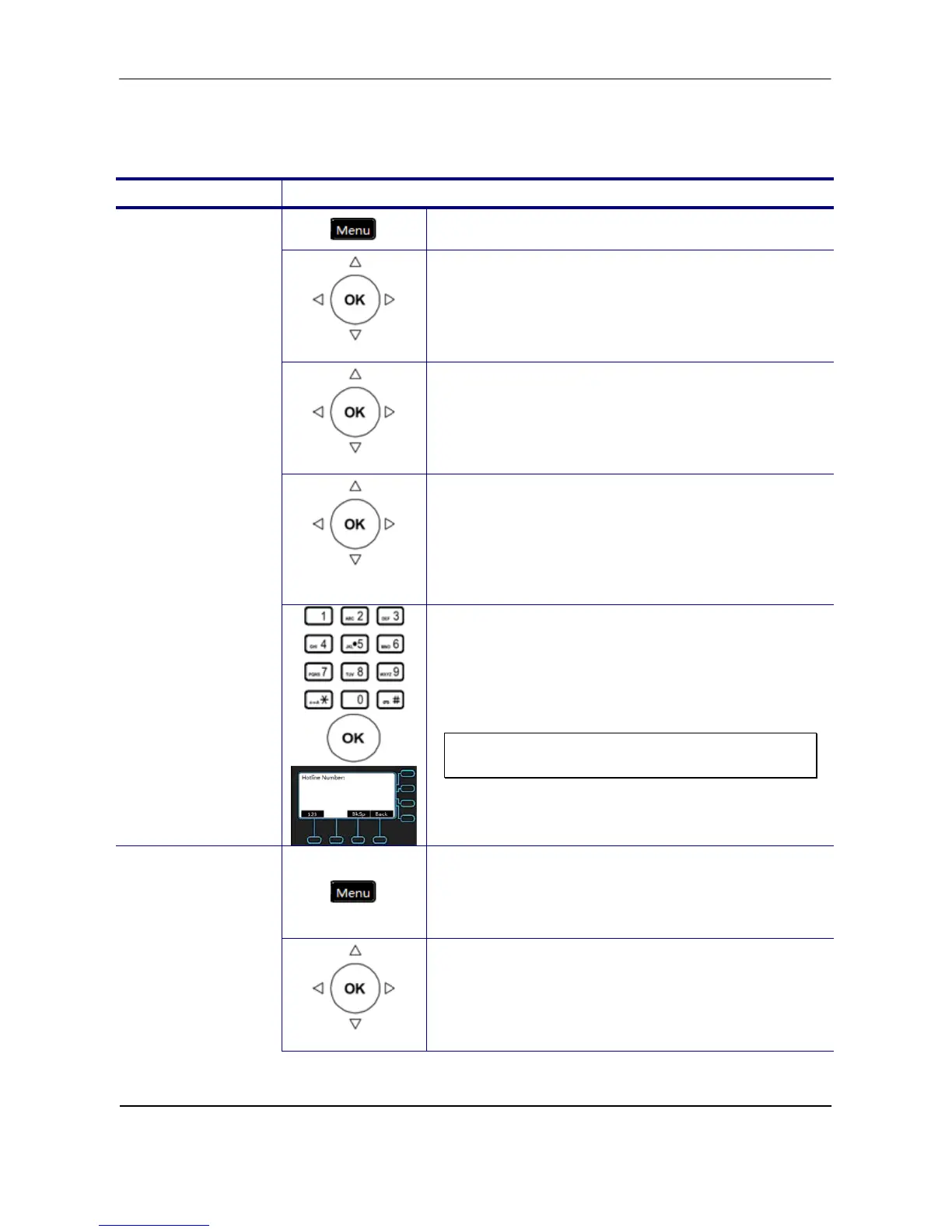
Set the hotline number which can be dialed immediately.
Operation Description
1. Press the Menu key on LCD.
Phone Setting
2. Use the navigation key to select the Phone
Setting item and press OK key.
Call Setting
3. Use the navigation key to select the Call
Setting item and press OK key.
Hotline
Setting
4. Use the navigation key to select the Hotline
Setting item and press OK key.
Hotline Number
5. Use the keypad to enter the Hotline Number
and press OK key to validate the input. Press
the Back key to exit the menu.
Note: You could use the “BkSp” soft key to
delete the last character.
1. Press the Menu key on LCD.
Hotline Timeout
Phone Setting
2. Use the navigation key to select the Phone
Setting item and press OK key.



 To Next Page