M62 Professional IP Deskphone Administrator’s Manual
- 46 -
Phonebook
The phonebook feature let’s you store a list of phone numbers. (For M62, it could be stored
up to 100 entries).
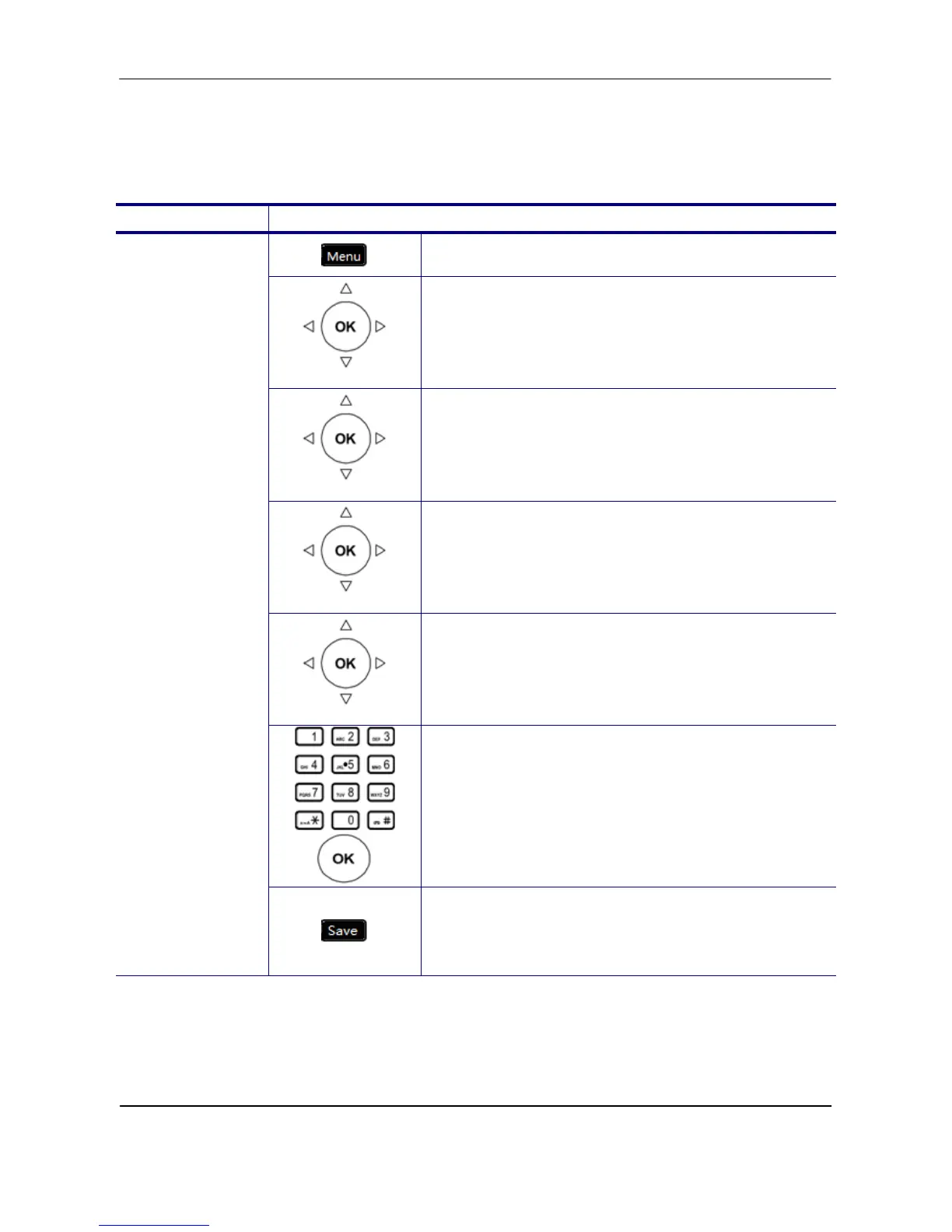
Operation Description
1. Press the Menu key on LCD.
Phone Setting
2. Use the navigation key to select the Phone
Setting item and press OK key.
Phonebook
3. Use the navigation key to select the Phonebook
item and press OK key.
All/Private
4. Select the All/Private item and validate with the
OK key. (Only “Private” item can be edited,
“Public” item is for viewing.)
Add
5. Press the Add button.
6. Use the keypad to enter the “Username”,
“Phone Number”, “Group”, and “Ring Type”.
Press OK key to validate the input. Press the
Back key to exit the menu.
Add Contacts
7. When finished making changes, press the
“Save” soft key to save the changes. Press
“Back” soft key to exit the phonebook menu



 To Next Page