- 32 -
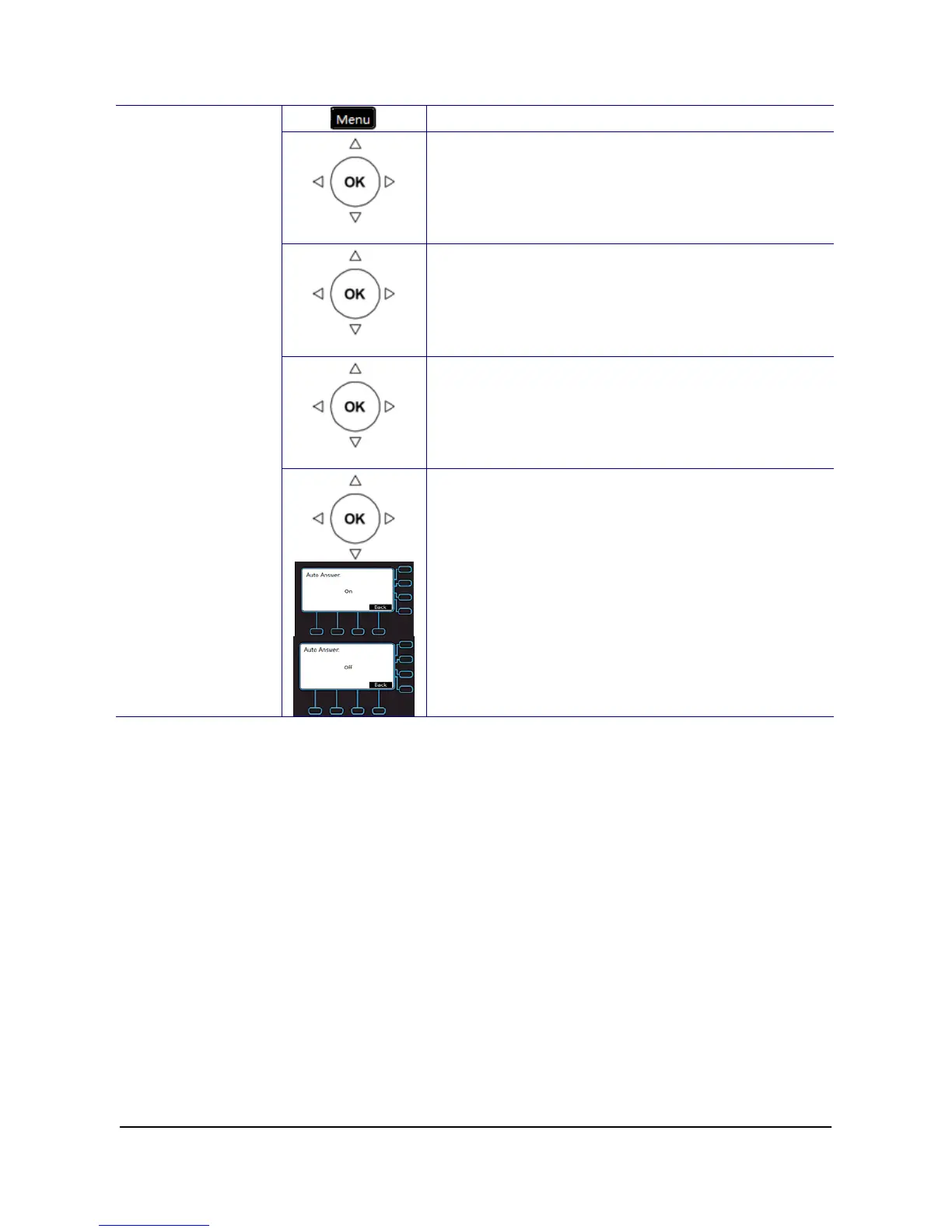
1. Press the Menu key on LCD.
Phone Setting
2. Use the navigation key to select the Phone
Setting item and press OK key.
Call Setting
3. Use the navigation key to select the Call
Setting item and press OK key.
Auto Answer
4. Use the navigation key to select the Auto
Setting item and press OK key.
Auto Answer
5. Use the navigation key to choose to turn On or
Off and press OK key to validate. Press the
Back key to exit the menu.



 To Next Page