- 26 -
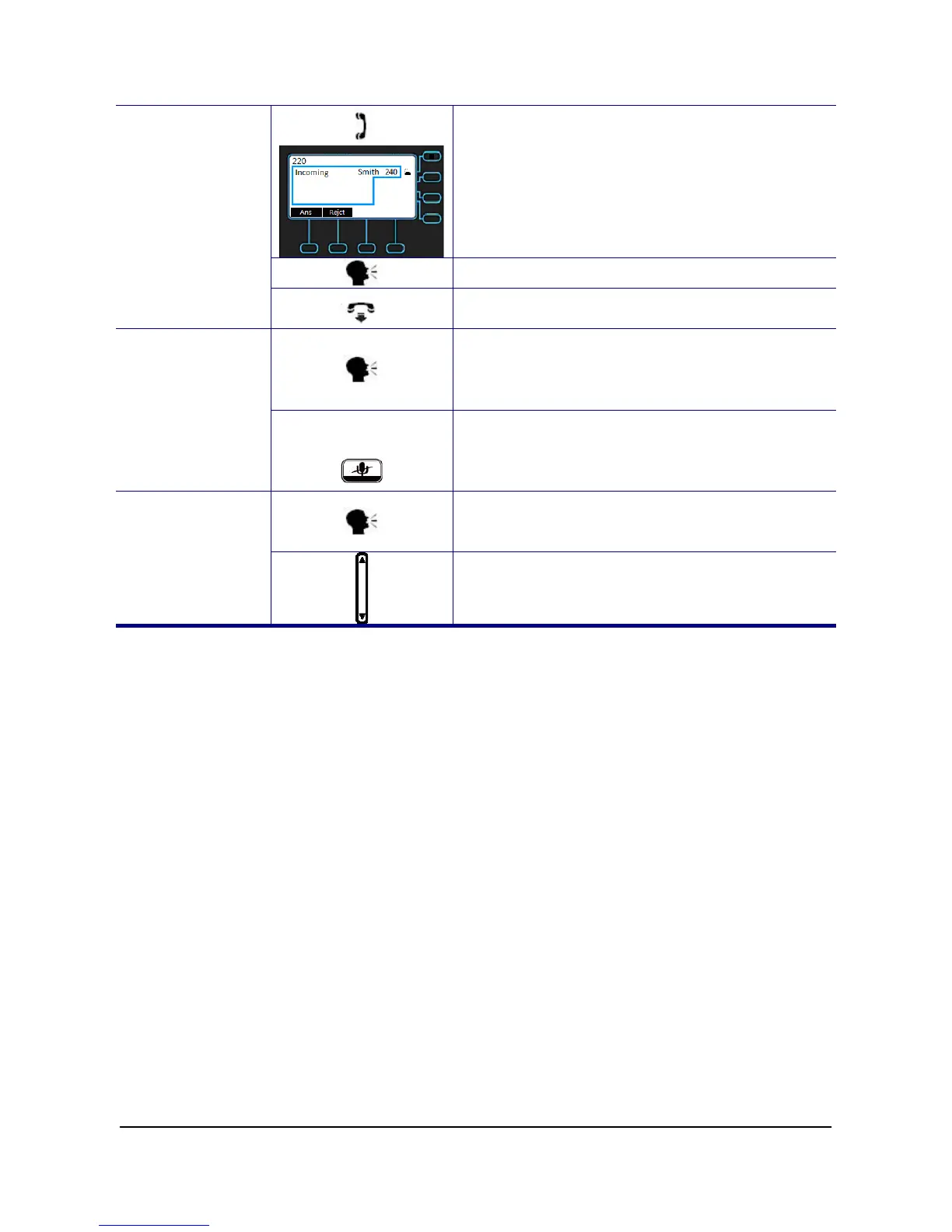
1. Pick-up the handset while hearing
phone’s ringing.
Start talking to caller party.
Receiving a Call
On-hook the handset when your
conversation is over.
1. While being engaged in a conversation
(handset, headset, or hands-free mode),
you could mute the microphone by
pressing the MUTE key.
Mute the
Microphone
2. The LED of the MUTE button will
become red. At this moment, the user
may speak freely, the outside party will
not hear anything.
1. During a conversation, if the voice
volume is too low or too high, you may
adjust it.
Adjust the Voice
Volume During a
Conversation
2. Press the volume control key to adjust
the volume



 To Next Page