M62 Professional IP Deskphone Administrator’s Manual
- 45 -
Contrast
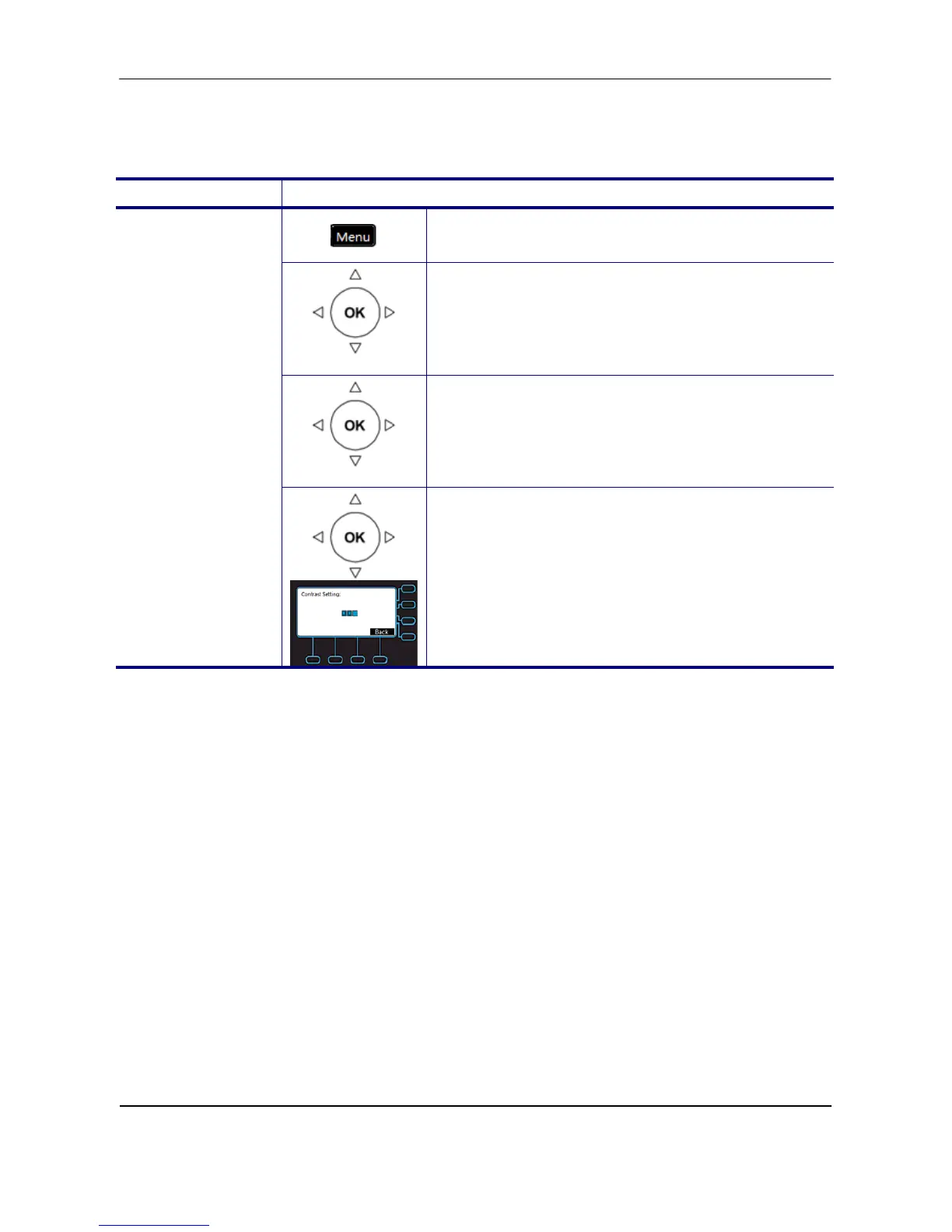
To configure the contrast of the LCD to a comfortable level.
Operation Description
1. Press the Menu key on LCD.
Phone Setting
2. Use the navigation key to select the Phone
Setting item and press OK key.
Contract
3. Select the Contract item and validate with the
OK key.
Contrast
4. Use the navigation key to tune the LCD
contrast. Press the Navigation Up key to
increase the display contrast. Press the
Navigation Down key to decrease the display
contrast. Press OK key to validate the selection
or press the Back key to exit the menu.



 To Next Page