M62 Professional IP Deskphone Administrator’s Manual
- 55 -
Operation Description
Static IP
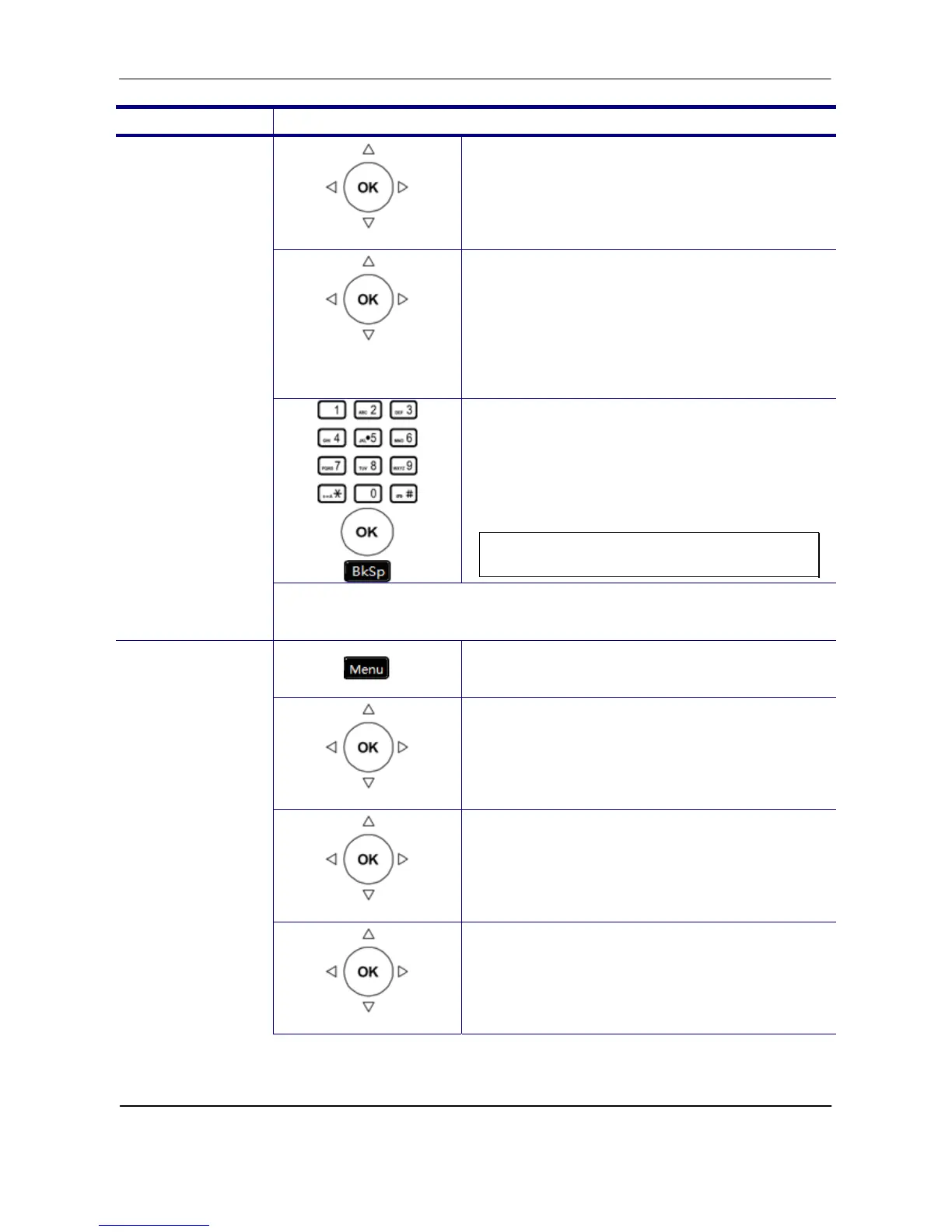
5. Use the navigation key to choose Static IP
type and press OK key to validate.
IP Address, Subnet
Mask, Default
Gateway, DNS
6. There are IP Address, Subnet Mask,
Default Gateway, and DNS items for user
to configure.
7. Use the keypad to enter the IP address,
subnet mask, default gateway, or DNS of
your IP phone. Use the * key for
representing a dot . Press OK key to ‧
validate the entered value. Press the Back
key to exit the menu.
Note: You could use the “BkSp” soft key
to delete the last character.
You must reboot the phone to validate the network parameter
changing.
1. Press the Menu key on LCD.
Admin Setting
2. Use the navigation key to select the Admin
Setting item. Press OK key to validate the
selection. Type the administrator’s
password to get into Admin menu.
Network Setting
3. Use the navigation key to select the
Network Setting item. Press OK key to
validate the selection. The LCD displays
the Network Type menu.
PPPoE
Network Type
4. Select the Network Type item and press
OK key.



 To Next Page