- 41 -
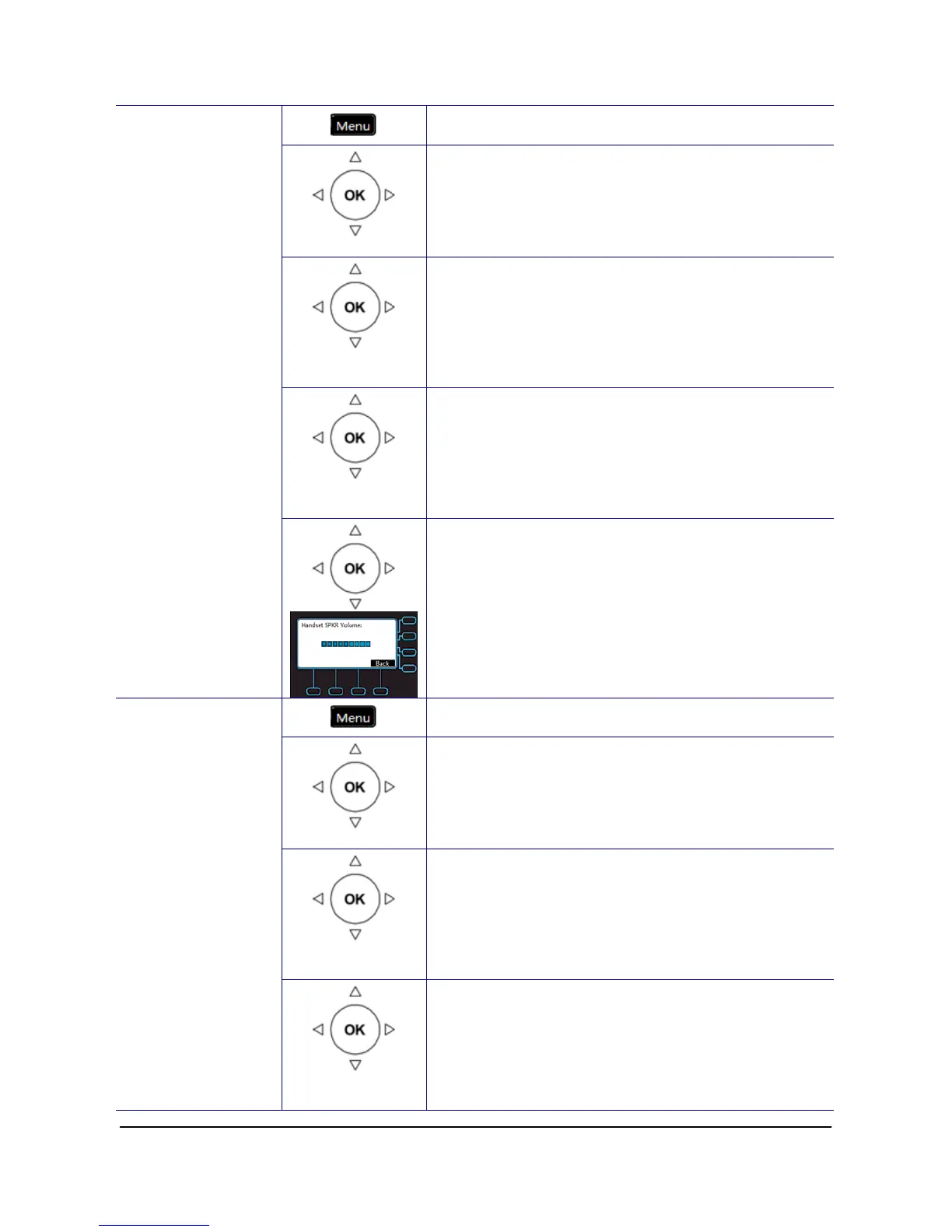
1. Press the Menu key on LCD.
Phone Setting
2. Use the navigation key to select the Phone
Setting item. Press OK key to validate the
selection.
Volume
Setting
3. Use the navigation key to select the Volume
Setting item. Press OK key to validate the
selection.
Handset
Speaker
4. Select the Handset Speaker item and validate
with the OK key.
Handset Speaker
5. Use the navigation key to tune the voice. Press
the Navigation Up key to make voice louder.
Press the Navigation Down key to make voice
lower. Press the OK key to exit the menu.
1. Press the Menu key on LCD.
Phone Setting
2. Use the navigation key to select the Phone
Setting item. Press OK key to validate the
selection.
Volume
Setting
3. Use the navigation key to select the Volume
Setting item. Press OK key to validate the
selection.
Hands-free
Speaker
Hands-free
Speaker
4. Select the Hands-free Speaker item and
validate with the OK key.



 To Next Page