- 47 -
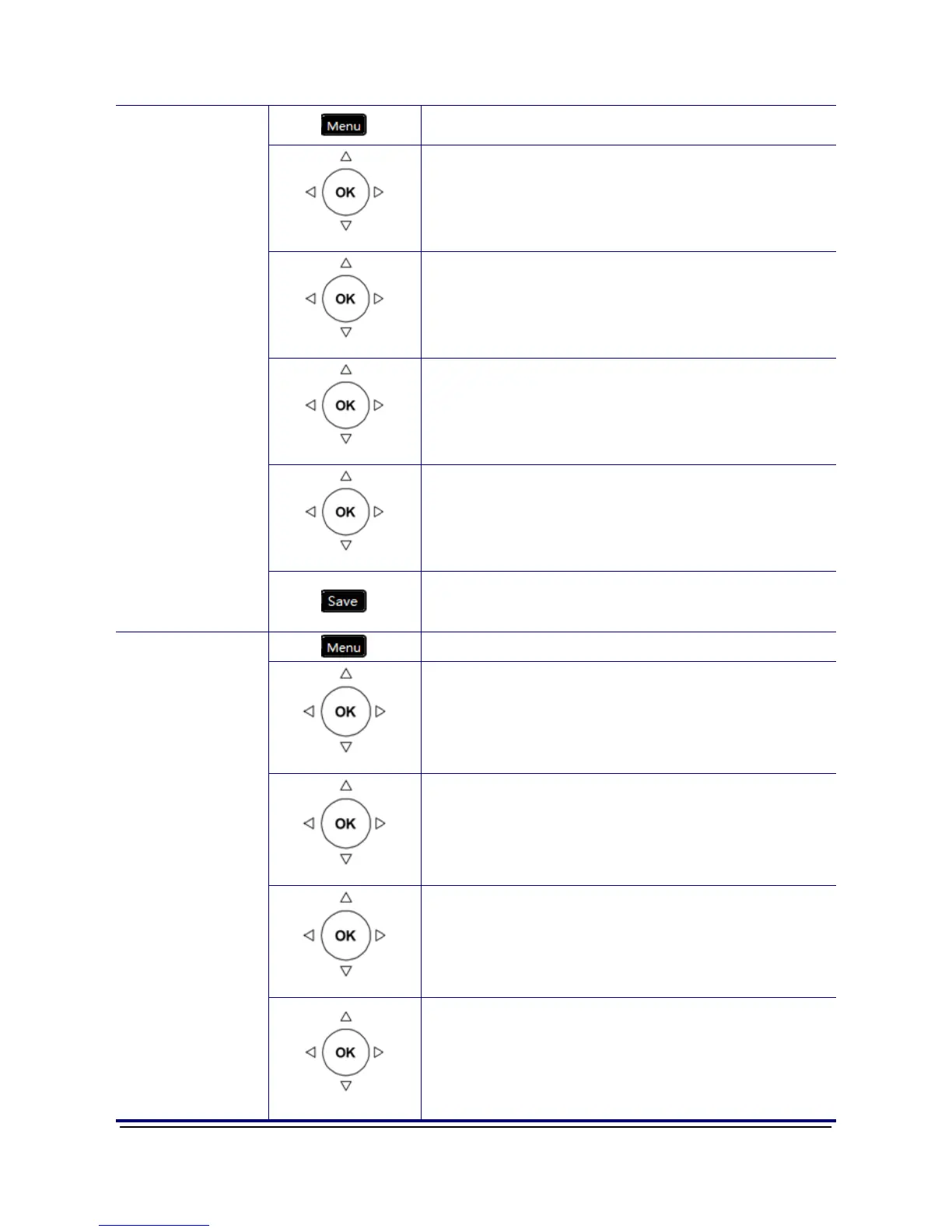
1. Press the Menu key on LCD.
Phone Setting
2. Use the navigation key to select the Phone
Setting item and press OK key.
Phonebook
3. Use the navigation key to select the Phonebook
item and press OK key.
All/Private
4. Select the All/Private item and validate with the
OK key.
Edit
5. Using navigation key to browse all phonebook
data. When browsing certain phonebook data,
press “Edit” soft key to add or edit. There are 7
items for user to add or edit, “Username”,
“Phone Number”, “Group”, and “Ring Type”.
Edit Contacts
6. When finished making changes, press the
“Save” soft key to save the changes. Press
“Back” soft key to exit the phonebook menu.
1. Press the Menu key on LCD.
Phone Setting
2. Use the navigation key to select the Phone
Setting item and press OK key.
Phonebook
3. Use the navigation key to select the Phonebook
item and press OK key.
All/Private
4. Select the All/Private item and validate with the
OK key.
Delete a
Number
Edit
5. Using navigation key to browse all phonebook
data. When browsing certain phonebook data,
press “Del” soft key to edit. There are 7 items for
user to edit, “Username”, “Phone Number”,
“Group”, and “Ring Type”. Press “Back” soft key
to exit the phonebook menu.



 To Next Page