M62 Professional IP Deskphone Administrator’s Manual
- 61 -
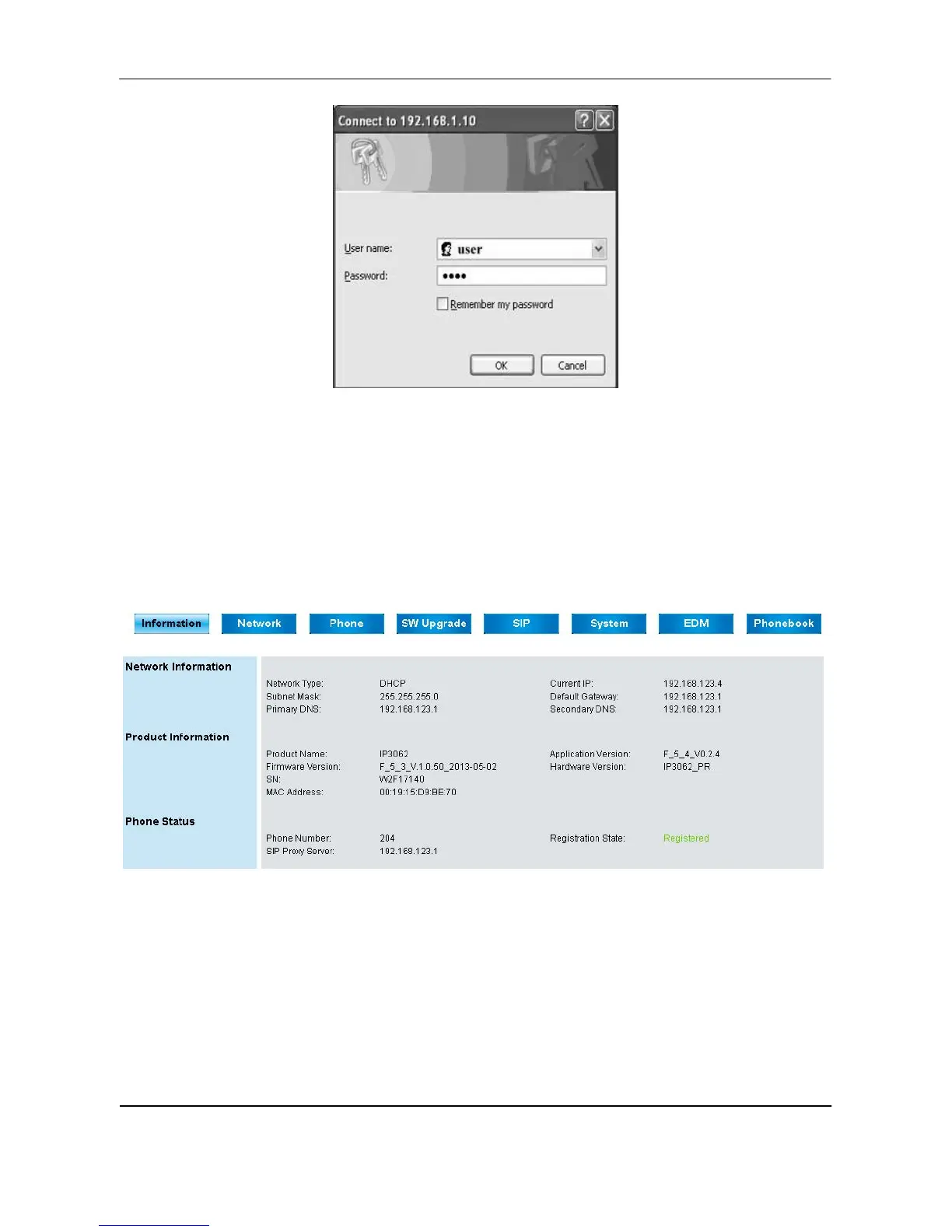
Press ENTER key to validate, the above dialog box will pop up and prompt you to provide
the username and password in order to prevent unauthorized user accessing the phone.
Please input the username and password then press OK button to enter phone’s webpage.
Configuration Pages
Information Page
The following is the default page you will see when you login to the phone’s webpage.
In this page, it shows Network/Product information and Phone status.
For Phone status:
“Registration State” will be marked “Registered” with green text.
“Unregistered” will be marked with red text.



 To Next Page