M62 Professional IP Deskphone Administrator’s Manual
- 80 -
Save Settings
Save changes in this page to the phone.
Prev Page
Go to the previous page.
Next Page
Go to the next page.
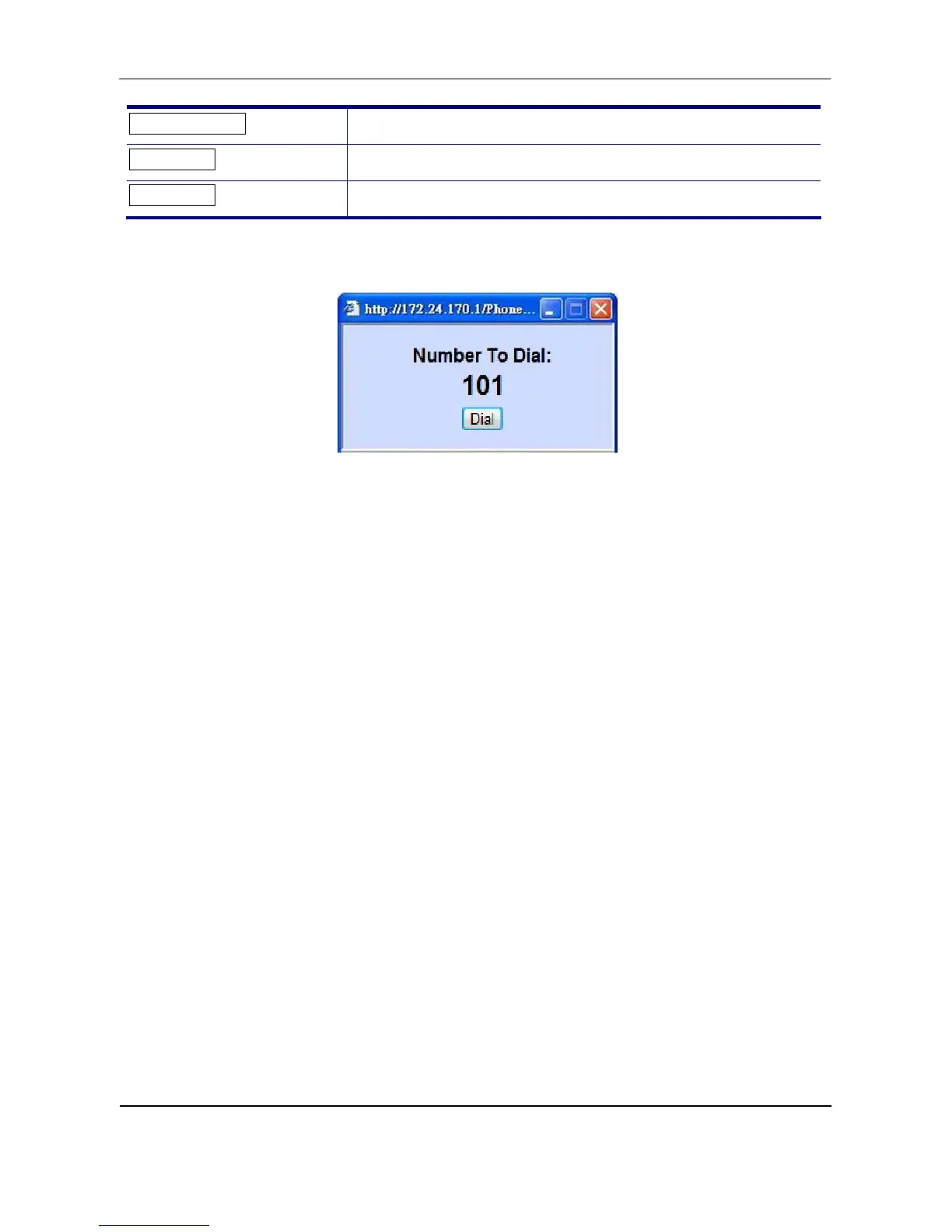
To call your contact, simply click on the corresponding number and it will show the following
dialog box (for example, if you click entry 001 to call out, the result will be the following):
Then press the “Dial” button in order to start dialing. Phone will dial out corresponding
number automatically.
6. Features & Specifications
With highly integrated chip and sophisticated design, this IP2032 offers a variety of features.
And it can provide high performance, reliable and quality voice communication for the users.
The hardware specifications are list as follows for your reference.
Main Unit
-Dimension: 180 * 195 * 105 mm.
-Plastic material: ABS type.
-Support 2 angles. (one with stand and one without stand)
-Can be mounted onto the wall with the stand.
-Support detachable handset and curled cord.
LAN and PC Ports
-Integrated 2 ports Ethernet switch.
-IEEE 802.3 10BaseT / 802.3u 100BaseTx compliant.
-Auto-negotiation with link speed and full/half duplex mode.
-Auto MDI/MDIX for both downlink and uplink auto-swapping.
-Support QoS IEEE 802.1p voice priority function.
Power Supply
-Input: 5VDC/2A power adapter.



 To Next Page