M62 Professional IP Deskphone Administrator’s Manual
- 43 -
Information
You may view all related information about the M62 through the LCD menu. This may give
you, for example, the current network settings of the M62.
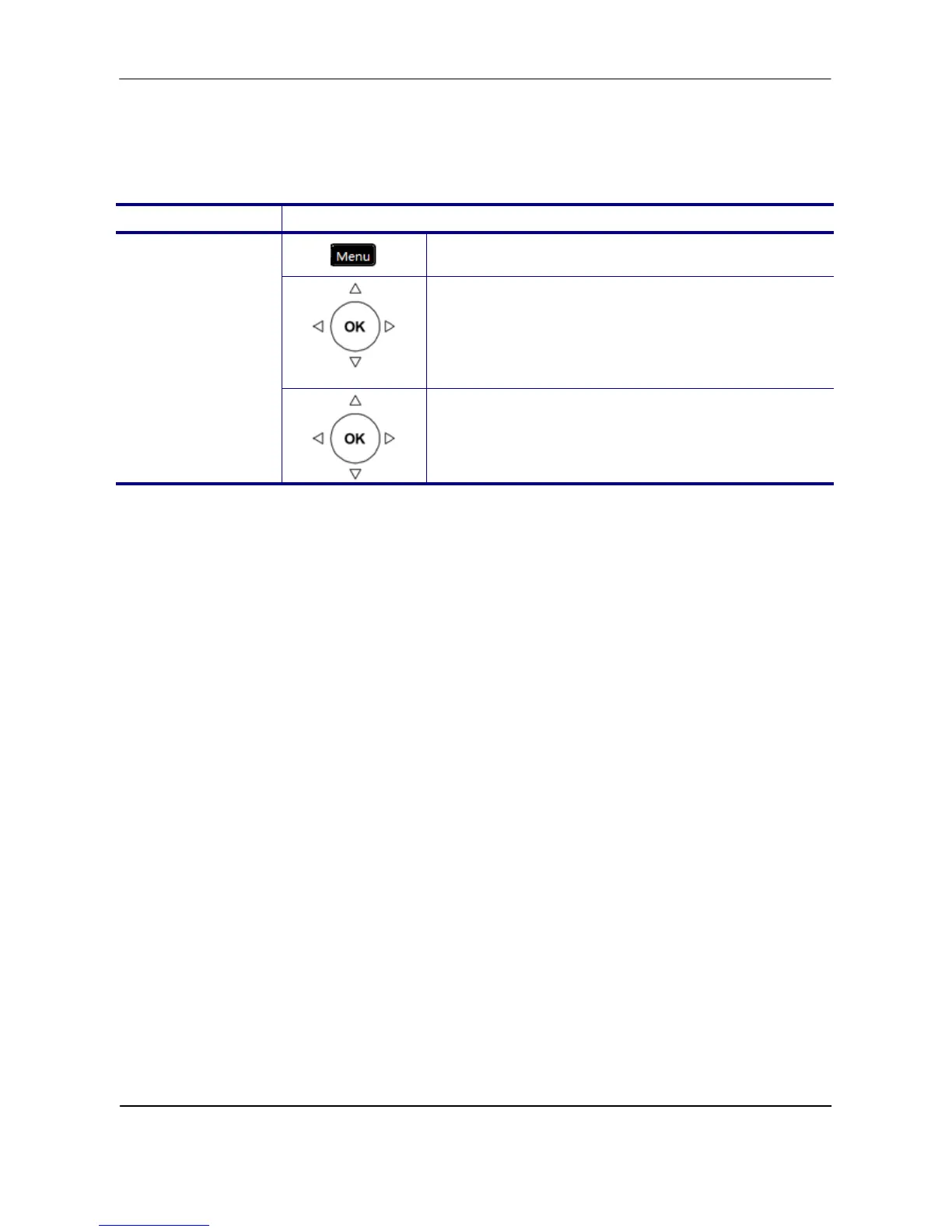
Operation Description
1. Press the Menu key on LCD.
Information
2. Use the navigation key to select the
Information item and press OK key.
View Information
about the M62
3. Use the navigation key to choose the
information you would like to review. Press the
OK key to exit the menu.
The following information can be reviewed from the LCD screen of your M62:
Model Name
Application Version
Firmware Version
Hardware Version
MAC Address
SN
EDM Version
Network Type
IP Address
Subnet Mask
Default Gateway
DNS Server



 To Next Page