M62 Professional IP Deskphone Administrator’s Manual
- 23 -
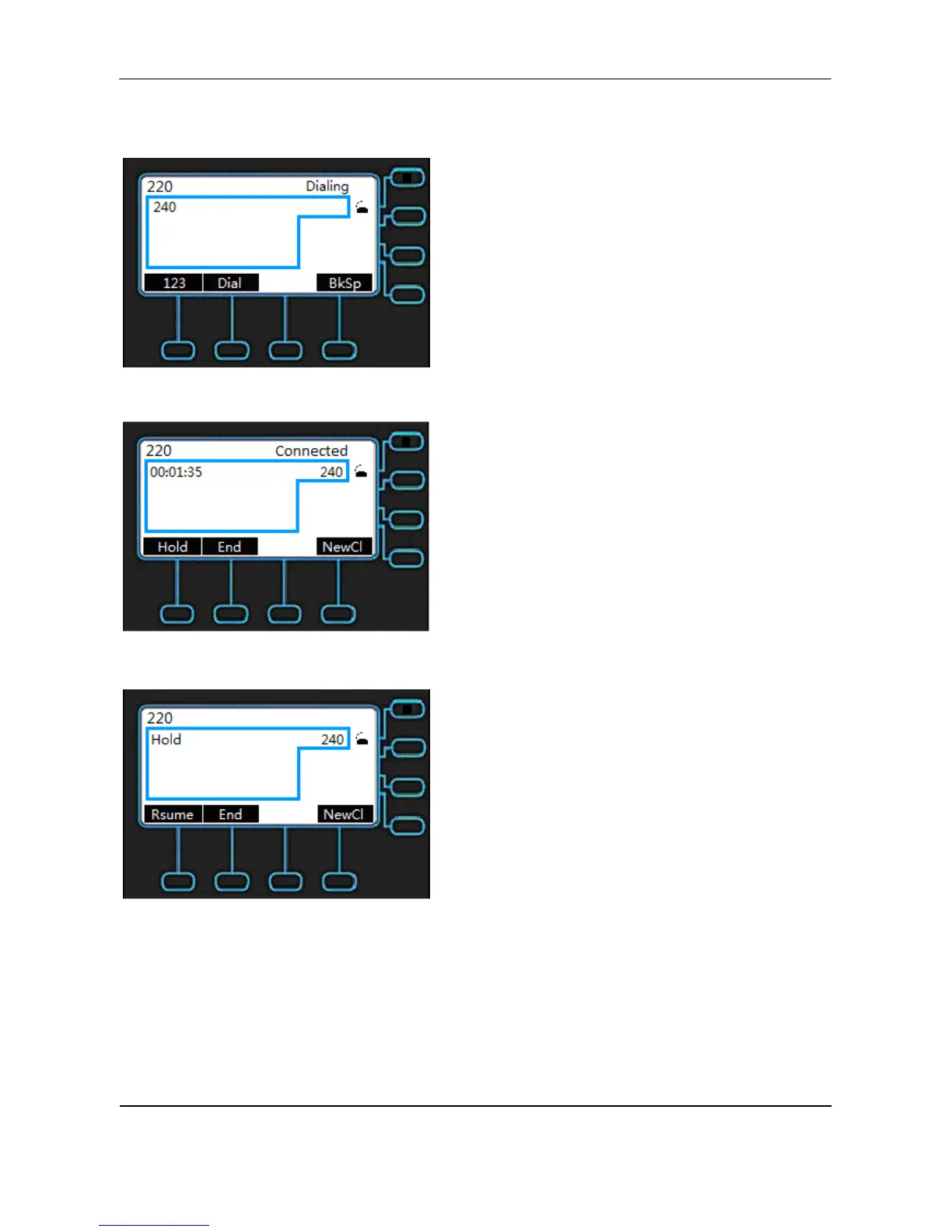
For example, the following screen shows you line 220 has one active call with number 240.
When you dial the number 240, the number you dial will show on the LCD.
When the call party answers the call, the LCD will show as below.
Press the Hold key to keep this call.
You can make a new call on the same line by pressing NewCl.



 To Next Page