M62 Professional IP Deskphone Administrator’s Manual
- 2 -
If you press Navigation OK, phone will save the settings.
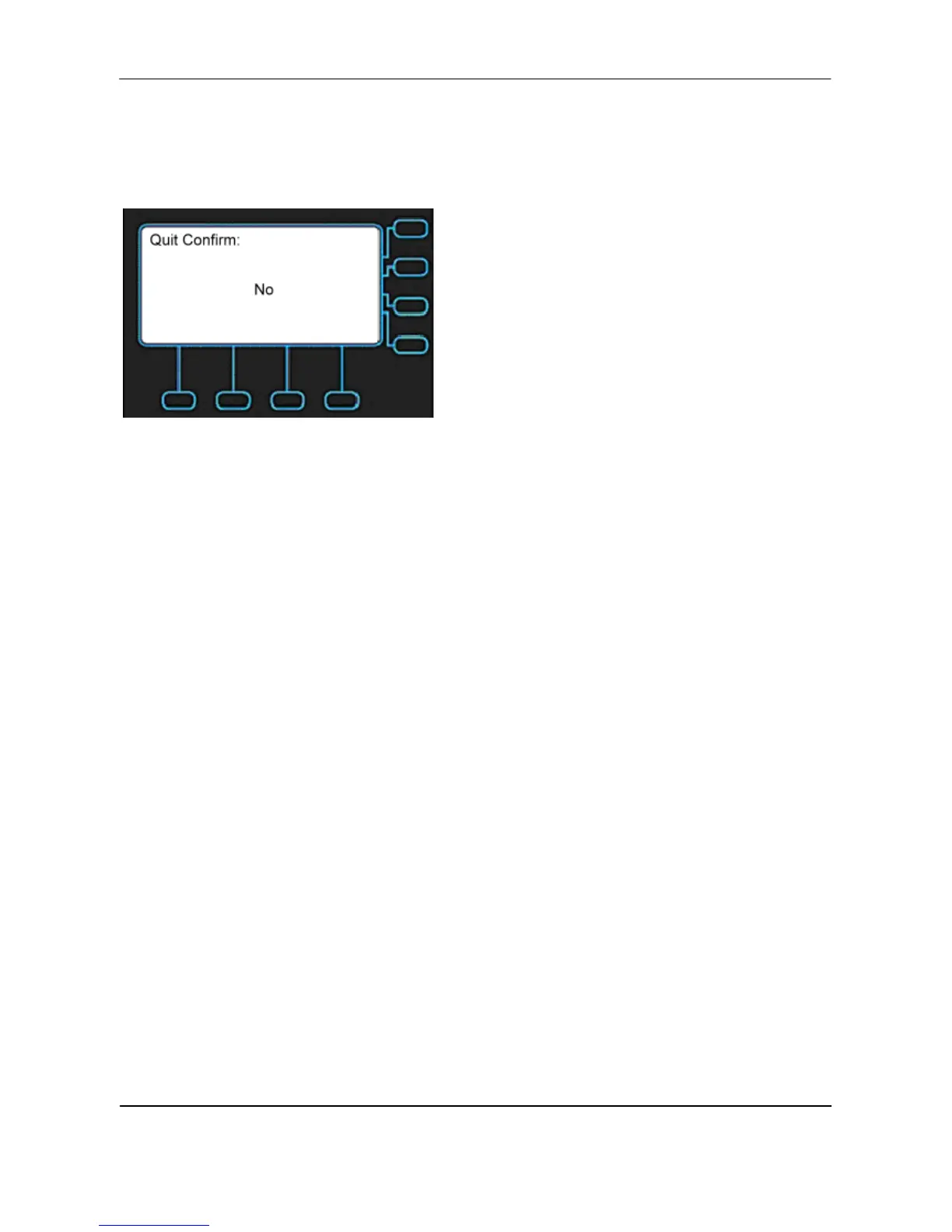
If you press Navigation Up and Down, phone will change the screen to the following screen:
If choose No, phone will not save the settings. You will exit the screen and could
continue to configure your phone.



 To Next Page