Moneris Core® Move/5000: Using Your Terminal 8
Main menu
To navigate to the Main menu, refer to Getting to the Main menu on page 7.
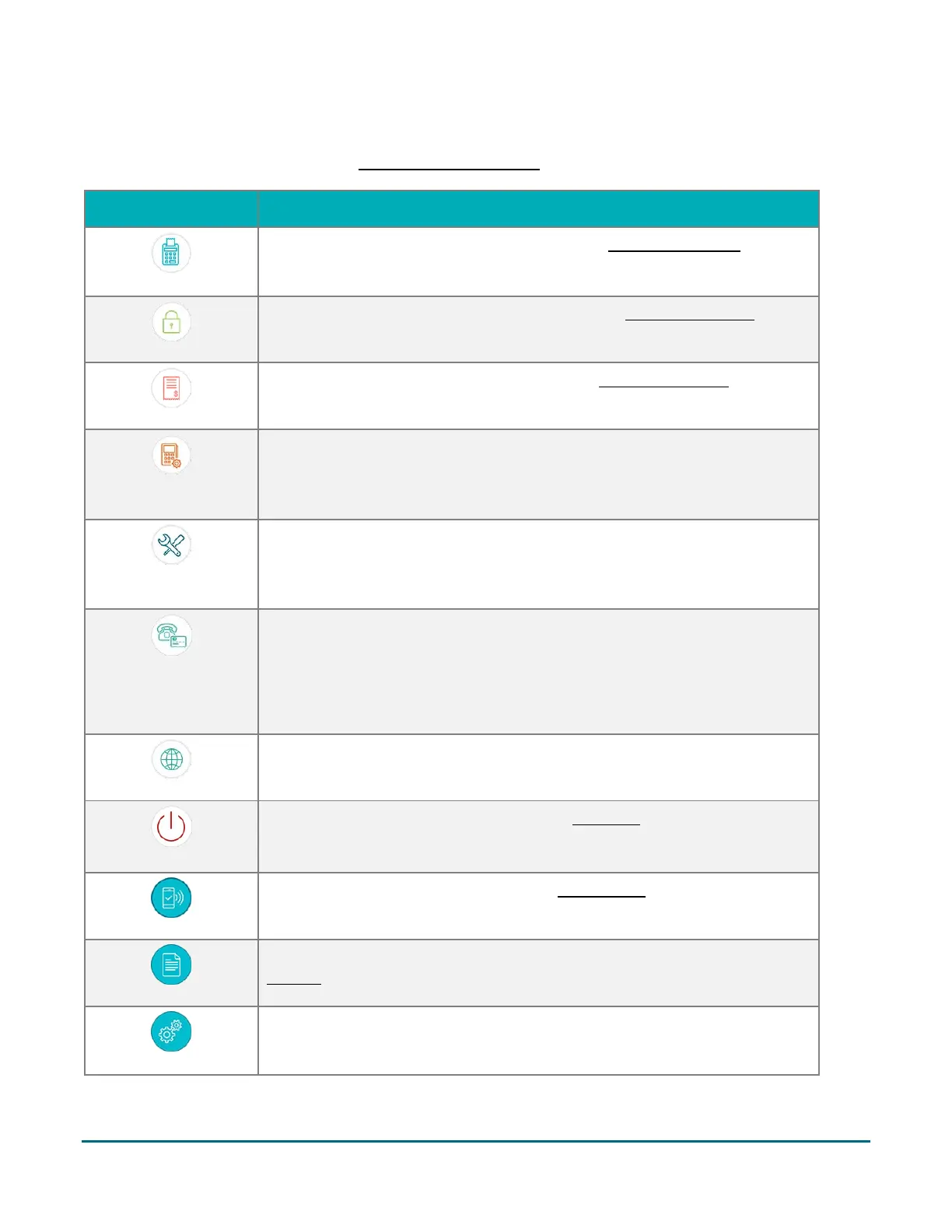
Reprint the last receipt or another receipt. Go to Reprinting receipts on page
30.
Lock the screen using a temporary lock code. Go to Locking the screen on
page 10.
Close your batch and print batch reports. Go to End of day process on page
37.
Launch the Quick Setup procedure to set up the most common settings on
your terminal. Go to “Edit your settings using the Quick Setup menu” in the
Move/5000 Setting up Your Software guide available at
moneris.com/support-move5000.
Display the Software Update menu. You can check for software updates, sync
your settings with the Moneris cloud, or sync all functions with the Moneris
host. For more information, go to the Move/5000 Online Operating Manual
available at moneris.com/support-move5000.
Turn on or off the ability to process financial transactions when the
customer’s card is not present; for example, email and telephone orders. For
more information, go to the Move/5000 Online Operating Manual available
at moneris.com/support-move5000.
Note: If this function is off, the icon will not appear on the main menu.
Set the language of the terminal to French or English. Tap the icon, select a
language, and tap Save.
Tap this icon to power off the terminal. See Power off on page 13 for more
information.
Display the Transactions menu. Go to the Transactions section on pages 15-28
for transaction guidelines and instructions for each procedure.
Display the Reports menu to run reports on transactions or on settings. Go to
Reports on page 33.
Display the Settings menu. For information and instructions for all settings, go
to the Move/5000 Online Operating Manual available at
moneris.com/support-move5000.



 To Next Page