Moneris Core® Move/5000: Using Your Terminal 14
Card entry options
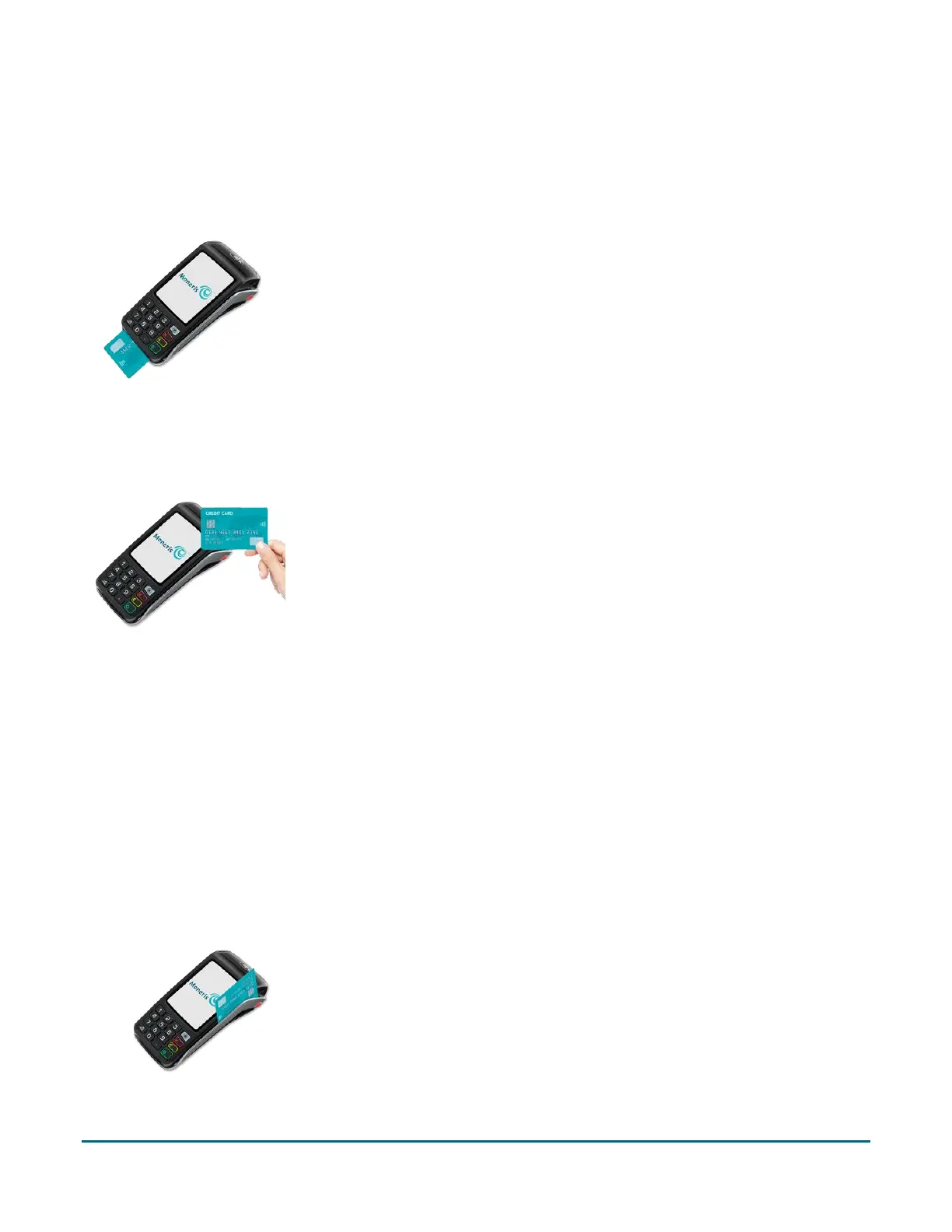
Insert: Chip cards
1. The screen displays “Tap, insert, or swipe”.
2. The customer inserts the card into the terminal’s chip reader.
Note: Unless the device prompts otherwise, do not swipe a chip card
even if the card has a magnetic stripe.
3. The customer may be prompted to key in a PIN.
4. The chip card must remain inserted until the screen displays “Please
remove your card”.
Wave/Tap: Contactless cards
1. The screen displays “Tap, insert, or swipe”.
2. The customer taps their card over the embedded contactless
reader which is located behind the display screen.
Note: The card must be tapped or waved by itself (the
customer cannot leave the card in their wallet and wave it over
the contactless reader).
Note: If the customer is using a mobile device, they may be
directed to enter a passcode on their smartphone or tablet.
3. Note the following:
Your merchant account must be configured for contactless functionality.
Only Purchases, Refunds, and Balance Inquiries can be processed using a contactless card.
The transaction amount must be equal to or less than the contactless transaction limit set for
the card. If the amount is greater than the contactless limit for the card, when the customer
taps their card, the terminal displays “Limit exceeded” followed by “Insert or swipe”. To
complete the transaction for the same amount, the customer inserts or swipes their card.
Swipe: Magnetic stripe cards
1. The screen displays “Tap, insert, or swipe”.
2. The customer swipes the card on the terminal’s magnetic stripe
reader.
Note: If the card has a chip, the card must be inserted into the
terminal’s chip reader.



 To Next Page