Moneris Core® Move/5000: Using Your Terminal 5
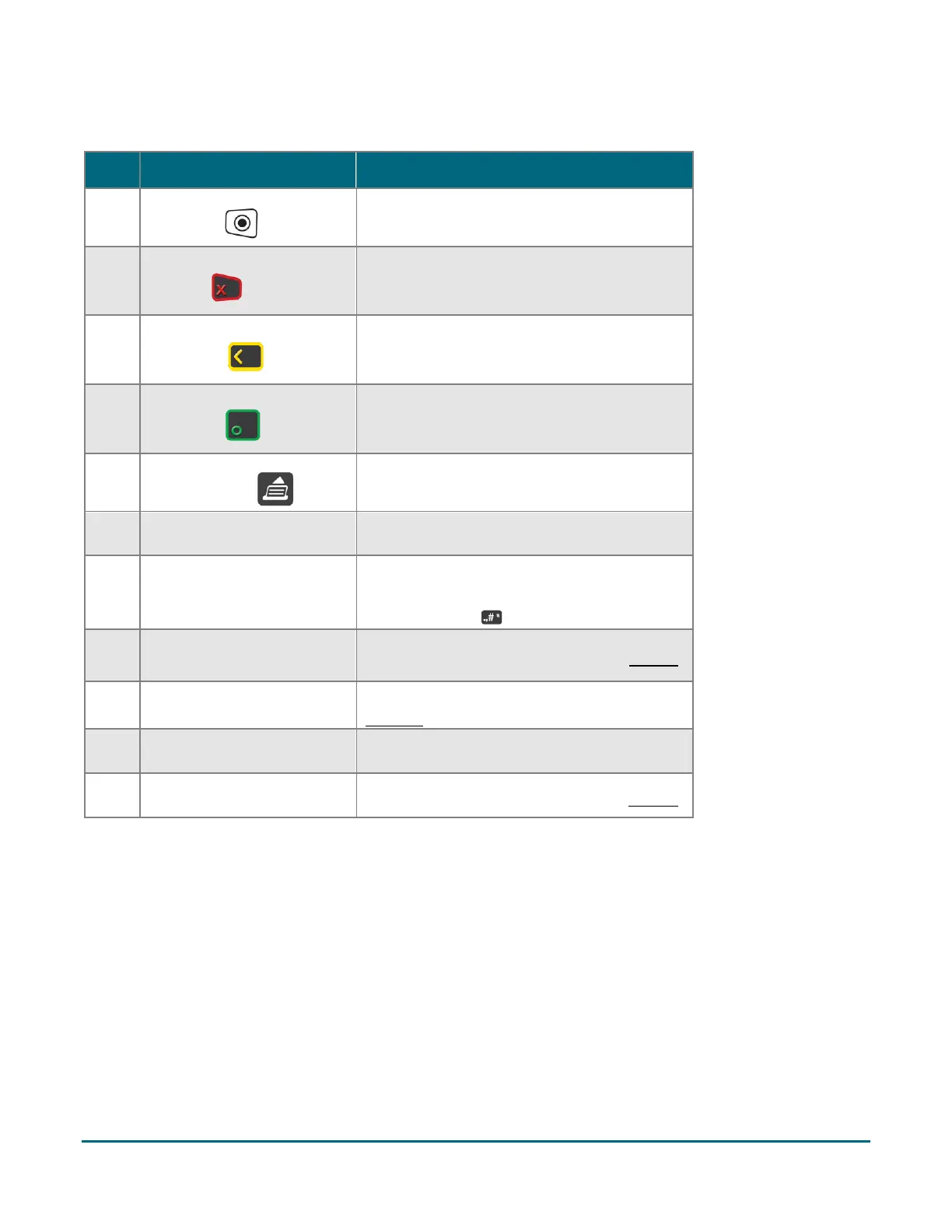
Terminal keys and hardware
Cancel a transaction or function.
(Same as tapping the Cancel button on the
display screen)
Delete one or more characters in a data field.
(Same as tapping the Delete button on the
display screen)
Accept or submit data.
(Same as tapping the OK button on the
display screen)
Advance the receipt paper.
Print receipts and reports.
Enter numerical data.
To enter a period or other punctuation, use
the punctuation key.
Read card information when a card is swiped.
Read card information when a chip card is
inserted.
Contactless reader (internal)
Read card information when a card is tapped.



 To Next Page