Moneris Core® Move/5000: Using Your Terminal 28
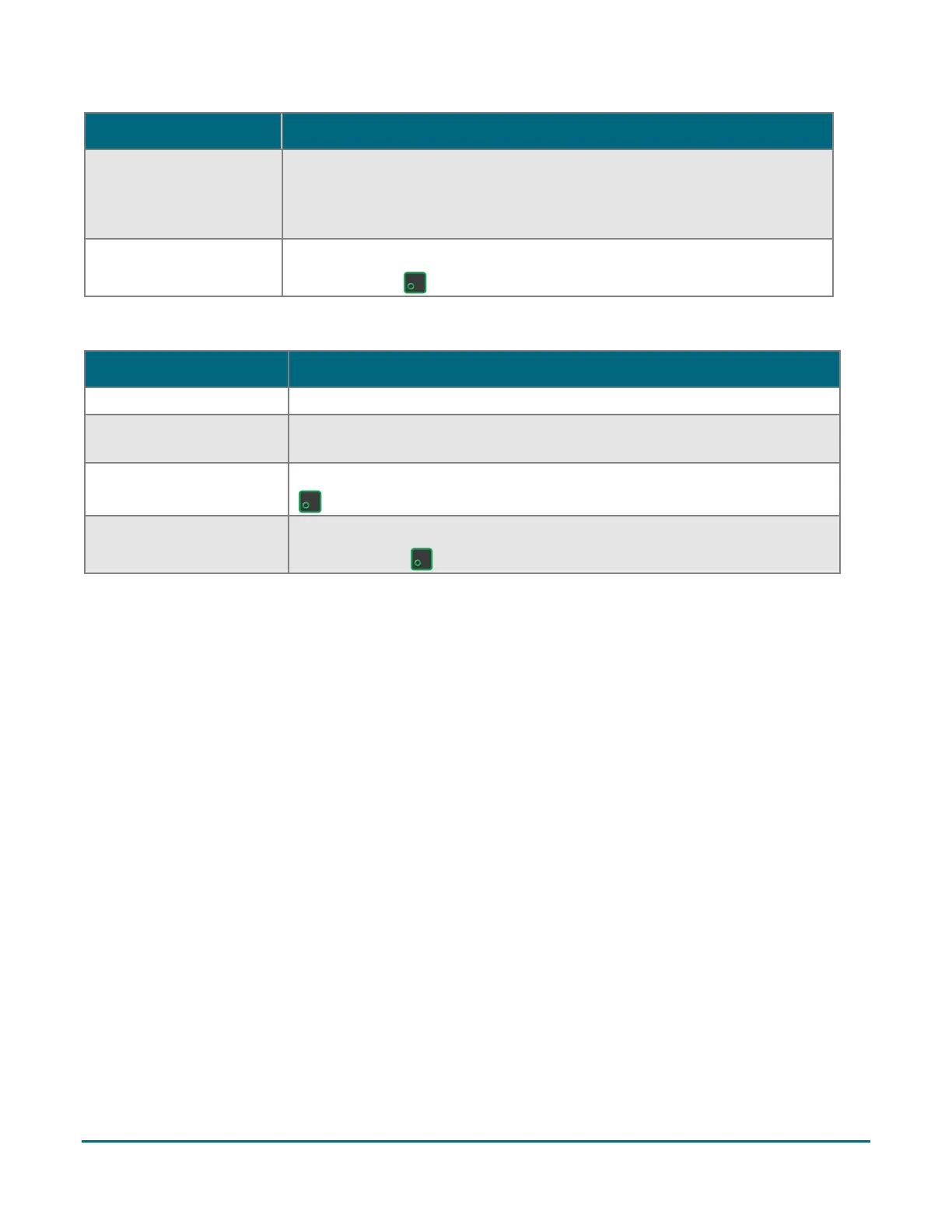
How would you like your
receipt?
1 Email, 2 Text, 3 Print,
and 4 None
The customer selects a receipt format by tapping one of the options on
screen or by pressing the corresponding number on the keypad.
Please pass the terminal
back to the clerk
The customer passes the terminal back to you.
Press the green key continue.
Void
The customer inserts or swipes their card. Tap is not allowed.
Which account would you
like to use?
The customer taps 1 Chequing or 2 Savings, or presses the corresponding
number keys on the keypad.
The customer uses the keypad to enter their PIN, then presses the green
key.
Please pass terminal back
to clerk
The customer passes the terminal back to you.
Press the green key continue.



 To Next Page