10
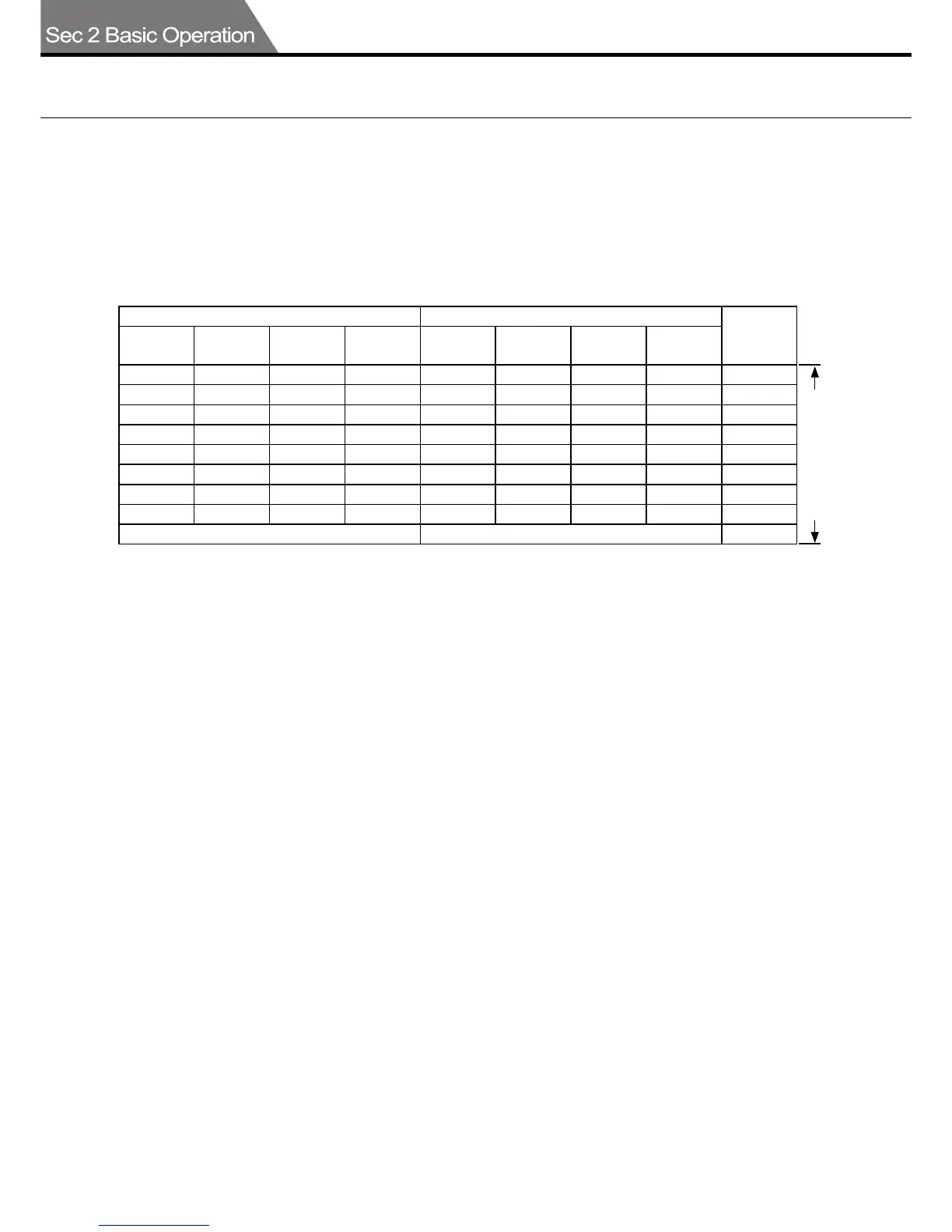
788x1091mm kg (weight in kilos) 636x939mm kg (weight in kilos)
Thickness
mm
Fine
paper
Craft type
Coated
paper
Artist
papers
Fine
paper
Craft type
Coated
paper
Artist
papers
90 90 90 62.5 62.5 62.5 0.12
110 110 110 76.5 76.5 76.5 0.15
135 135 135 93.5 93.5 93.5 0.18
16 0 111 0. 21
180 180 125 0.24
200 139 0.26
220 153 0.29
240 167 0.34
280 280 0.40
Paper compatibility
range within specs.
1.
AUTOCUTTER PAPER
ع Paper types and weights (thickness)
Use the following table as a guide when selecting paper types and weights (thickness) that can
be used for paper cutting.
Using other types of paper than in the table below may cause paper feed errors or paper jams or
defective cutting so check that the paper is compatible with the autocutter before using.
Thickness may vary according to the paper production lot and paper quality.
Fine paper (dedicated paper) used in printers is generally shown by weight (g/m
2
) and weight
(thickness). The weight (g/m
2
) is within a spec. range of approximately 105 to 325 g/m
2
.
ع Check the paper curl before using
To ensure cutting performance, place the paper on a level mount (or stand) and check the
amount of paper curl. Use only paper with a curl of less than 5 mm on the upper (or lower) side.
Using paper with a curl of 5 mm or more may cause irregular cutting precision.
ع Handling the paper
■ Using paper with heavy electrostatic charges or extremely slippery paper or specially treated
paper may sometimes cause paper blockages or feed errors or cutting mistakes. Make sure
you use the correct paper before starting work.
■ Avoid storing the paper in the following locations.
•Locations with high heat and/or humidity,•locations exposed to direct sunlight, •locations with
large quantities of dust, •locations with sparks, •locations subject to sudden changes in tem-
perature or humidity.
■ To prevent paper jams or blockages, set the paper in the feed tray after opening the package.
■ Paper with a large amount of curl may cause paper jams or feed errors. Correct the curl in the
paper by hand and then set it in place.
■ Use only the same type of paper when setting paper in the feed tray. Using different types of
paper at the same time may cause paper feed errors or paper jams.
■ Using the autocutter in high temperature - high heat environments may cause paper wrinkles,
curls or paper damage, etc. If such problems occur, switch to an air-conditioned environment.
■ Printing on paper containing the powder used in offset printing may cause paper feed errors
or paper jams.



 To Next Page