ioLogik E1200 Series Activation Process for the EtherNet/IP Function
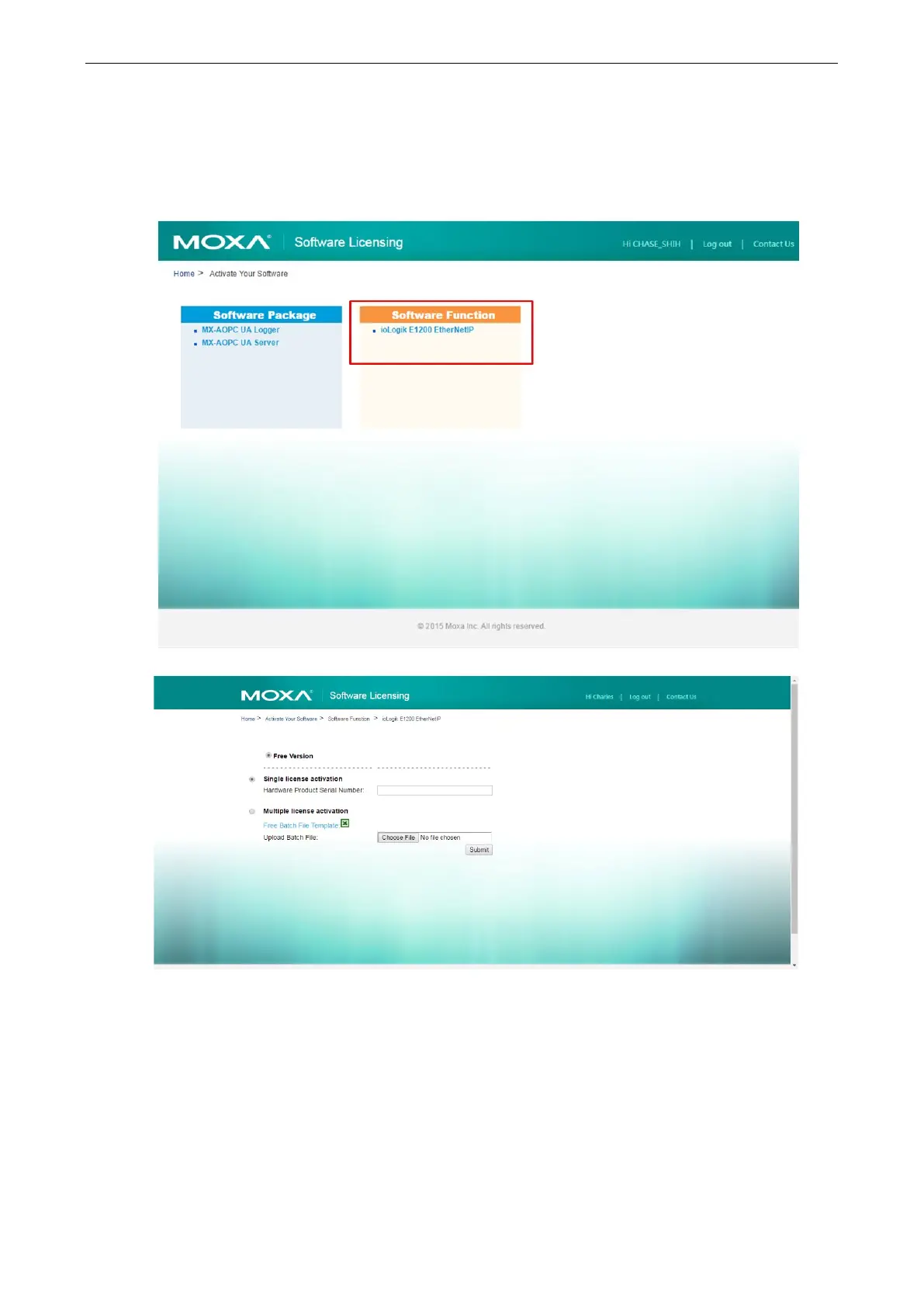
Step 4: Register the device on the Moxa Licensing Server
Click the ioLogik E1200 EtherNet/IP link to go to the registration page. The Moxa Licensing Server provides
two ways to complete the registration process. To register a single product, simply input the serial number. To
register multiple products, you will need to input serial numbers in a special format. The template for multiple
device activation can be downloaded below.







 To Next Page