MiiNePort E2/E3 Choosing the Configuration Tool
Utility Console
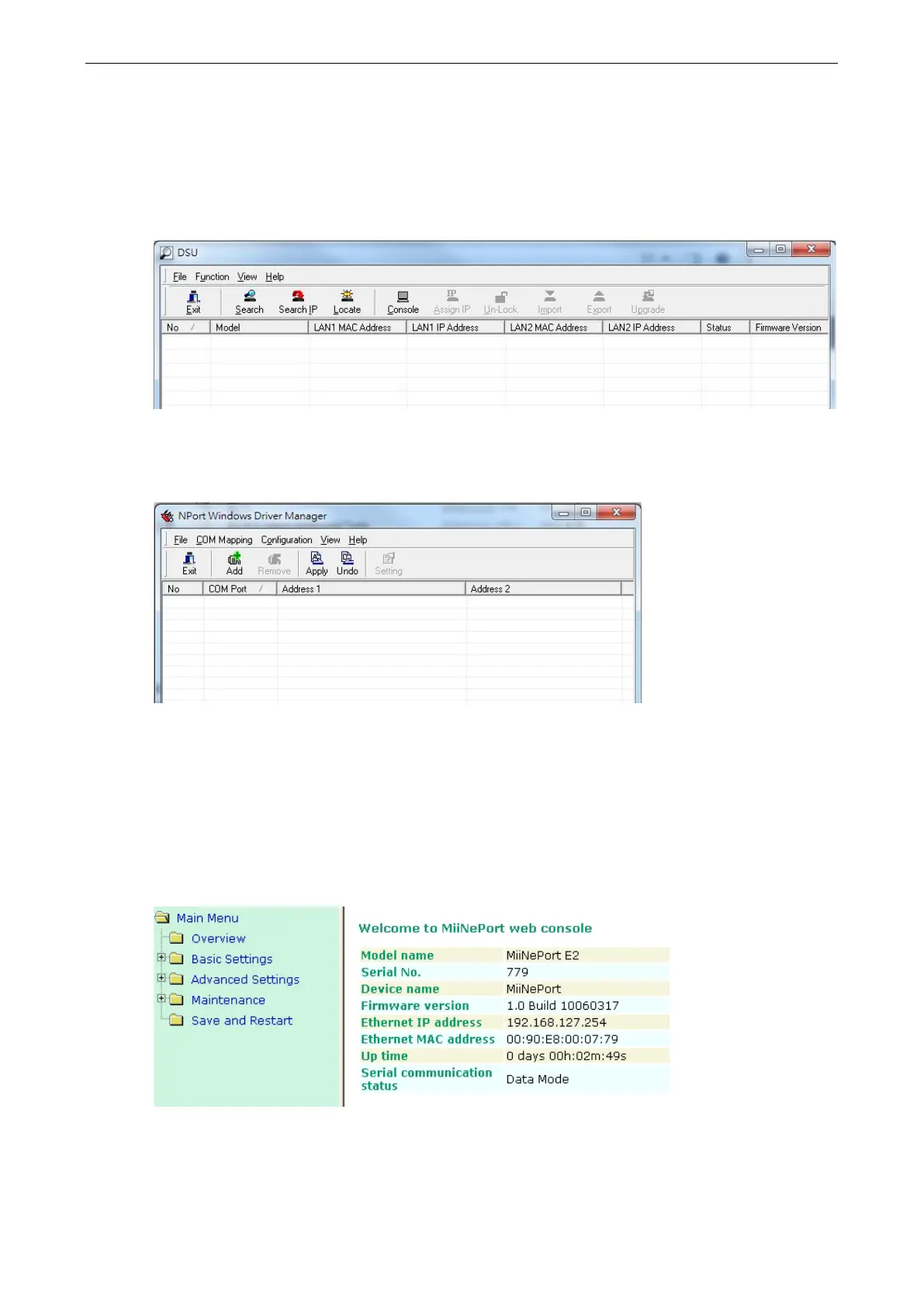
Device Search Utility
You can find the Device Search Utility on the CD-ROM that came with your product. NPort Search Utility is
designed for Windows and is mainly used to search for the MiiNePort modules and for assigning IP addresses.
Refer to the Web Console for additional configuration information.
NPort Windows Driver Manager
NPort Windows Driver Manager is intended for use with Real COM mode. The software manages the installation
of drivers that allow you to map unused COM ports on your PC to serial ports on the MiiNePort.
Refer to Chapter 6: Utility Console and Driver Installation for details on how to use the Device Search
Utility and NPort Windows Driver Manager.
Web Console
After locating a MiiNePort with the Device Search Utility, you may configure the MiiNePort using a standard web
browser. Refer to Chapter 7: Web Console Configuration for details on how to access and use the MiiNePort
web console.



 To Next Page