MiiNePort E2/E3 NetEZ Technologies
EZPower
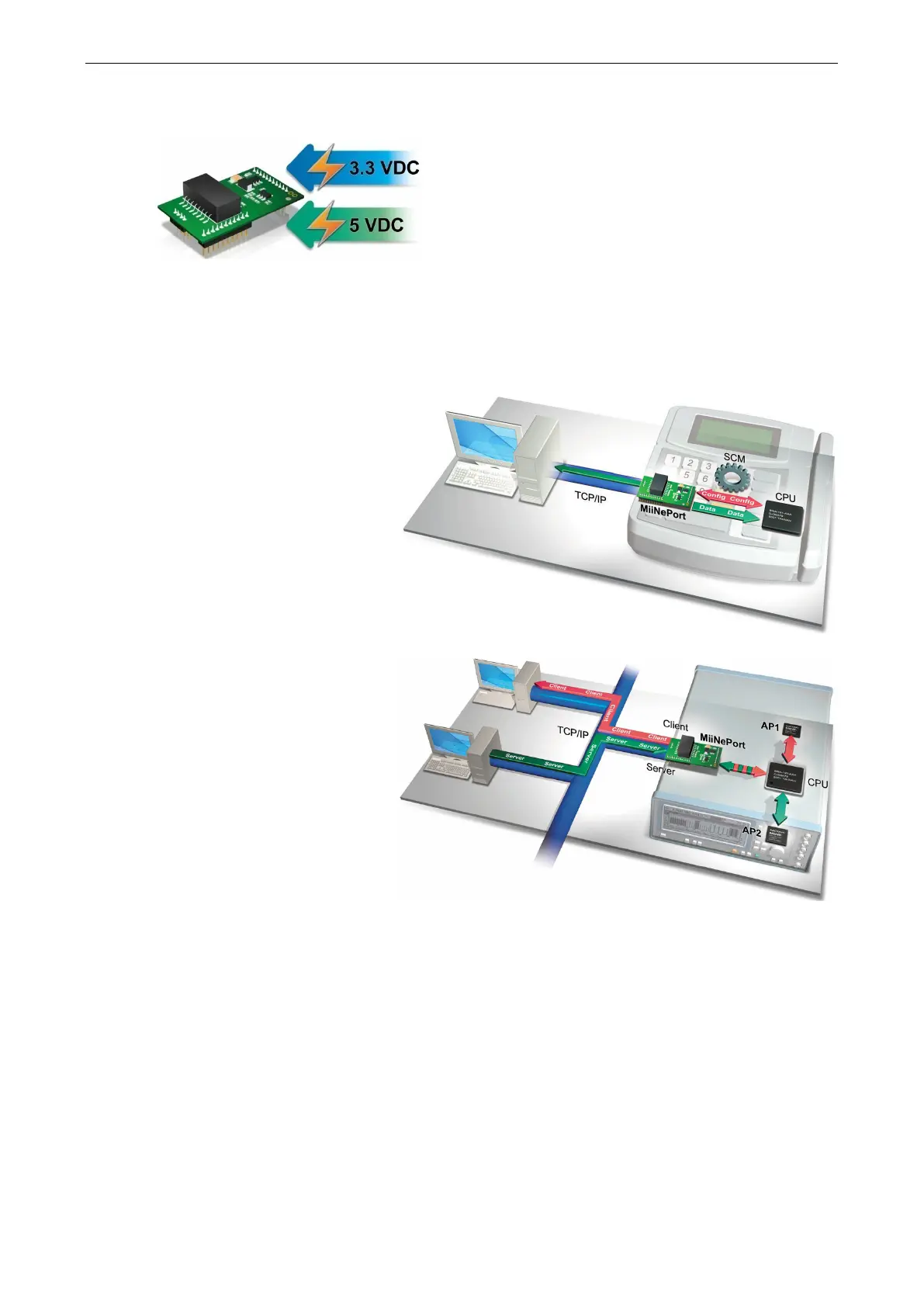
The EZPower function makes it easy to configure the MiiNePort’s input voltage. Use EZPower to configure the
MiiNePort’s system power input to either 3.3 VDC or 5 VDC.
SCM (Serial Command Mode)
SCM (Serial
utility allows the
module’s parameters to be retrieved or
configured through the serial port,
rather than over the network. This is
done through the use of specially
parsed commands sent to the module
through its s
erial port.
your device
has already been used in actual
applications and you need to change
the MiiNePort’s configuration, such as
changing the device’s IP address by
using your device’s key pad.
Refer to Chapter 7: Web Console Configuration for the most appropriate way to use SCM for your
application.
Refer to Appendix A: Introduction to SCM (Serial Command Mode) Command Set for detailed
instructions on using SCM commands.



 To Next Page