MiiNePort E2/E3 Web Console Configuration
Serial Command Mode (SCM)
SCM (Serial Command Mode) uses serial communication between the MiiNePort and your device’s main
system to configure the MiiNePort. The configuration is usually done while the device is operating. For more
details about SCM commands, see Chapter 8: NetEZ Technologies.
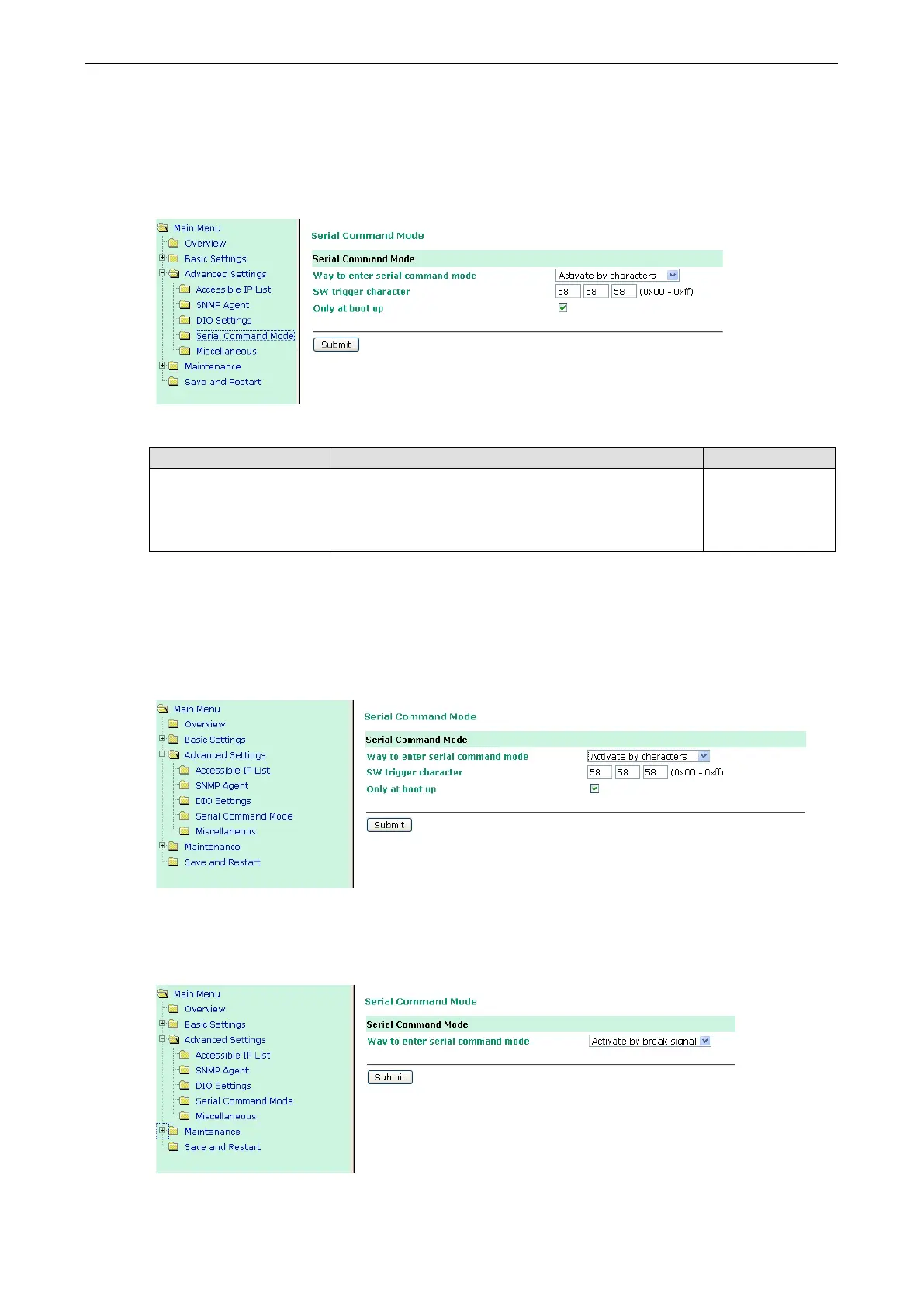
Way to enter serial command mode
Setting Factory Default Necessity
Disable,
H/W control pin (DIO1),
Activate by characters,
Activate by break signal
Activate by characters (Only at boot up) Required
There are three ways to access SCM:
H/W control pin (DIO 1): Access SCM by pulling JP3 Pin4, the DIO1, to ”low.”
Activate by characters: Access SCM by sending the MiiNePort’s configurable three characters from your
device’s main system. Check the Only at boot up checkbox if you would like this action to only be effective
when the MiiNePort is booting up.
Activate by break signal: Break signals are created by sending continuous Spacing values (i.e., no Start or
Stop bits). The absence of an electric signal on the data circuit is interpreted as a Break signal. The Break signal
must be of duration longer than the time it takes to send a complete byte plus Start, Stop, and Parity bits.



 To Next Page