MiiNePort E2/E3 Introduction
LED Indicators
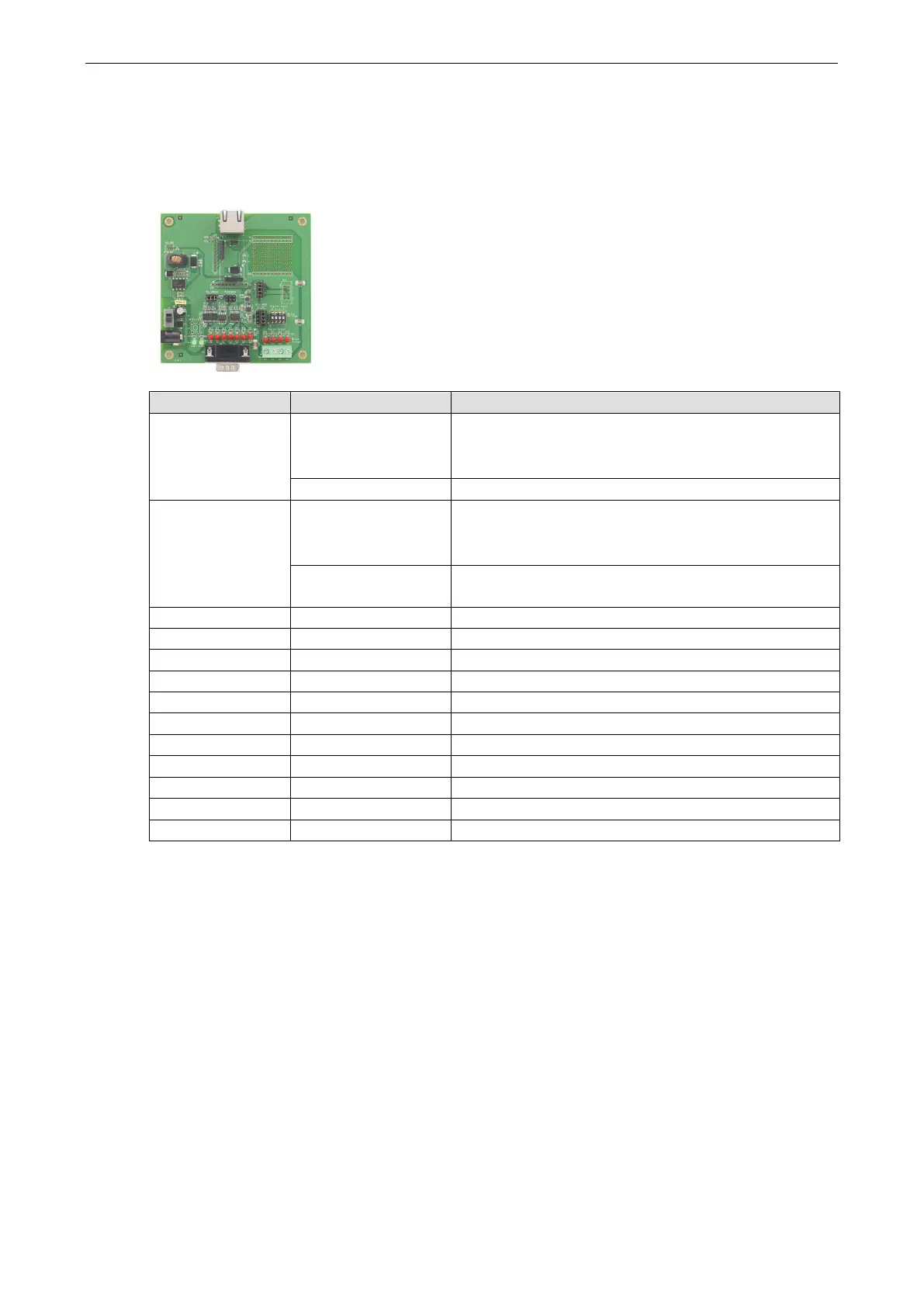
MiiNePort Evaluation Board
LED Name Color Description
Power Off 1. Power is off
2. A power error condition exists
3. System error
Green, Steady On Indicates that the power is on.
Ready Green, Blinking every 1
sec.
1. The device server has been located by NPort search
utility’s location function.
2. Auto Config complete.
Green, Blinking every
0.5 sec.
Indicates a LAN IP conflict, or the
not respond properly.
TXD / LED D3 Red Indicates that TXD has a signal.
RXD / LED D4 Red Indicates that RXD has a signal.
Indicates that DTR has a signal.
CTS / LED D6 Red Indicates that CTS has a signal.
DSR / LED D7 Red Indicates that DSR has a signal.
DCD / LED D8 Red Indicates that DCD has a signal.
RTS / LED D9 Red Indicates that RTS has a signal.
DO0 / LED D10 Red Indicates that DO0 is in “low” (0) status.
DO1 / LED D11 Red Indicates that DO1 is in “low” (0) status.
DO2 / LED D12 Red Indicates that DO2 is in “low” (0) status.
DO3 / LED D13 Red Indicates that DO3 is in “low” (0) status.



 To Next Page