MiiNePort E2/E3 Utility Console and Driver Installation
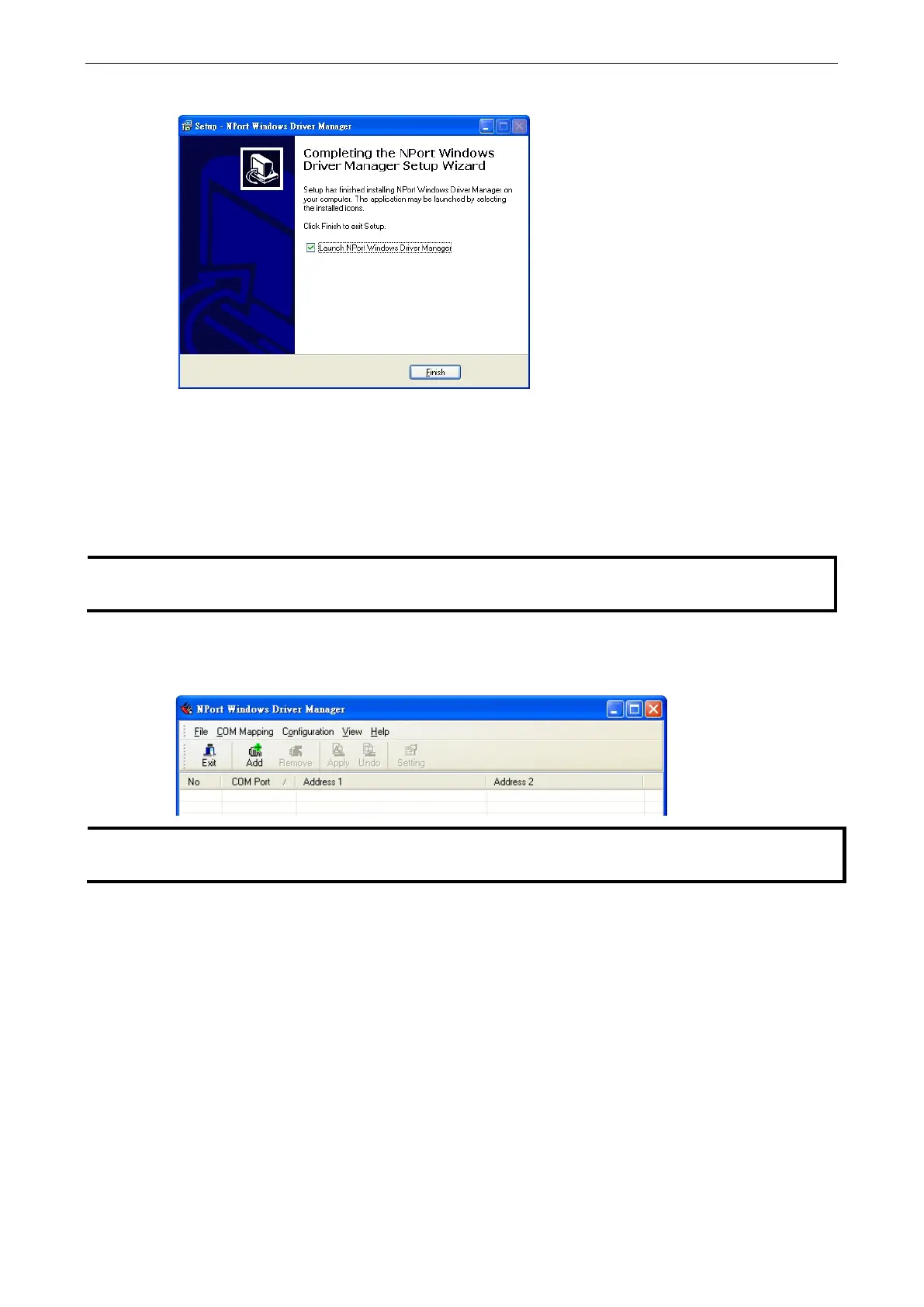
6. Click Finish to complete the installation of NPort Windows Driver Manager.
Using NPort Windows Driver Manager
After you have installed the NPort Windows Driver Manager, you can set up the MiiNePort’s serial port, which
is connected to your device’s main board, as remote COM ports for your PC host. Make sure that the serial port
on your MiiNePort is already set to Real COM mode when mapping COM ports with the NPort Windows Driver
Manager.
Chapter 7: Web Console Configuration to learn how to configure your MiiNePort to Real COM
1. Go to Start NPort Windows Driver Manager NPort Windows Driver Manager to start the COM
mapping utility.
2. Click the Add icon.
Users running Windows Vista and Windows 7 will see a
User Account Control pop-
up and should allow the
program.



 To Next Page