MiiNePort E2/E3 Web Console Configuration
Auto report to
Setting Factory Default Necessity
E.g., 192.168.1.1 or URL (IP
addresses of the form x.x.x.0 and
x.x.x.255 are invalid.)
None Optional
Auto report to TCP port
Setting Factory Default Necessity
E.g., 4001 4002 Optional
If left blank, auto IP reporting is disabled. If an IP address is entered along with a TCP port number, the IP
address reports will be sent to the specified address and port number.
Auto report period
Setting Factory Default Necessity
Time interval (in seconds) 10 Optional
The Auto report period field specifies how often the module will report its IP address. For example, if the auto
report period is set to 10 seconds, an IP address report will be sent every 10 seconds.
ATTENTION
The module will send IP address reports only when assigned an IP address from a DHCP or BOOTP server. If
a connection to a DHCP or BOOTP server is not available, IP address reports will not be sent.
Maintenance
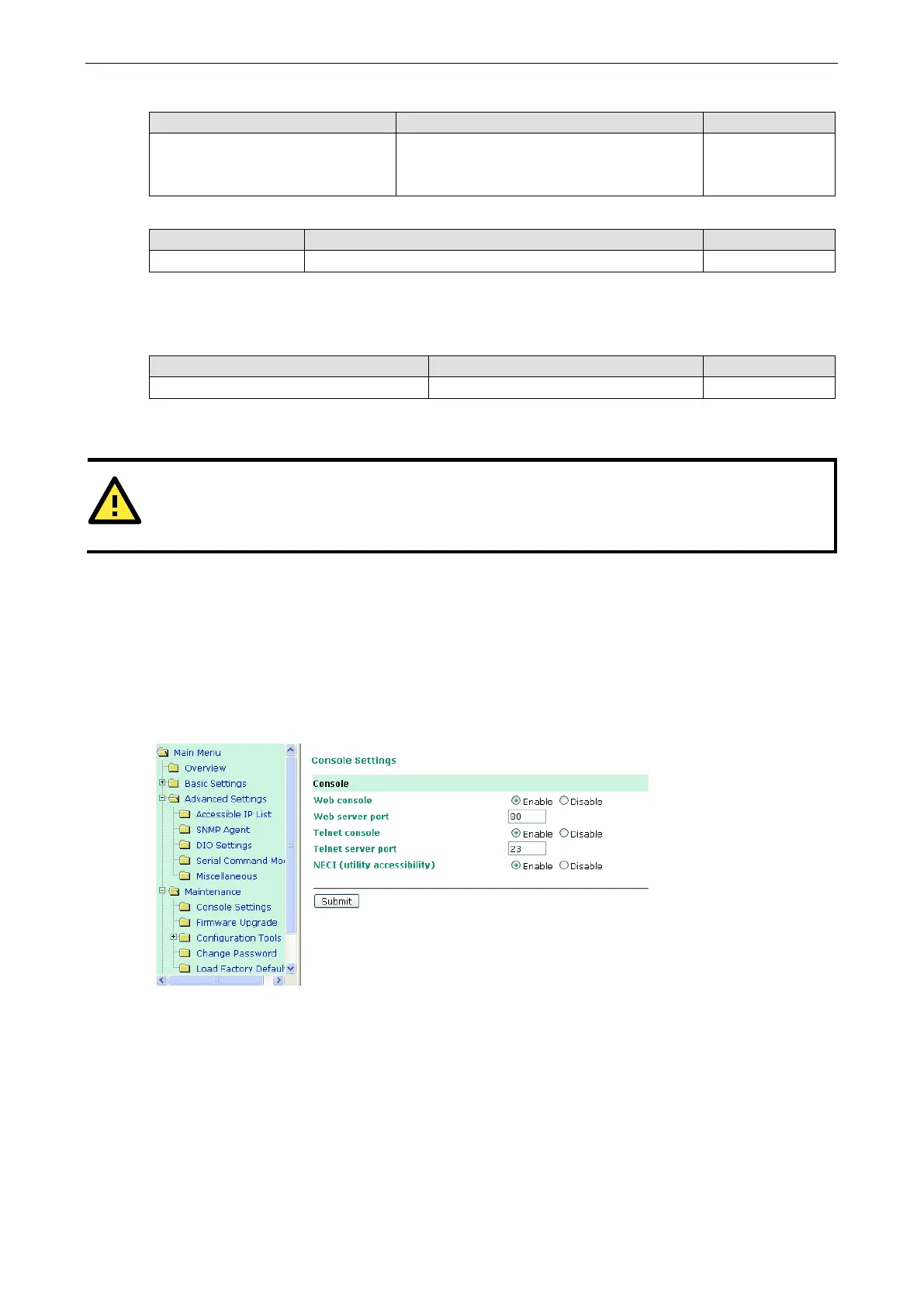
Console Settings
You can enable or disable the Web, Telnet, and Utility console functions on the Console Settings page. In
addition, you can configure the port numbers for the web Telnet servers.
Firmware Upgrade
The MiiNePort’s firmware can be upgraded though the web console, or through the Device Search utility. If you
have made any changes to your configuration, remember to save the configuration first before upgrading the
firmware. Refer to the Save Configuration section in this chapter for more information. Any unsaved changes
will be discarded when the firmware is upgraded.



 To Next Page