MiiNePort E2/E3 Utility Console and Driver Installation
Device Search Utility (DSU)
Installing the Device Search Utility
1. Click the INSTALL UTILITY button in the MiiNePort Installation CD to install the Device Search Utility.
Once the program starts running, click Yes to proceed.
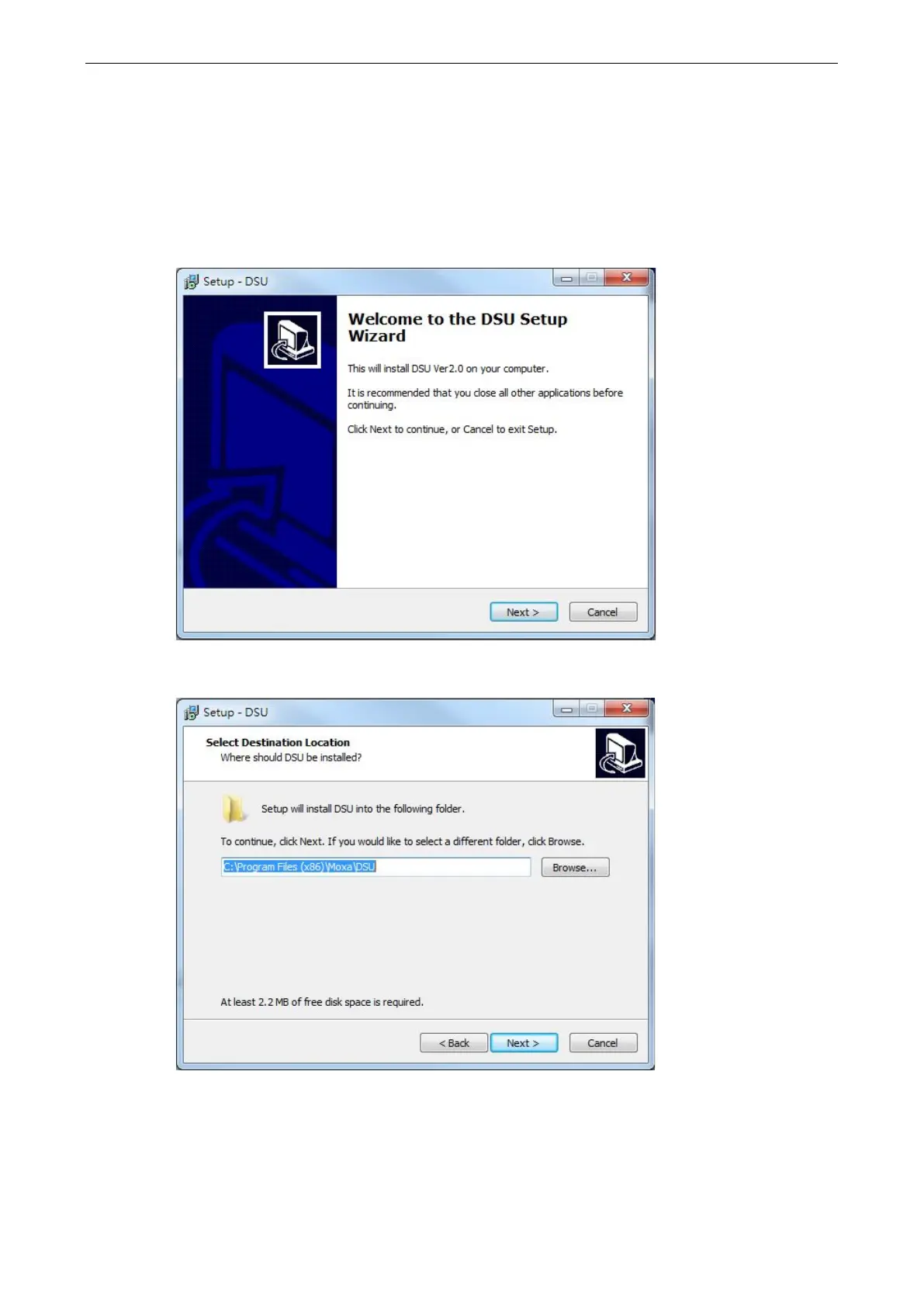
2. Click Next when the Welcome screen opens to proceed with the installation.
3. Click Browse to select an alternate location and then click Next to install program files to the directory
displayed in the input box.



 To Next Page