MiiNePort E2/E3 Utility Console and Driver Installation
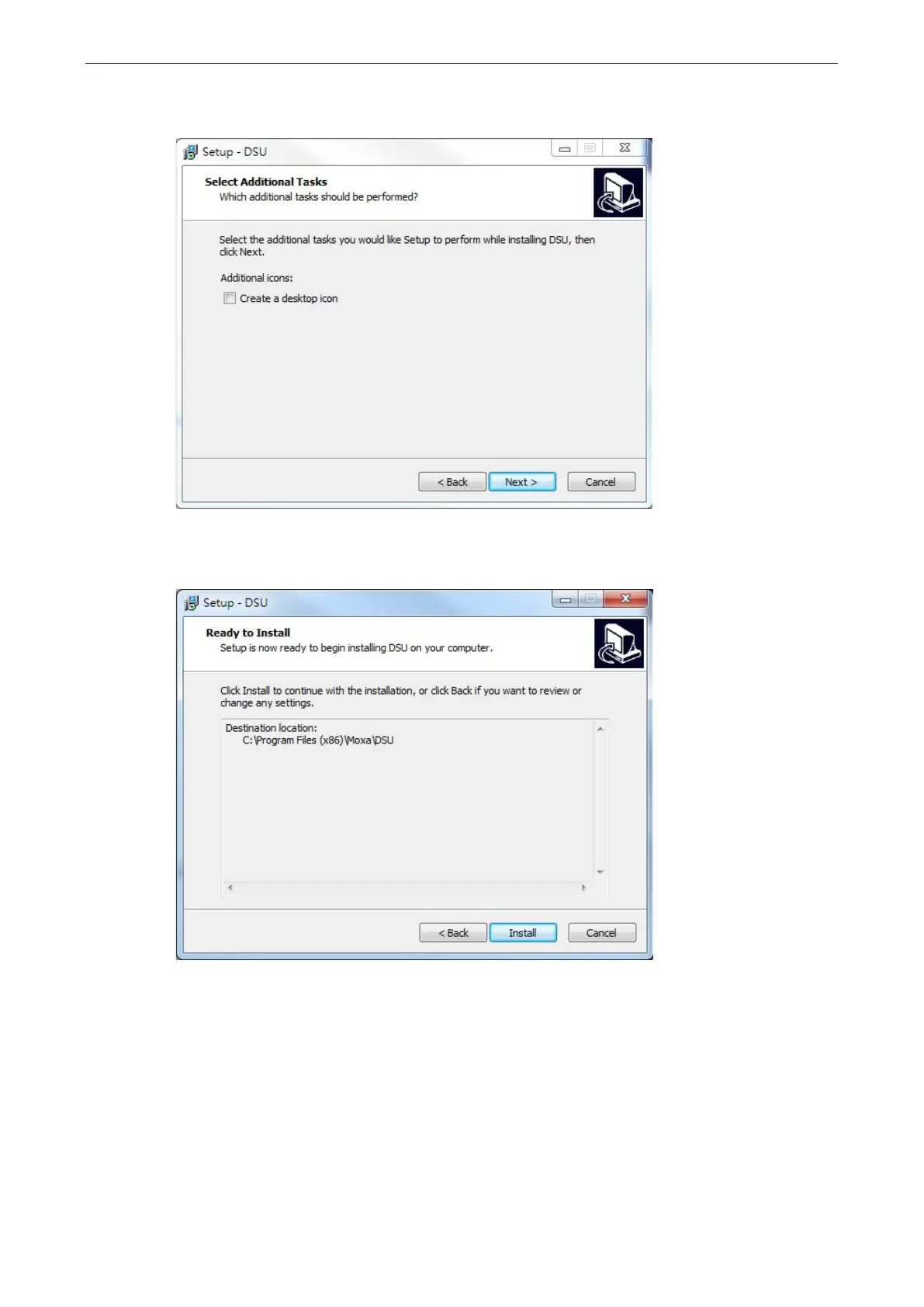
4. Select the additional tasks you would like to set up to be performed while installing the DSU; then, click
Next.
5. The installer will display a summary of the installation options. Click Install to begin the installation. The
setup window will report the progress of the installation. To change the installation settings, click Back and
navigate to the previous screen.



 To Next Page