MiiNePort E2/E3 Web Console Configuration
to establish a TCP/IP connection. When the user enters a website address, the computer asks a DNS server for
the website’s IP address to connect to the web server.
When a DNS server is specified, the module acts as a DNS client and will allow domain names instead of IP
addresses to be used on the web console. The following web console fields support the use of domain names:
TCP Client-Destination IP Address, and IP Address Report Server. Two DNS servers can be specified, DNS
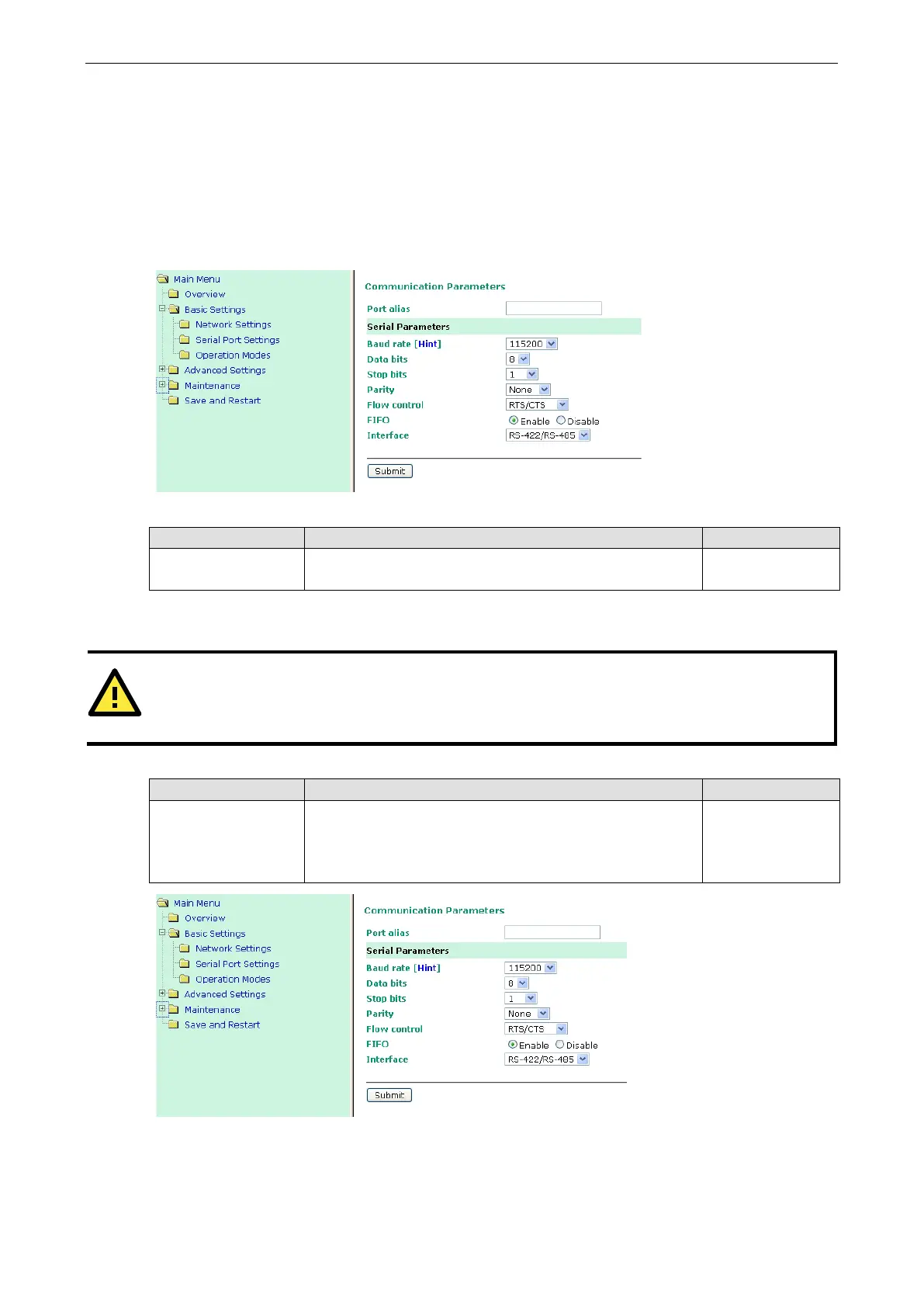
Serial Port Settings
Port Alias
Setting Factory Default Necessity
1 to 15 characters
(E.g., PLC-No.1)
None Optional
This function is designed for future use. You may enter a string to help in the module’s serial port from other
serial ports.
ATTENTION
Refer to the serial communication parameters in your serial device’s user’s manual. The module’s serial
parameters should be the same as the parameters used by you
r serial device.
Baudrate
Setting Factory Default Necessity
50 bps to 921.6 Kbps
(supports
non-standard
baudrates)
115.2 Kbps Required
The MiiNePort supports the Any Baudrate (non-standard baudrate) feature. If your baudrate is not listed,
select Other from the drop-down list and type the baudrate in the input box.



 To Next Page