11 Removal
Messko GmbH 2020 85BA4001150/10 EN MSENSE
®
DGA 2/3
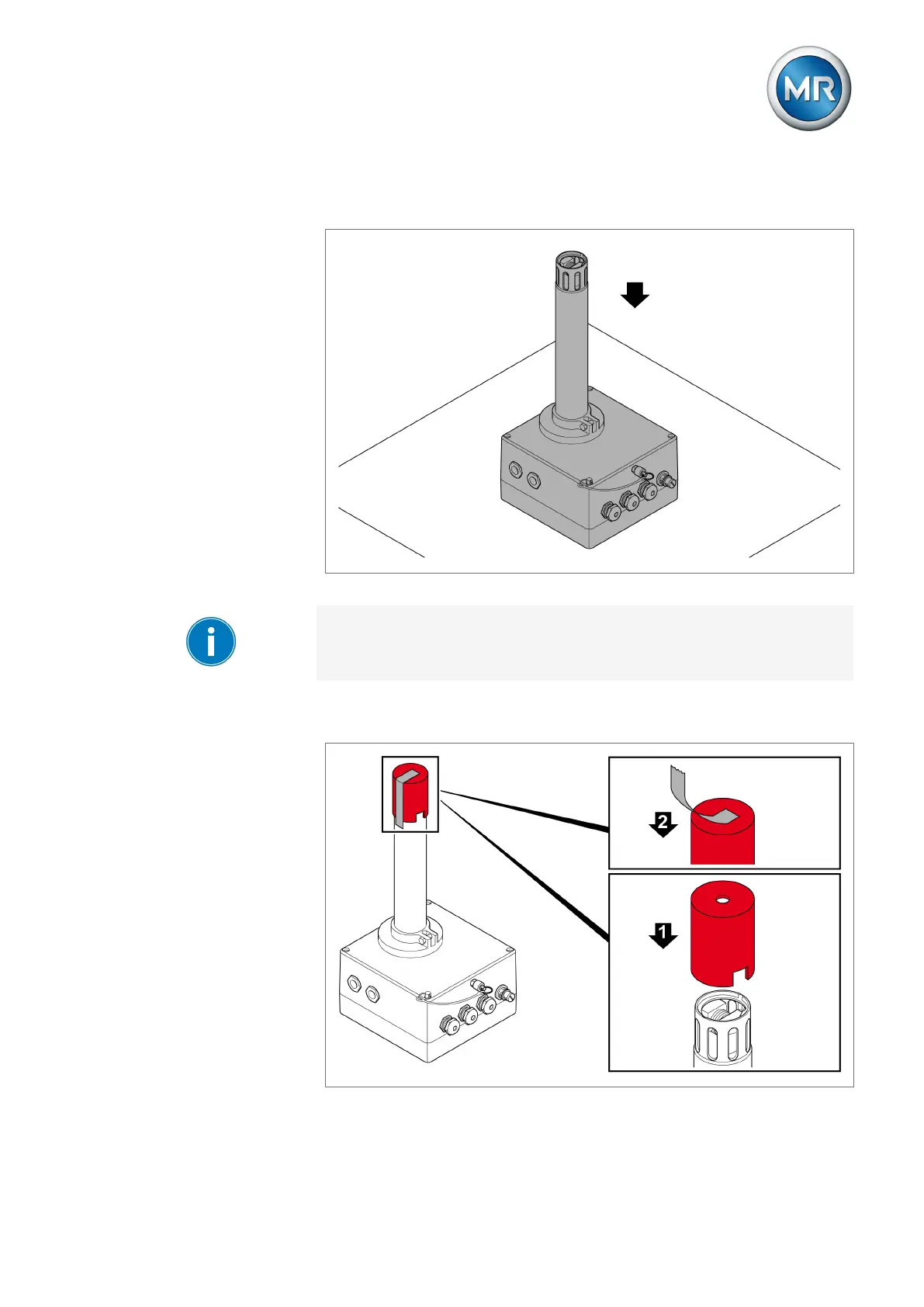
8. Set the device down securely on a scratch-resistant and non-slip level
surface.
Figure65: Setting the device down securely
When doing so, ensure that the display of the device version with display is
not damaged.
9. Place the supplied red protective cap onto the measuring pipe and close
the protective cap opening with adhesive tape.
Figure66: Placing the protective cap



 To Next Page