Otherwise, see chapter 3.3 .
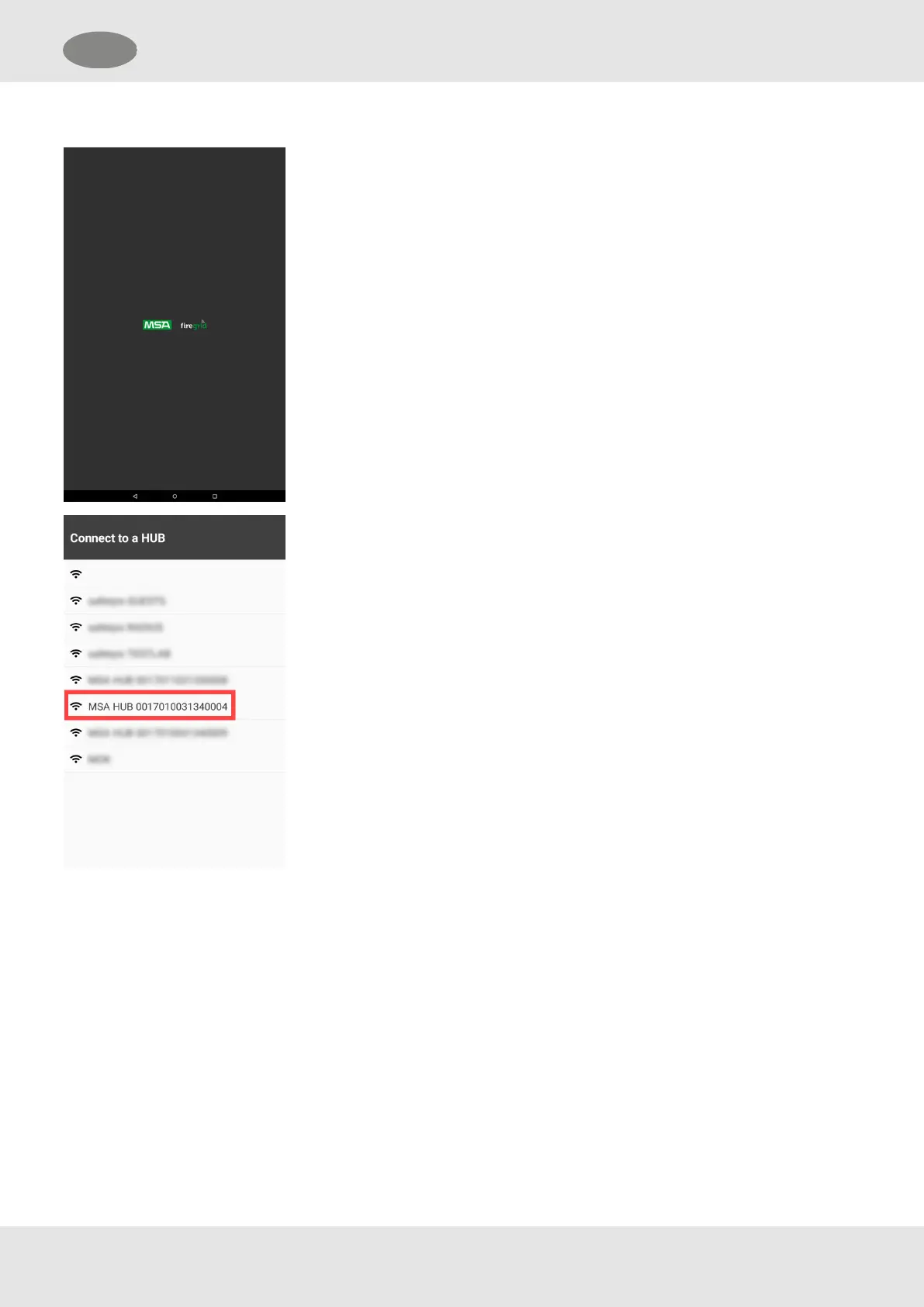
1. Turn on the Entry Control Board.
a. Press the power button for about 5 seconds.
The tablet computer automatically starts the ECB app.
The ECB is searching for a network.
2. Select the desired MSA HUB network.
20
GB 4 Use


 To Next Page