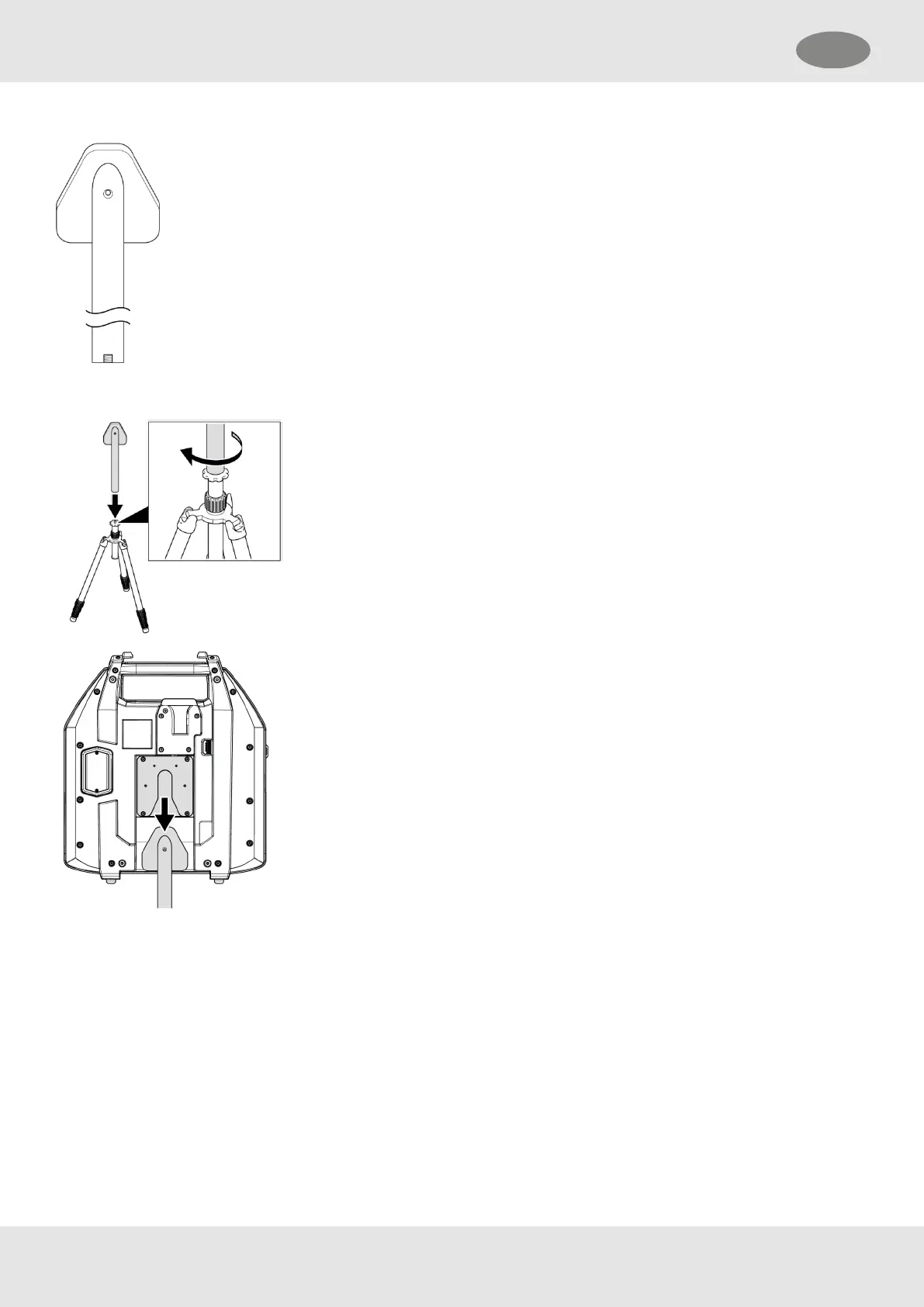
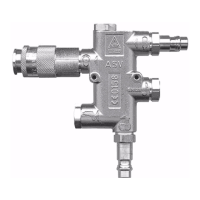
Figure 2 ECB tripod adapter
To put the ECB on the tripod adapter:
1. Set up an individual tripod with an M10 thread.
2. Screw the tripod adapter on the tripod with a torque of 15 Nm.
3. Slide the compatible opening on the back of the housing onto the tripod
adapter.
4. Adjust the height of the ECB.
The ECB is mounted to the tripod.
10.3 Display Protection Pouch
The display protection pouch can be attached to the Entry Control Board (ECB) to protect the tablet display from dirt and
damages as well as from sun and rain when using at the incident scene.
There are pockets to store objects like a pad of paper, a high-visibility vest and pens. On the back of the pouch is a vision
panel where a table for calculating the working duration can be stored, in case the working duration needs to be
calculated without using the ECB.
The table can be downloaded on the MSA website at https://MSAsafety.com.
61
10 Installing Accessories GB


 To Next Page