HYDROCAL 1001+ Installation and operation manual Page 32/76
4.3.1. Normal Operation
Normal operation is the default status and is automatically invoked when the unit starts up.
4.3.1.1. LED & energy save mode
As the HYDROCAL 1001+ unit is operating behind a non-transparent protection cover most of the
time the LEDs of the internal user interface are switched off to save energy and release load from the
power supply.
The internal user interface LEDs are turned off 30 minutes after the last time one of the two buttons
was pressed. Pressing one of the two buttons turns on the LEDs again and restarts the timeout of the
LED & energy save mode.
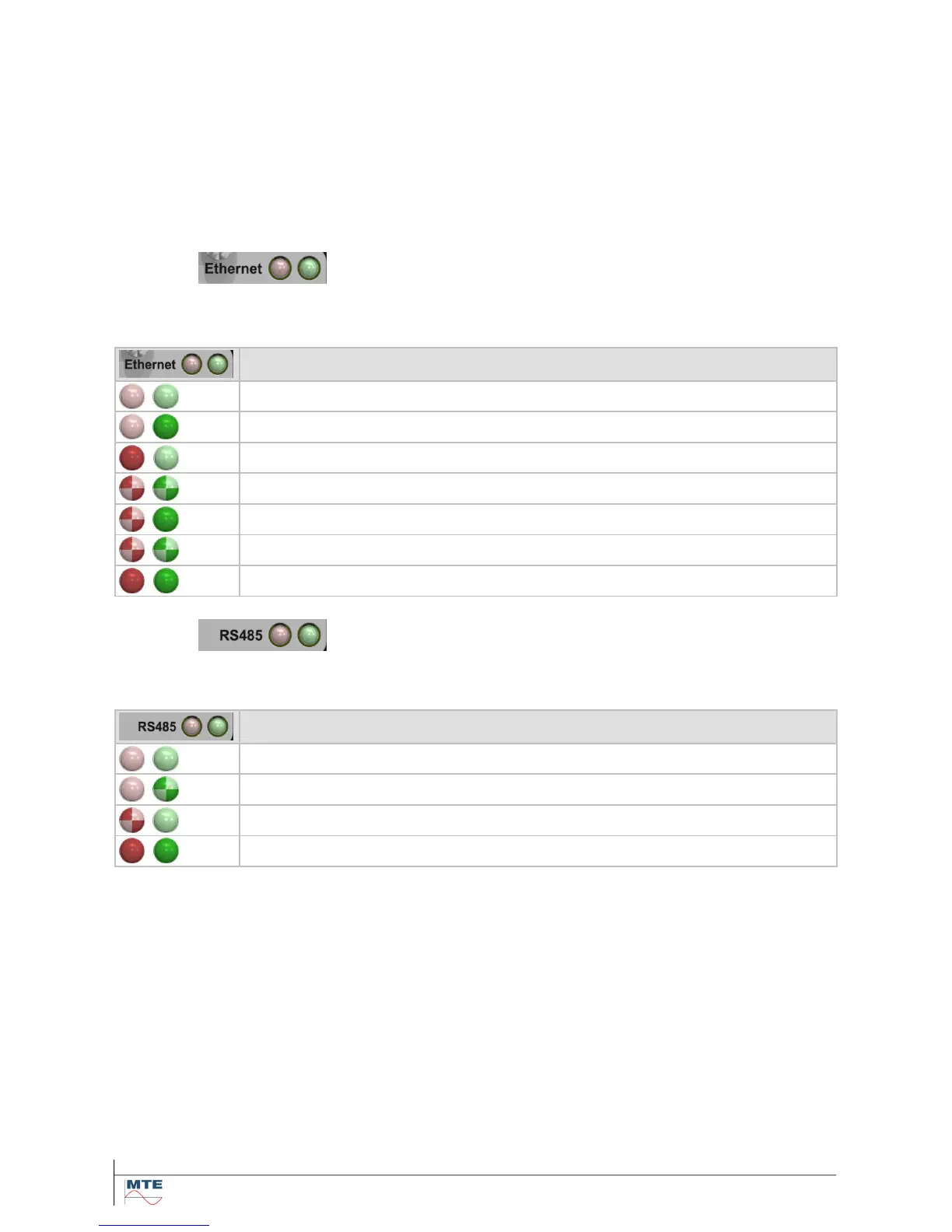
4.3.1.2. LED Ethernet
The Ethernet communication interface is represented by a red- and a green single color LED.
The LEDs illustrates the status of the Ethernet communication interface as follow:
4.3.1.3. LED RS485
The RS485 communication interface is also represented by a red- and a green single color LED.
The LEDs illustrates the status of the RS485 communication interface as follow:



 To Next Page