HYDROCAL 1001+ Installation and operation manual Page 64/76
4.5.4.3. Low Level Connection Test (PING)
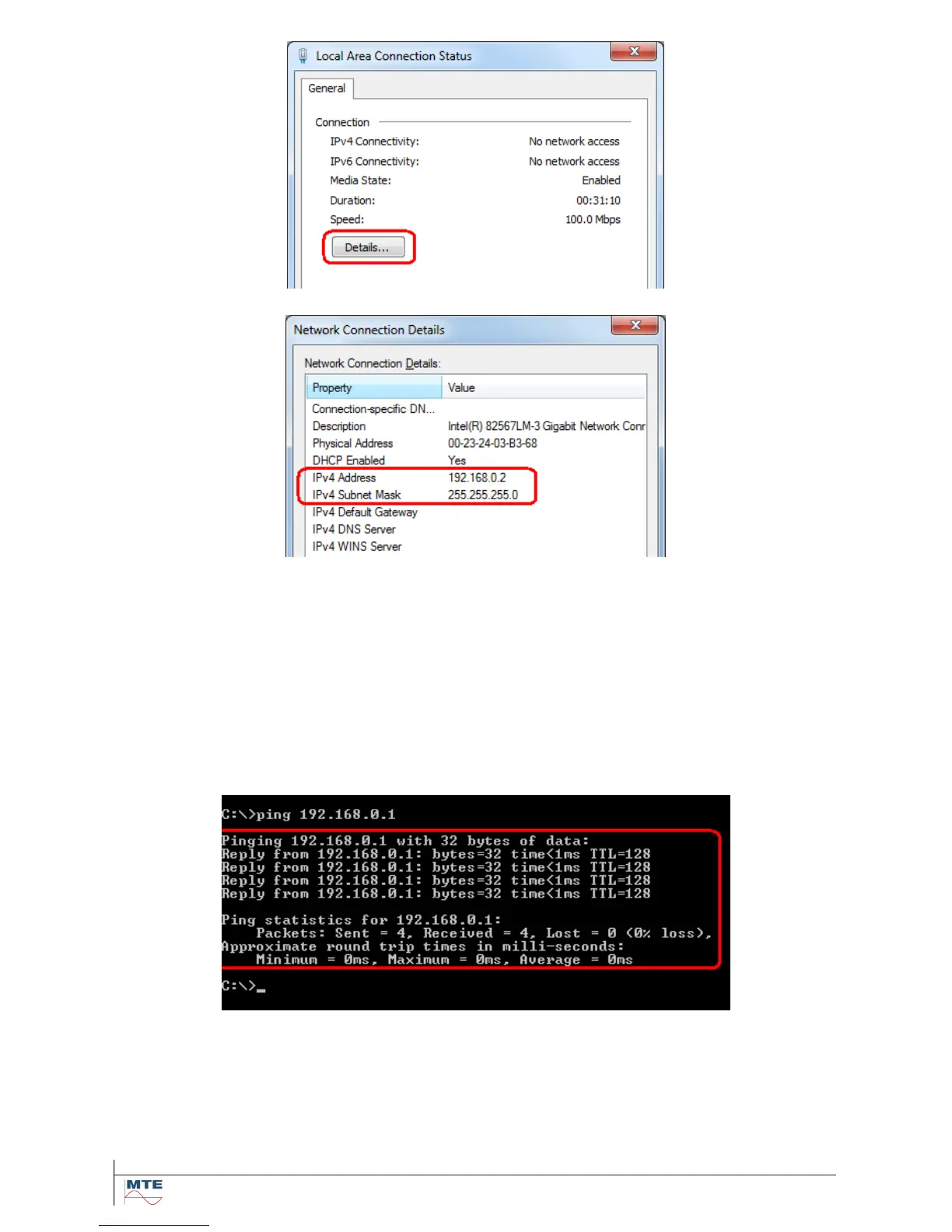
To execute a low level connectivity test the command line tool PING can be used.
To invoke PING open the start menu und type cmd into the edit field at the bottom (a greyed text
Search programs and files is shown in the field on entry). Start the command interpreter cmd (also
called DOS window) by pressing enter.
In the command interpreter type the following and execute by pressing enter.
ping 192.168.0.1
The screen shot shows a successful PING - the unit answers. If the unit does not answer and the PC
settings are correct try a reboot of the HYDROCAL device. Optionally execute the Communication
Interface Reset (4.3.3) again.



 To Next Page