HYDROCAL 1001+ Installation and operation manual Page 65/76
4.6. Communication setup
4.6.1. RS485 setup
The RS485 interface can be use either for proprietary HYDROCAL protocol or for MOBUS
®
serial protocol. The serial communication related settings can be done for each HYDROCAL unit in
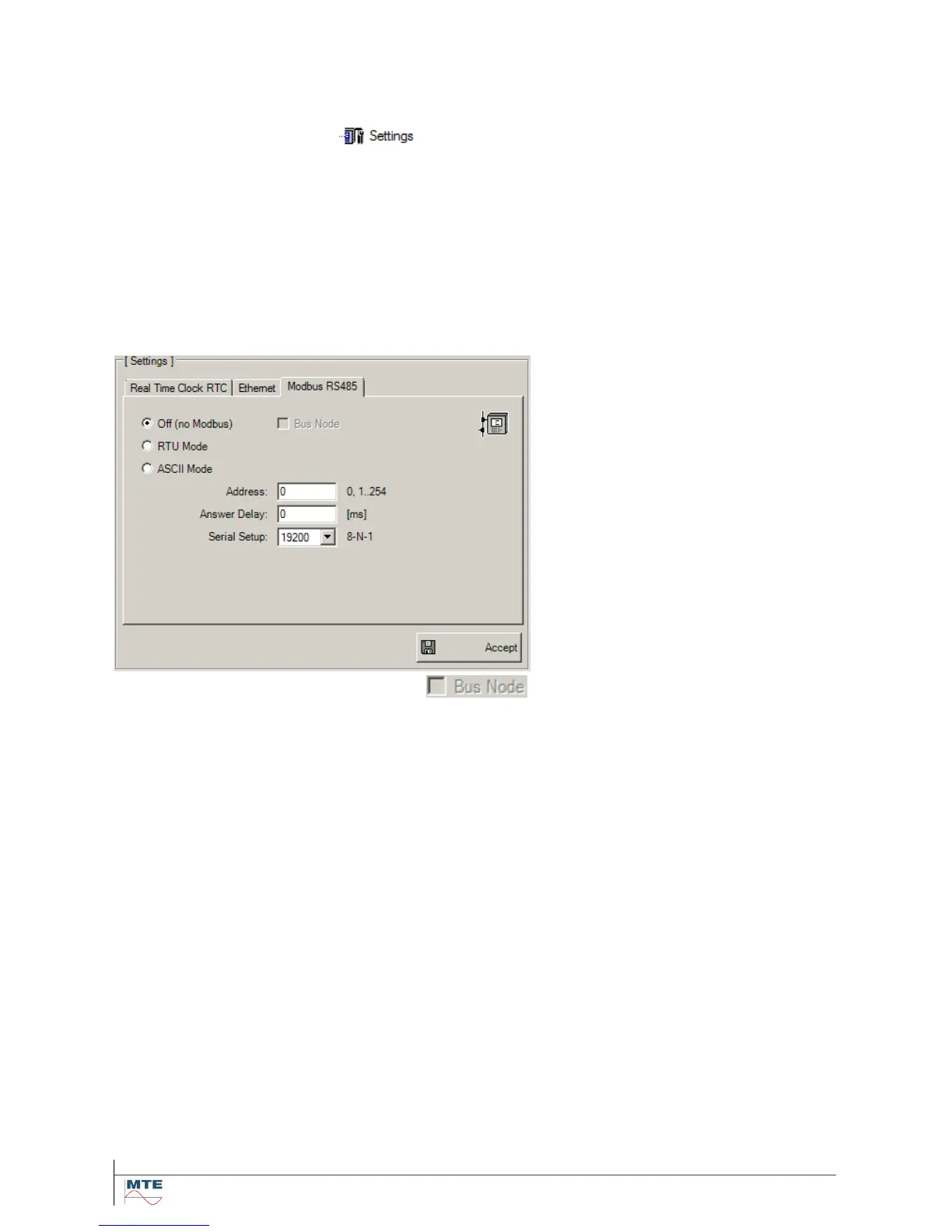
the tab „Modbus RS485” of the menu (see Hydrosoft manual).
It can be chosen out of the following four variants:
Point-to-point (4.6.1.1) PC to one HYDROCAL unit - proprietary protocol
Bus node (4.6.1.2) PC to several HYDROCAL unit - proprietary protocol
MODBUS RTU (4.6.1.3) PC to several HYDROCAL units - MODBUS RTU protocol
MODBUS ASCII (4.6.1.4) PC to several HYDROCAL units - MODBUS ASCII protocol
4.6.1.1. Point-to-Point
The point-to-point setup is used for a communication between PC to one HYDROCAL unit. Please
perform following configuration:
Mode: Off (no Modbus) - deactivated
Address: 0
Answer Delay: 0 ms (depending on the used RS485 adapter)
Serial Setup: 19200 (2400 ... 115200)
Note: The proprietary HYDROCAL protocol allows only configuration of the baud rate. The settings
of the Data Bits, Parity and Stop Bits are fixed to 8-N-1.



 To Next Page